this solution won't work for me.
I hit some shortcut accidentally which triggers LR to go into this weird view. The last time I couldn't fix it, had to reset my whole macbook.
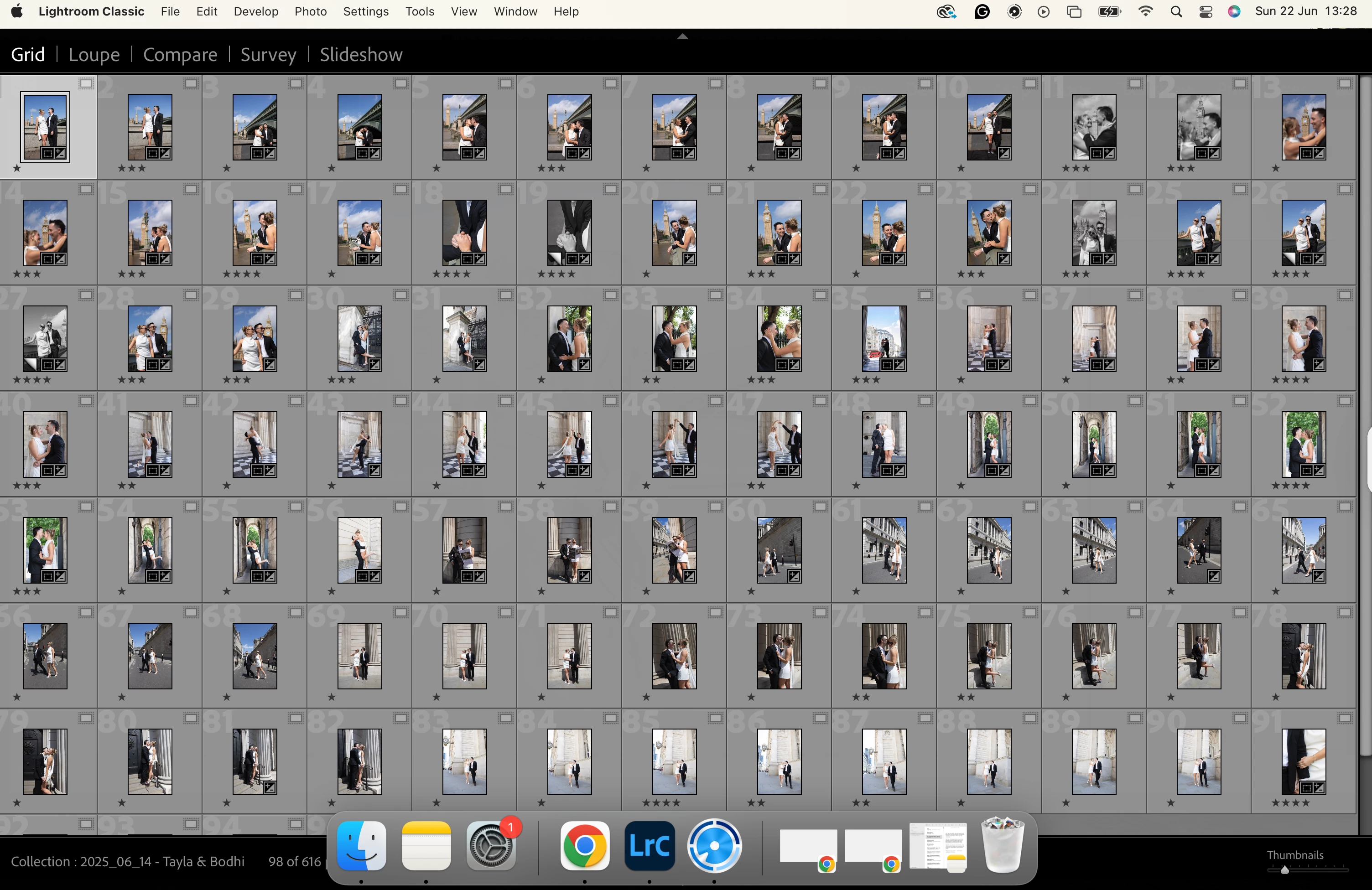
When the Loupe/Grid view comes up, the original develop view is only visible when I click onto a window in my second display monitor. However - it isn't possible to view/use LR in that second monitor... but it's like LR think I can. I have tried swiping, using alt+tab etc. LR is simply NOT THERE in the second monitor, but it clearly thinks it is.
Why do I think that? Because trying your solution, the Preference window didn't open... but then I clicked to Chrome on my 2nd monitor and voila - on the macbook screen, the Preference window was open, but when I click back to that window, it disappears. It showed this, confirming my suspicion.
But it's impossible for me to select to swap the secondary monitor, because it disappears when I click on t he screen.
What's worse - if I disconnect my 2nd monitor, everything in LR is still the same. I can't get out of this stupid view!
And I don't even know what accidental slip of my fingers triggered this, to prevent it happening again.
God, this is awful UX!!!!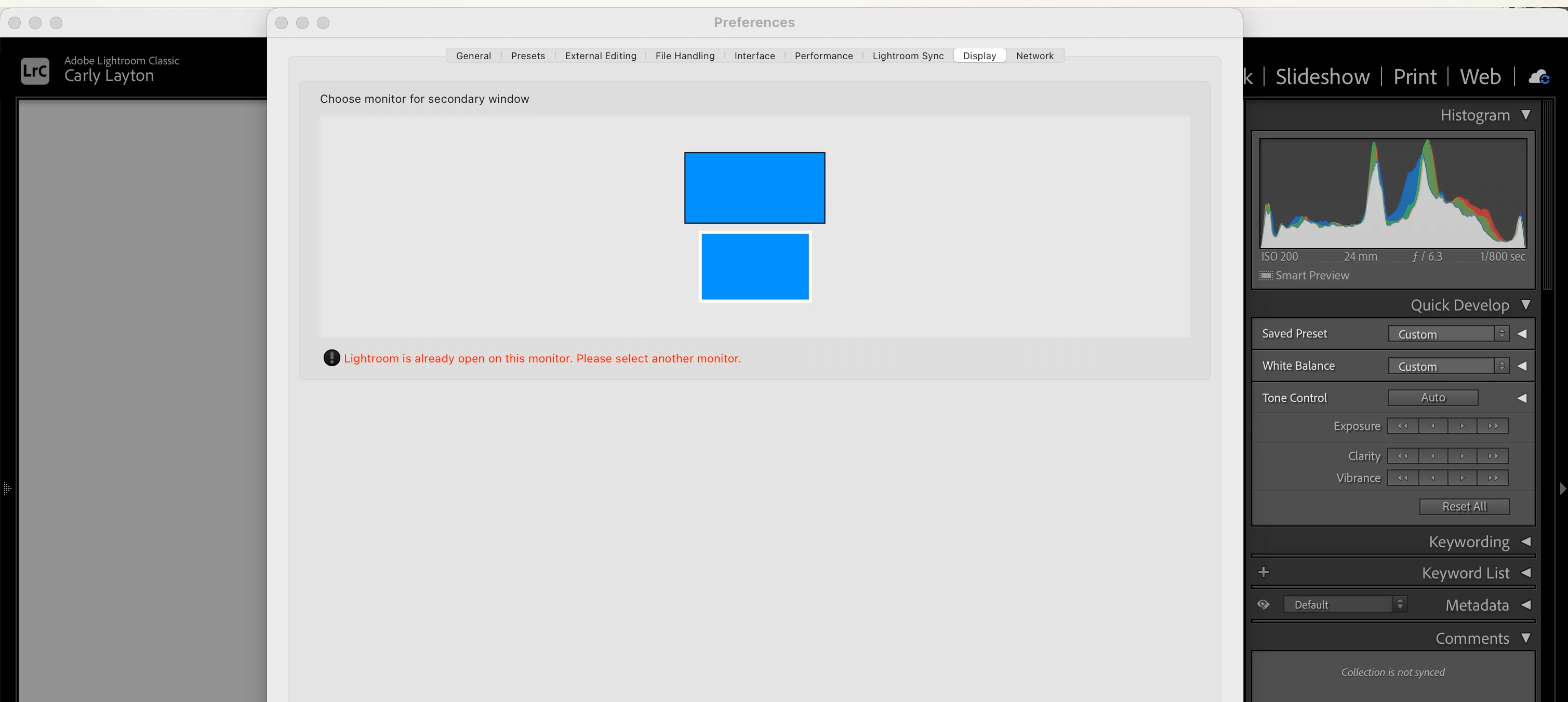



 AdChoices