
Participant
October 31, 2024
Question

lightroom showing same image in corner in develop mode

  • October 31, 2024
  • 1 reply
  • 177 views

This specific pack of photos are shown like this in develop mode
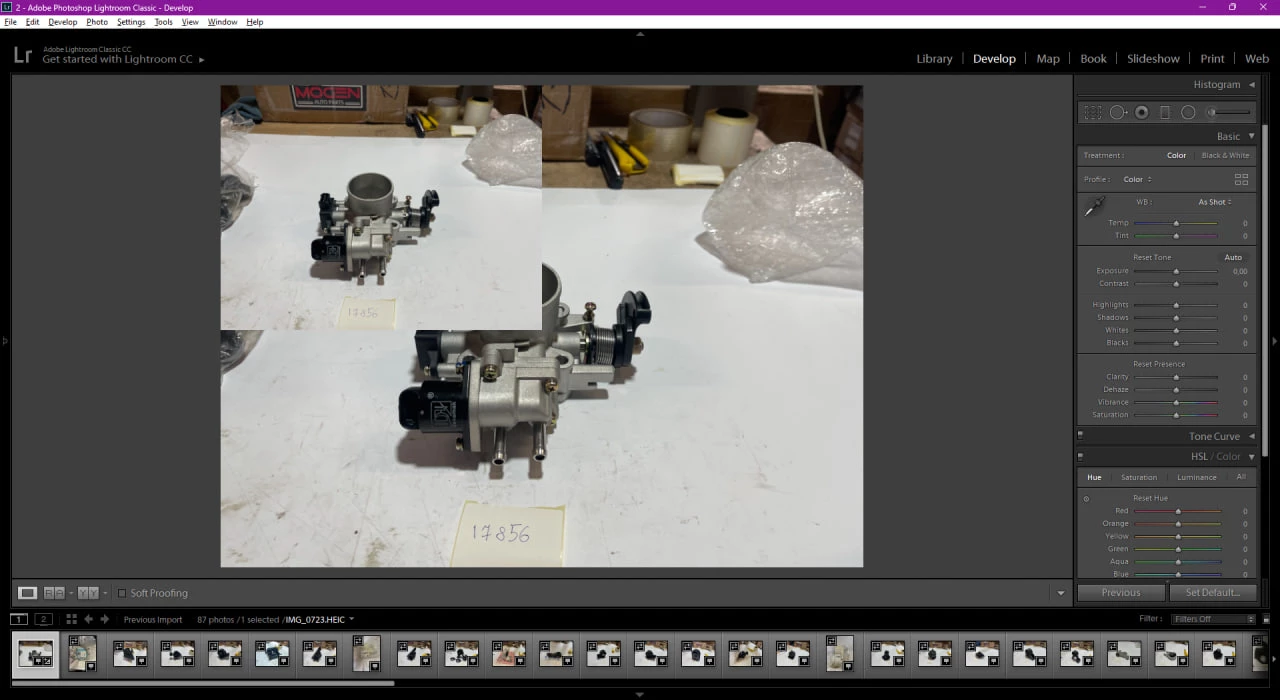
 

If i will import absolutly any image i have, it will be sown normaly, without doubls it in corner.  
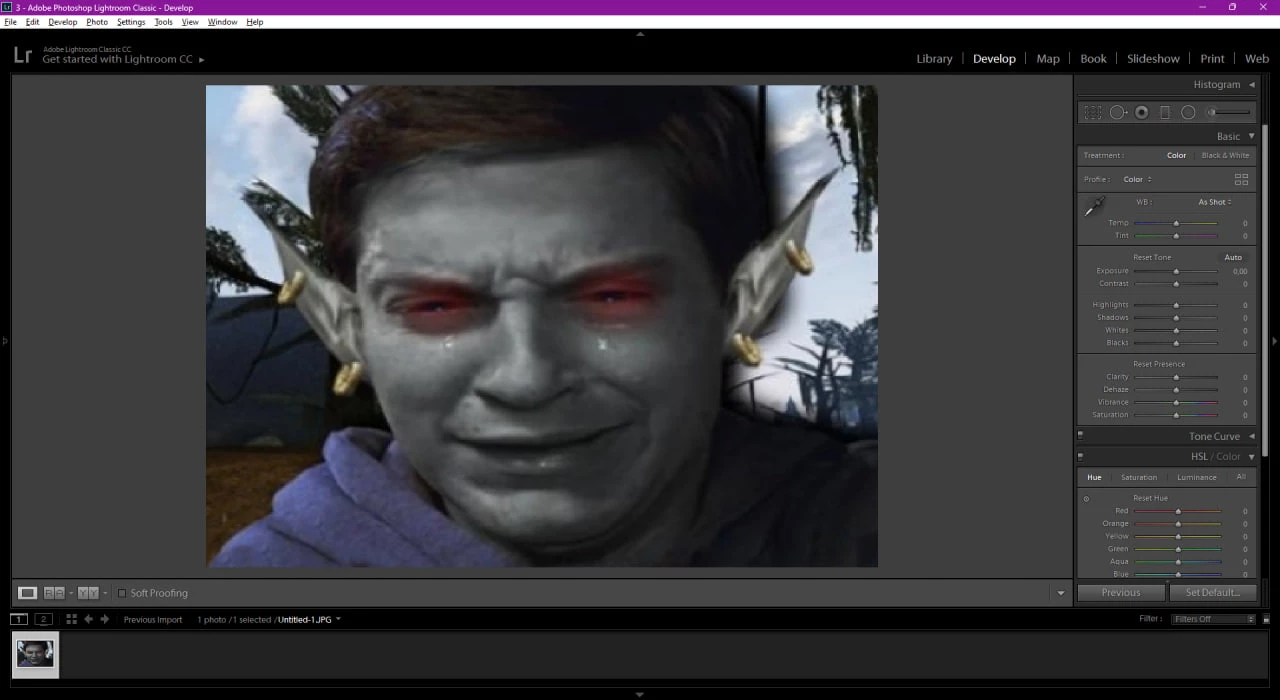
How to dissable this doubeling?

This topic has been closed for replies.

1 reply

Mohit Goyal
Community Manager
Community Manager
November 14, 2024

Hi there,


Welcome to the Adobe Community!

It sounds like this might be a graphics driver issue. Try turning off the Graphics Processor in Lightroom Classic by going to the Preferences menu and selecting the Performance tab. Restart Lightroom and see if this resolves the problem. If it does, update your graphics drivers from the manufacturer’s website, then turn the Graphics Processor back on in Lightroom Classic.


Thanks,
Mohit