Answered
Lightroom softproof
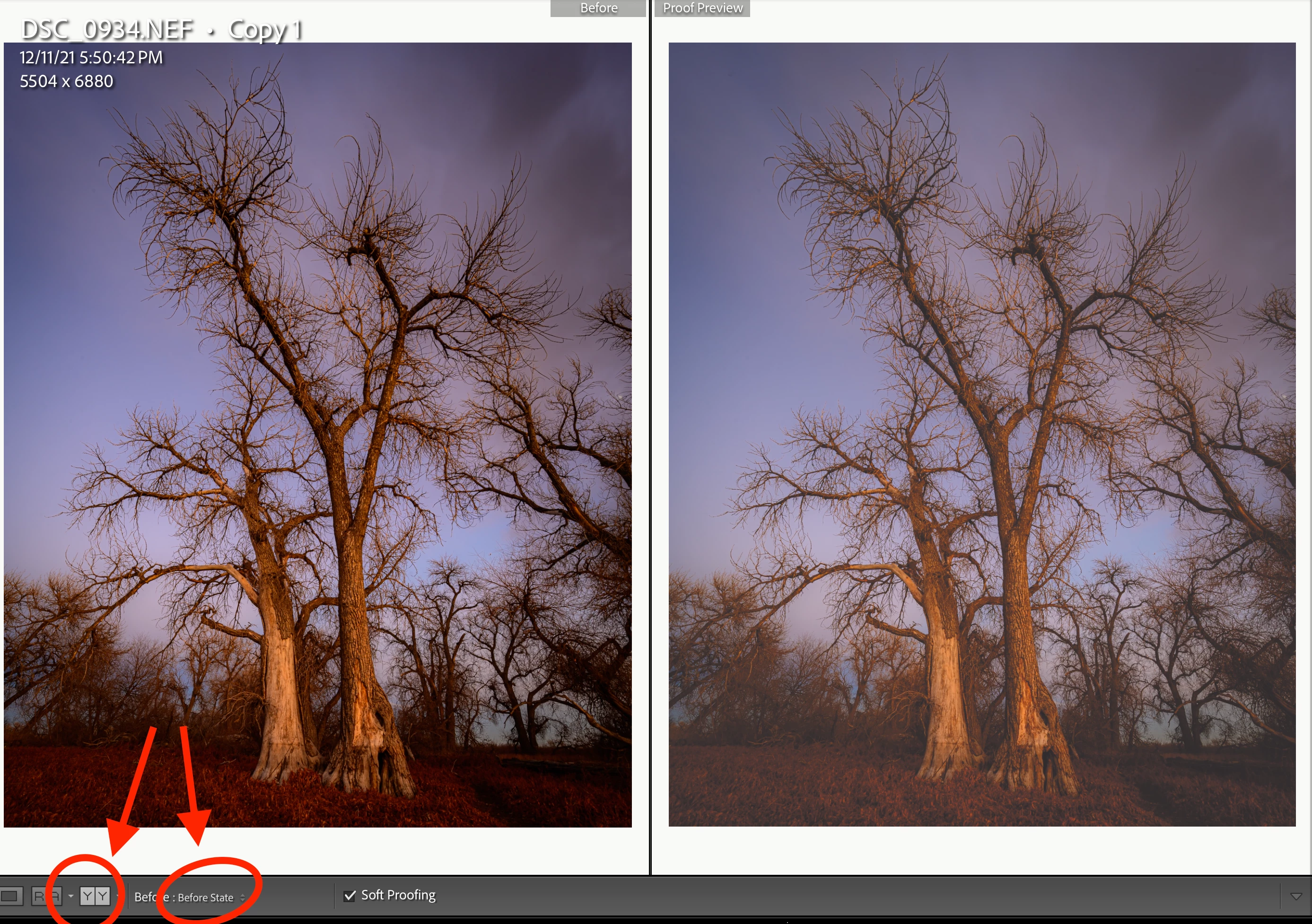
Hi when I use lightroom cc softproof I get a split image to work on but want two images side by side. How do I change to this view its driving me nuts.
[Mod: Moved to the Lightroom Classic forum]

Hi when I use lightroom cc softproof I get a split image to work on but want two images side by side. How do I change to this view its driving me nuts.
[Mod: Moved to the Lightroom Classic forum]
Reference view doesn't work in soft proofing mode so you want to use the Y-Y view and set the before view to "before"
Already have an account? Login
No account yet? Create an account
Enter your E-mail address. We'll send you an e-mail with instructions to reset your password.


 AdChoices