Participant
August 28, 2025
Question

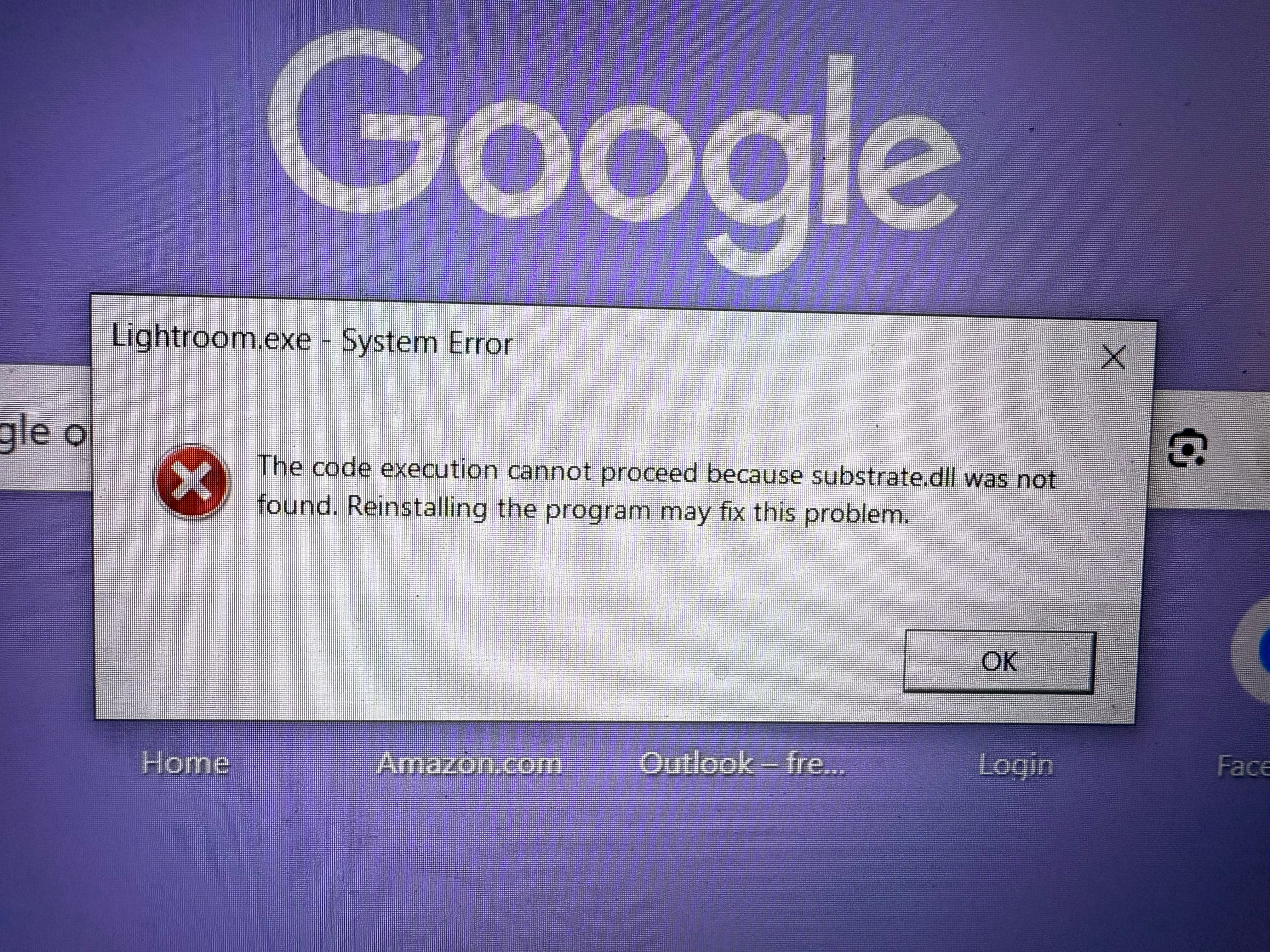
Lightroom system error
  • August 28, 2025
  • 3 replies
  • 169 views

 can anyone tell me what happened here?

3 replies

dj_paige
Legend
August 28, 2025

The error message says: "re-installing the program may fix this problem"


I would try that first.

AxelMatt
Community Expert
Community Expert
August 28, 2025

Does Lightroom is running in the past?

What has been changed on your system before the error occour?


Try resetting the preferences of Lightroom Classic:  How to reset Lightroom Classic preferences (adobe.com)

It's recommended to backup your preferences before you reset the preferences to the default settings: 

https://helpx.adobe.com/lightroom-classic/kb/preference-file-and-other-file-locations.html


My System: Intel i7-8700K - 64GB RAM - NVidia Geforce RTX 3060 - Windows 11 Pro 25H2 -- LR-Classic 15 - Photoshop 27 - Nik Collection 8 - PureRAW 6 - Topaz Photo AI
KR Seals
Community Expert
Community Expert
August 28, 2025

What is the exact version of your operating system? Windows or Mac?

It looks like your Lightroom Classic installation is defective or missing components. Perhaps damaged by a disk flaw.

Reinstall as recommended. Use the Creative Cloud app to uninstall the existing app then, restart the computer and reinstall.


Ken Seals - Nikon Z 9, Z 8, 14mm-800mm. Computer Win 11 Pro, I7-14700K, 64GB, RTX3070TI. Travel machine: 2021 MacBook Pro M1 MAX 64GB. All Adobe apps.