Participant
January 27, 2024
Question

Lightroom watermark disappears when printing to JPEG file

  • January 27, 2024
  • 2 replies
  • 168 views

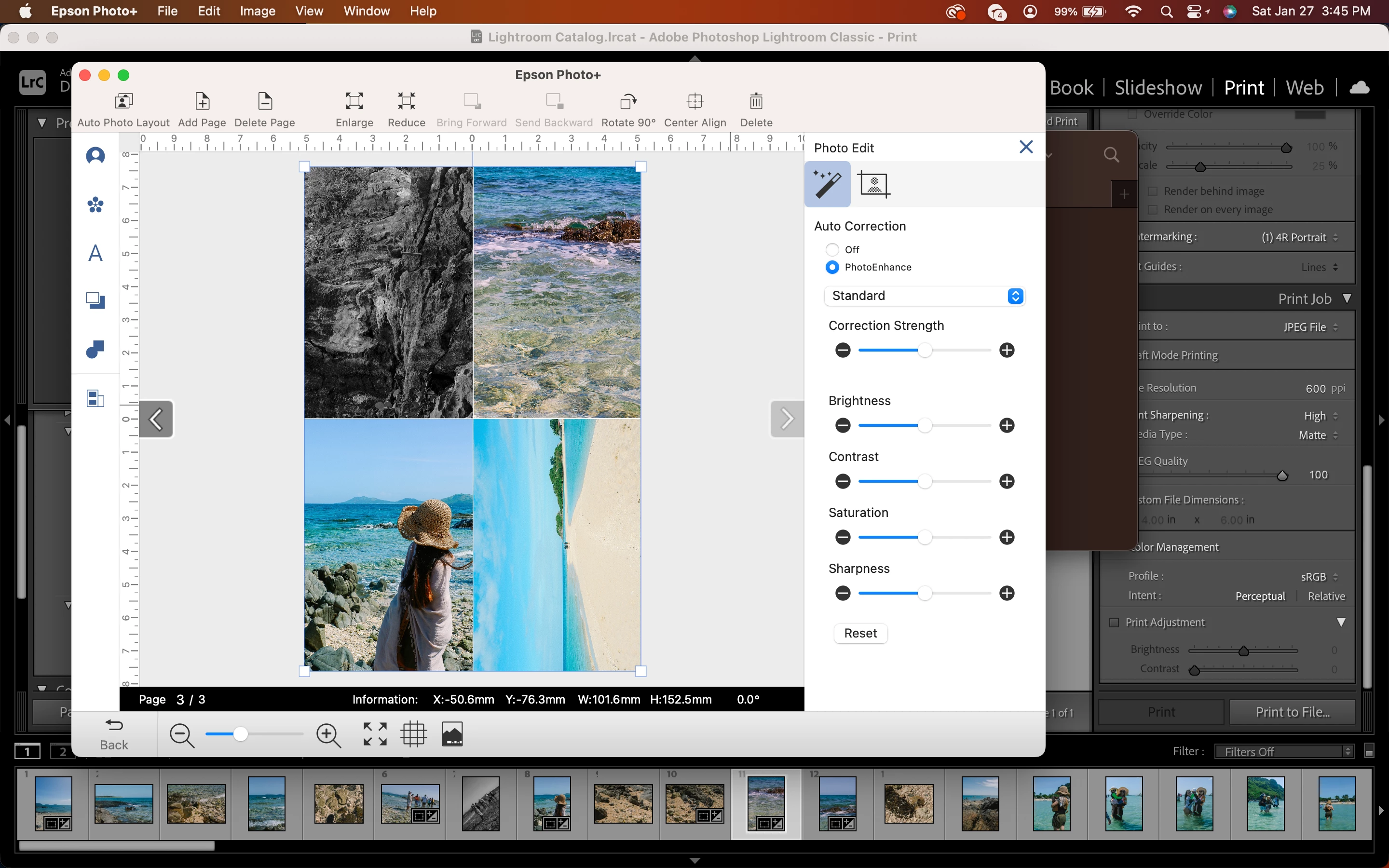
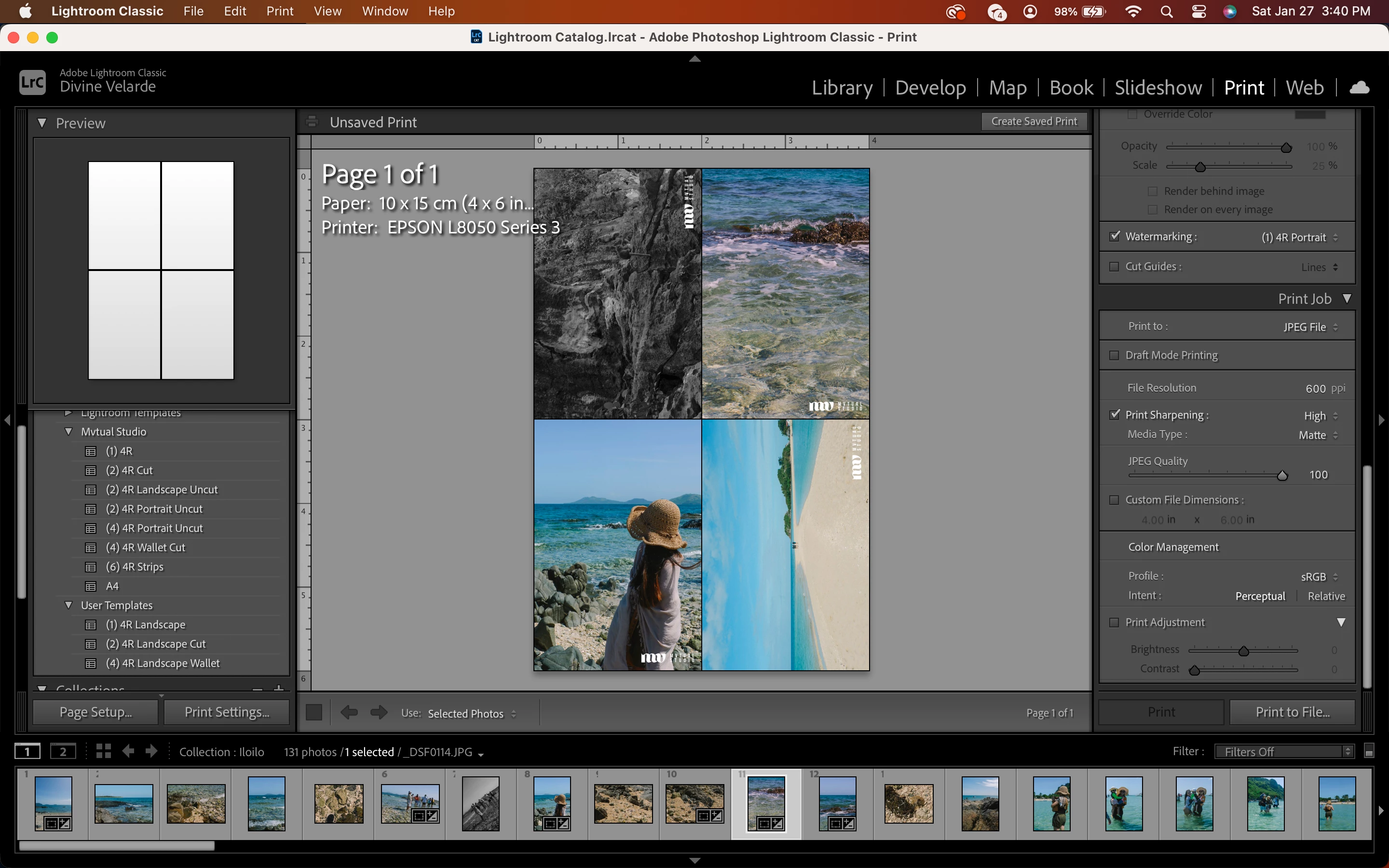
During regular printing, the watermark turns out as shown on the first and second pic. It's absolutely necessary to print to file instead of directly from LR since I use my printer's software for precise settings. I also need to use watermark instead of identity plate cos watermarks are flexible in terms of orientation (see 2nd pic). Otherwise, I'll have to customize an identity plate according to my print template. How can I retain the watermarks when I print to file?

This topic has been closed for replies.

2 replies

Community Expert
January 27, 2024

This works correctly when I try it. Maybe try recreating the watermark preset? I've seen watermarks misbehave after a upgrade to Classic. 

jane-e
Community Expert
Community Expert
January 27, 2024


quote

It's absolutely necessary to print to file instead of directly from LR...

By @Divine35068976sjg4


Your subject and body say that you are using Lightroom, but your screenshot says Lightroom Classic. I've moved your post from Creative Cloud Desktop to the LRC forum.


Please confirm that this is what you are using. We can easily move it to LR if needed.


Jane