
Lightroomでプレビューと編集画面の色が違う / Different colors in Library preview vs Develop module
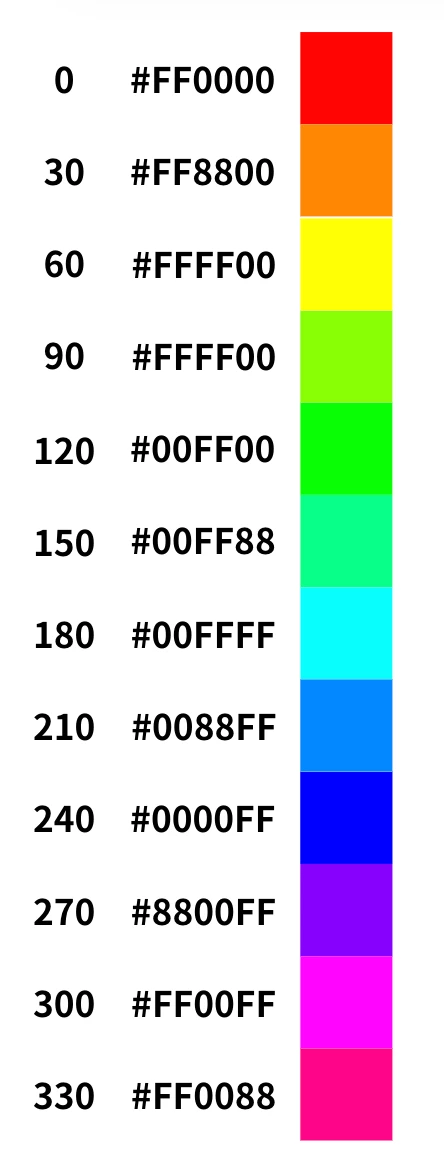
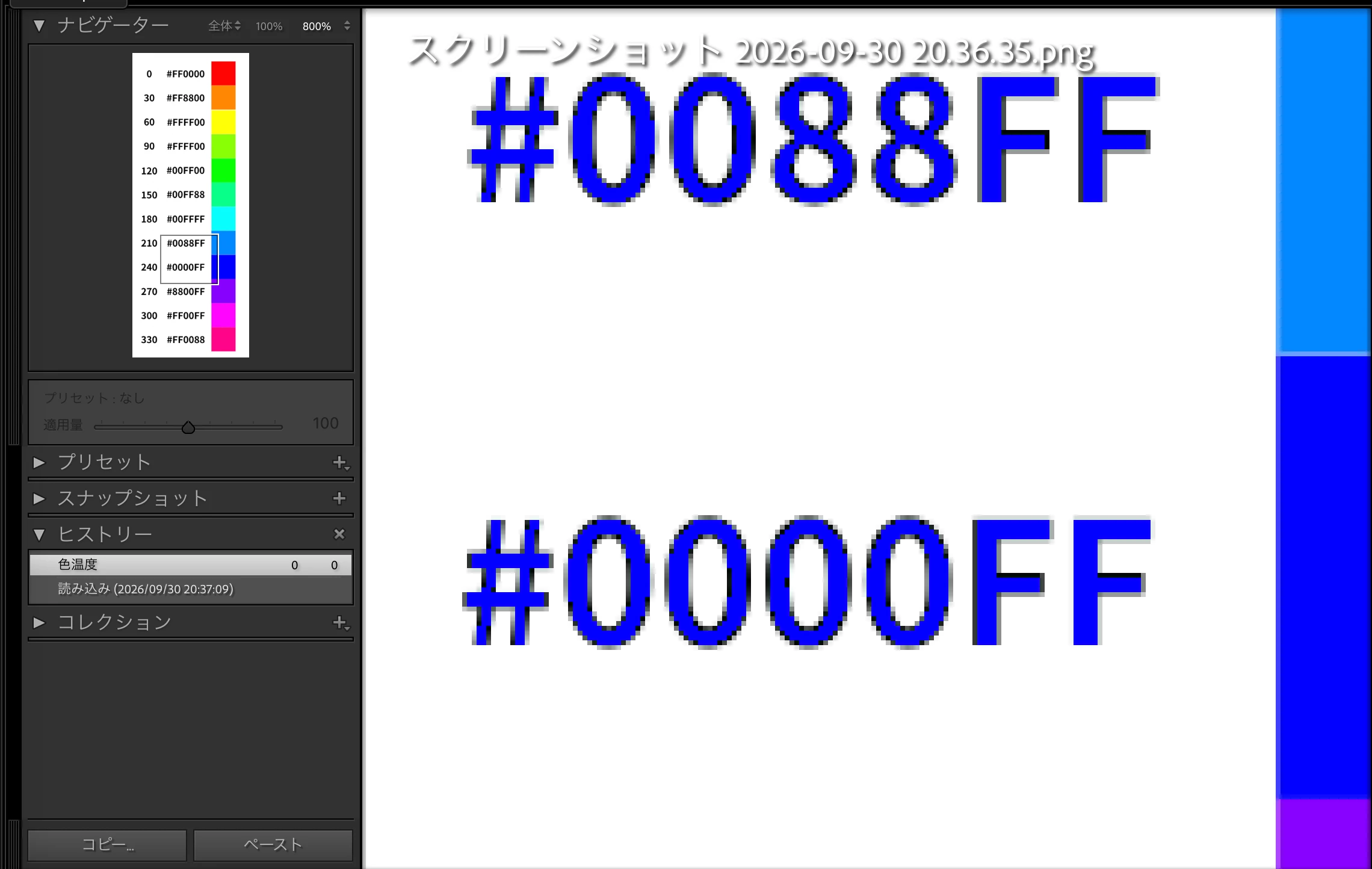
Lightroom Classicでファイルを開くと、
画面左上に表示されるプレビューと、
画像表示領域で色味が異なります。 (画像を添付します。)
本来黒い文字が青っぽく写っていると思います。
サンプルのためにPNGファイルを開いたときに気づきましたが、
これがPNGファイルに依存しているかどうかは確認できておりません。
Lightroom Classicはどうして色差が出る仕様なのか、また回避策があるのか知りたいです。
環境:
・Lightroom Classic(15.5.1)
・OS: Macbook Pro (15.7.3)
よろしくお願いします。
---
When I open a file in Lightroom Classic, the preview shown in the upper-left area of the Library module displays different color tones compared to the image shown in the main Develop view. (I will attach sample images.)
The text that should be black appears blue.
I first noticed this when opening a PNG file, but I am not yet sure whether this behavior is specific to PNG files or not.
I would like to understand why Lightroom Classic shows this color difference between the Library preview and the Develop module. Also, if there are any ways to minimize or avoid this discrepancy, I would appreciate your advice.
Environment: ・Lightroom Classic 15.5.1 ・macOS 15.7.3 (MacBook Pro)
Thank you in advance.


 AdChoices