
Participant
September 10, 2022
Question

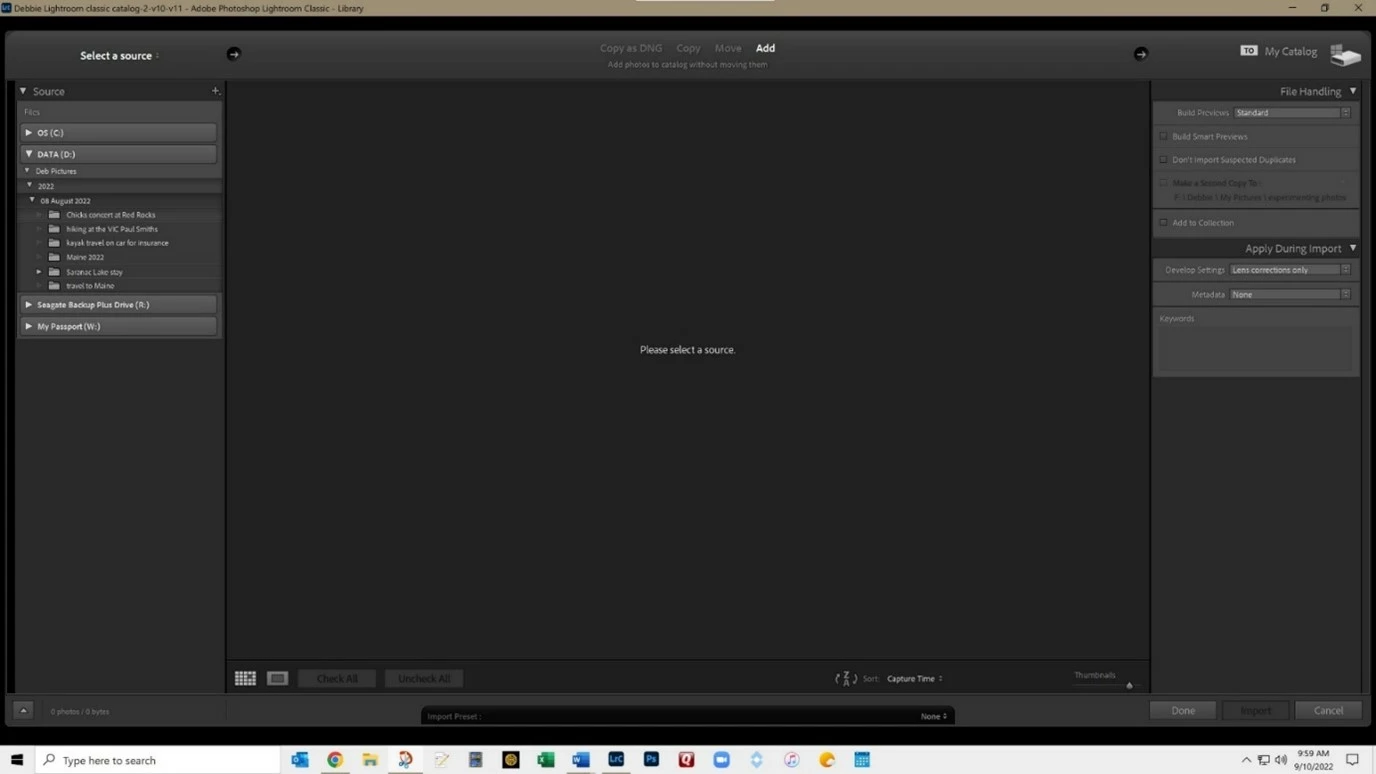
Lightroon Classic trouble with the "select a source" window constantly and randomly popping up.
  • September 10, 2022
  • 2 replies
  • 258 views

Lightroon Classic trouble with the "select a source" window constantly and randomly popping up.


This happens randomly and very frequently when:

  • I move mouse across the page
  • I chose the crop tool when in Develop module
  • Or I am simply working in LR


All updates complete and running LR Classic 11.5 (this has been happening for months with previous versions as well)

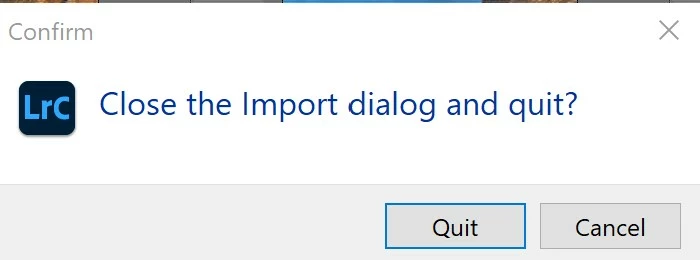
When I close LR I get this message even though I have previously closed the “select a source” window
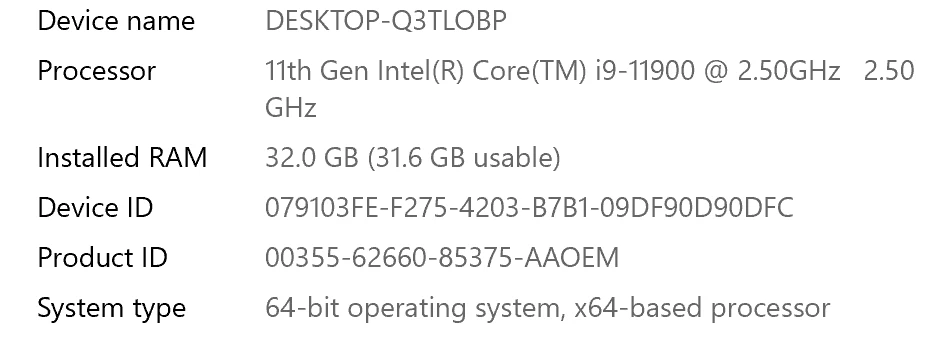
My computer specs:

Windows 10 PC with
 

This is becoming so frustrating. I appreciate any help.

This topic has been closed for replies.

2 replies

Rob_Cullen
Community Expert
Community Expert
September 10, 2022

Check your Preferences in the 'General' tab-

Be sure this one is NOT checked.

It may be that LrC is randomly detecting an external drive or a USB stick, and so initialising the Import dialog.


Regards. My System: Windows-11, Lightroom-Classic 15.0, Photoshop 27.0, ACR 18.0, Lightroom 9.0, Lr-iOS 10.4.0, Bridge 16.0 .
Participant
September 10, 2022

Thanks. The box was checked so I unchecked it and will hope this is the solution. appreciate your quick response. 

If by chance this doesn't solve the problem how would I continue the thread, will it remain active?

Rob_Cullen
Community Expert
Community Expert
September 11, 2022

how would I continue the thread, will it remain active?

Yes, Just click on the (Reply) button.

If you 'lose' the forum thread- Click on your ID icon (top-right) and [My Profile] will show all threads where you have posted.

Regards. My System: Windows-11, Lightroom-Classic 15.0, Photoshop 27.0, ACR 18.0, Lightroom 9.0, Lr-iOS 10.4.0, Bridge 16.0 .
Nancy OShea
Community Expert
Community Expert
September 10, 2022

[Moderator moved from Using the Community forums to Lightroom Classic.]

Nancy O'Shea— Product User & Community Expert