
Load Smart Previews Only
It would be helpful and super efficient if I could force Lightroom to ONLY load the Smart Previews or other previews I've generated. This is helpful for reviewing images, rating, organizing, etc. All non-Develop module features. Instead, I start scrolling through images and even though I've generated every preview option it still tries to load the NEF file. So I have to hear my fan spin up, watch my battery life go down if I'm not on a charger (not convenient when on-site in a client meeting). I have tried just Standard previews at Zoom level Fit, Smart Previews etc. And I shouldn't have to put them on an external drive and disconnect to force the Smart Previews, that's just ridiculous. If I need to export a high res file with the client, I need to be able to do that right then and there with out having to unplug drives for performance and then plug it back in to export.
For reference, I used to use Apple Aperture and it had a Preview mode. You couldn't edit but you could rate, organize, add metadata, etc. It was super fast and easy on my computer. (Don't get me started on how much I miss the Referenced File management of Aperture).
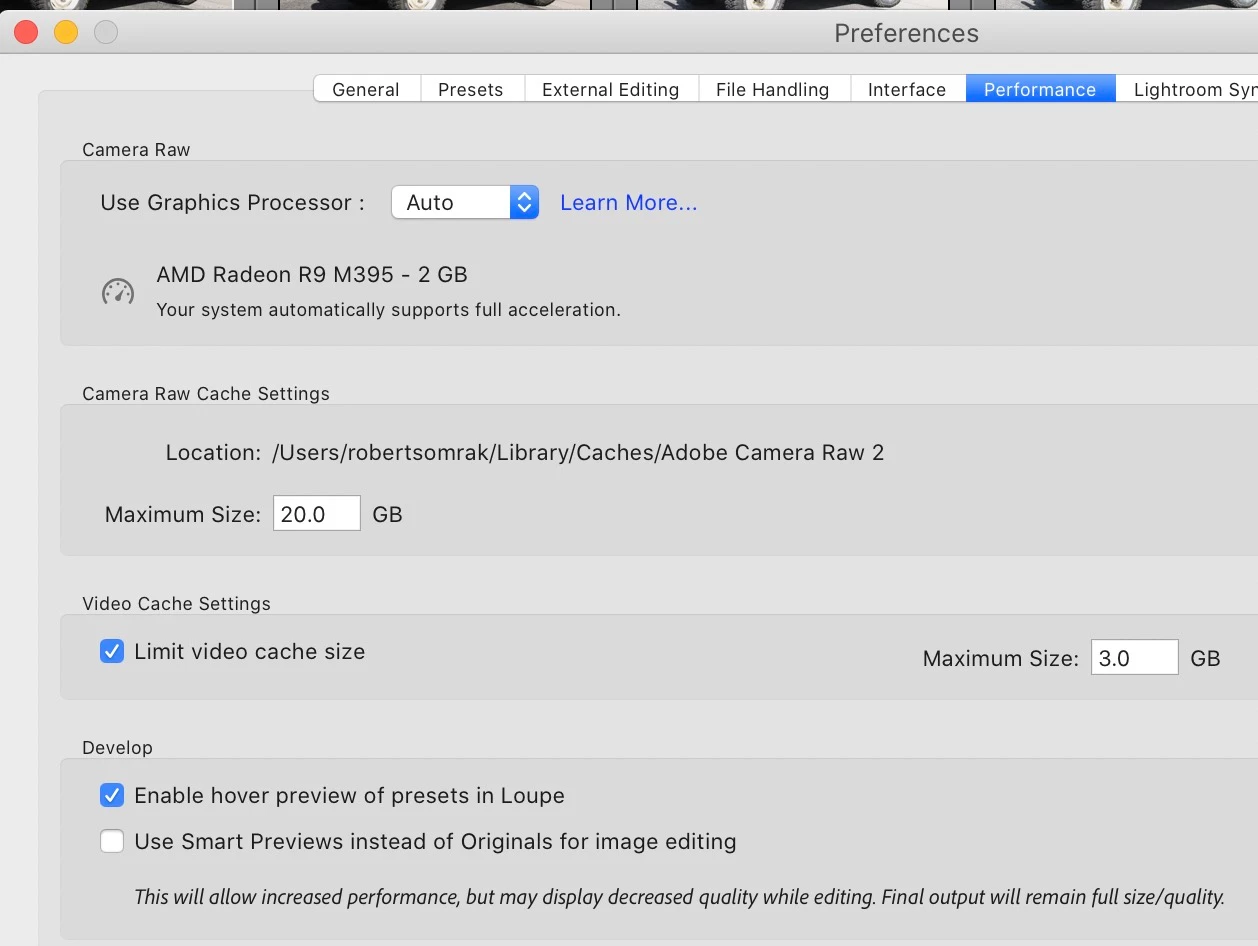
And in case you are wondering, I have an i9, 32GB RAM, Vega 20 GPU, and 400 GB free on my internal drive, and 600 GB free on my Thunderbolt 3 external SSD. All while plugged into an Apple Power Adapter. I've referenced all the Lightroom Performance tips documentation from Adobe and 3rd parties and it doesn't matter what I do, a Preview only mode would still be a much faster way to work so that Lightroom wouldnt eventually try to load the Raw files.
 AdChoices