

Participant
July 27, 2025
Answered

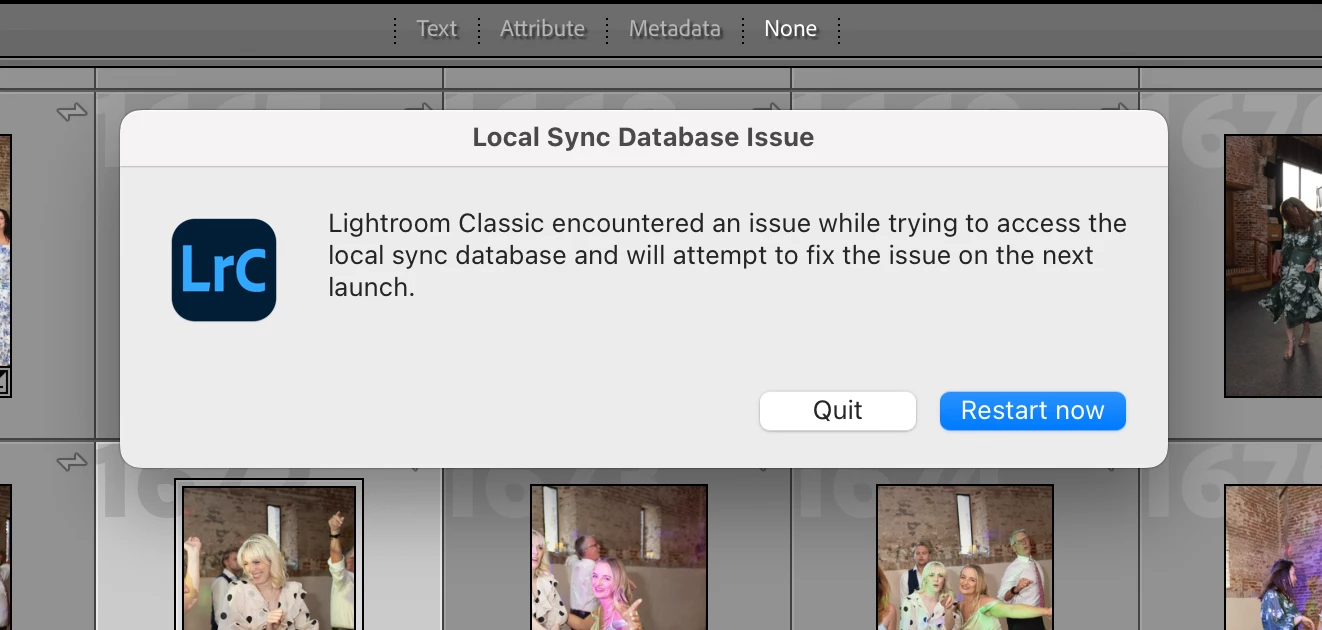
Local Sync Database Issue - Error Message

  • July 27, 2025
  • 1 reply
  • 158 views

This error message has been popping up everytime I try to work on my lightroom classic catalog today, I can't work out why?

 

Correct answer johnrellis

You could try rebuilding the sync database. Go to Preferences > Lightroom Sync, hold down Opt / Alt, and click the Rebuild Sync Data button that magically appears. It will suggest contacting customer support, but don't waste your time with that -- it's very unlikely they'll do anything to help other than tell you to click Rebuild Sync Data.

1 reply

johnrellis
Legend
July 27, 2025

Have you restarted your computer?

mae_4172Author
Participant
July 28, 2025

Yes, that didn't fix it

johnrellis
johnrellisCorrect answer
Legend
July 28, 2025

You could try rebuilding the sync database. Go to Preferences > Lightroom Sync, hold down Opt / Alt, and click the Rebuild Sync Data button that magically appears. It will suggest contacting customer support, but don't waste your time with that -- it's very unlikely they'll do anything to help other than tell you to click Rebuild Sync Data.
