Known Participant
January 25, 2023
Question

Long filename files not exporting

  • January 25, 2023
  • 2 replies
  • 542 views

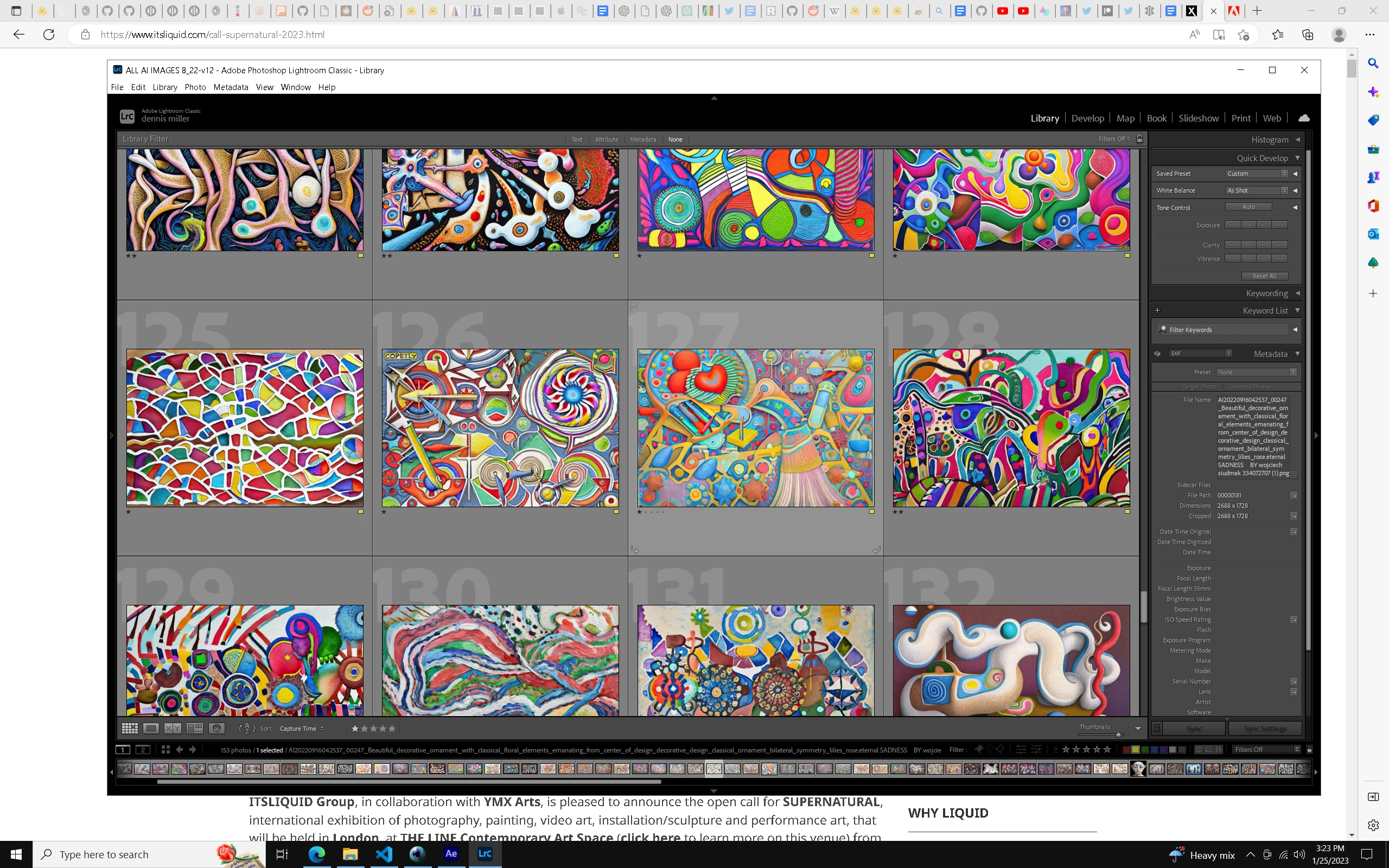
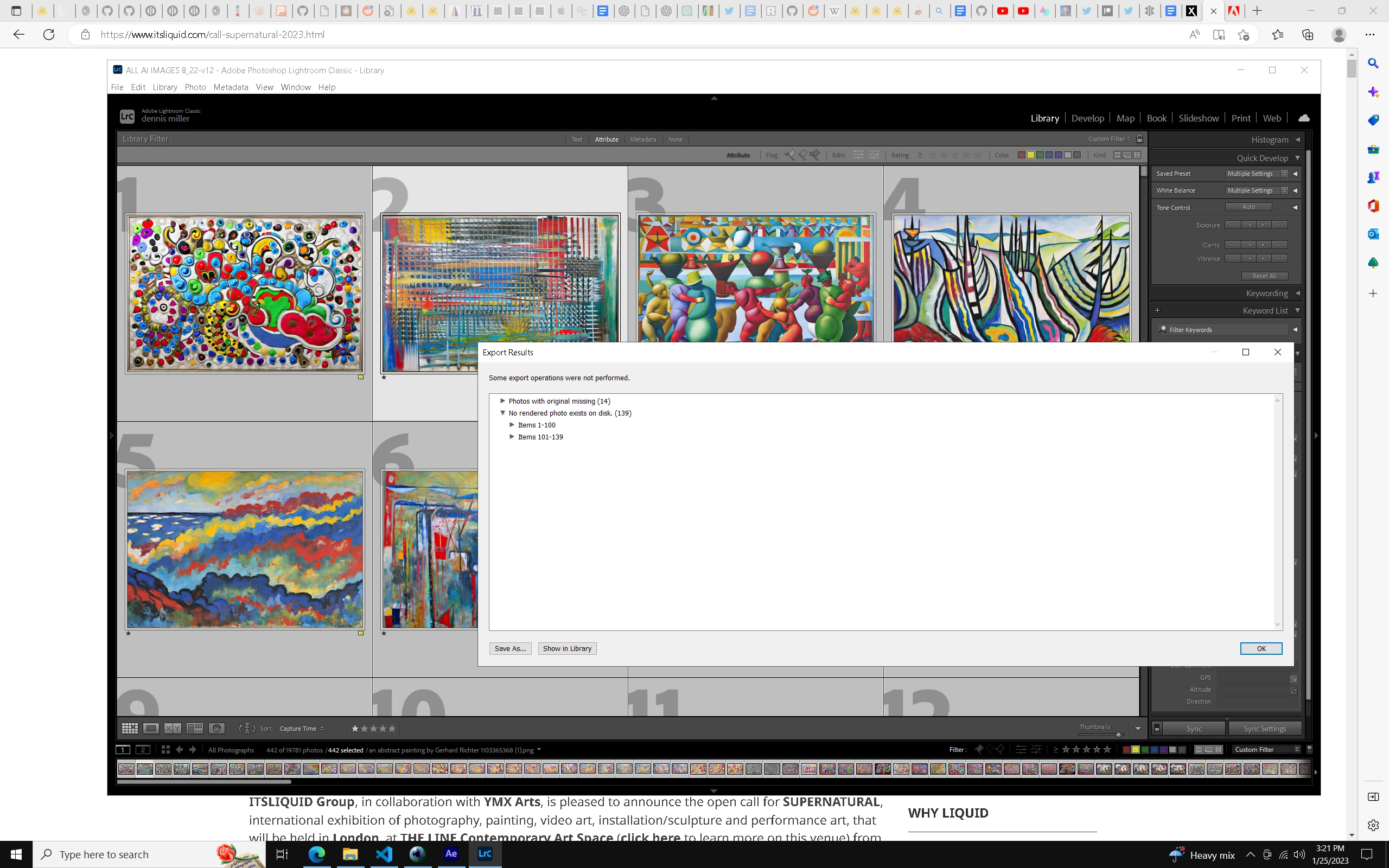
I have hundreds of files with long file names that Lightroom was able to import and display. But when I try to export those same files, LR tells me "no rendered file on disc."  The second picture here shows the so-called missing files but indeed, they are all actually on the drive in their original location and I can easily locate them via Explorer.  Is there some way to get LR to recognize these files for export , as it had no troulbe importing and displaying them. Thanks for any assistance.   LR CLassic 12.1  build 202212072312, Win 10


This topic has been closed for replies.

2 replies

Community Expert
January 26, 2023

It appears from the screenshot that you are using Windows? There is a file-system set limitation on (at least) two filename-related aspects, which may have come into play here:


Certain characters are not valid to include in a filename. Normally LrC should substitute those with allowable characters, but this may fail for one or another reason, e.g. LrC's own list of non-allowable characters may not quite match that of the particular destination storage: rules can vary a little. Problematic characters might (e.g.) get smuggled into a prospective filename, as part of appending the image's Caption, Keywords, or whatever.


The more likely one here IMO: Windows objects to over (if I remember correctly) 255 characters for the overall folder path plus filename combined. So that is a matter of how many levels down the folder tree, and how long-winded is the naming for each of these various folders within the path, as well as for the end file itself. 


Notably long filenames (and foldernames) always ring alarm bells for me anyway, even if export succeeds. When you later try to transfer these data somewhere else, e.g. to back them up, that operation may unpredictably fail or succeed, depending on the specifics of whatever destination path you are trying to copy / move those to. A problem lying in wait!


Better IMO for enriching 'detail' or 'meaning' to be a matter of metadata. That way the filename itself, and the folders, can be quite concisely named. Appropriately chosen metadata is searchable or viewable in many end-use contexts, including some where the filename itself will NOT be so readily viewed - or if it is, perhaps only in truncated form.

Known Participant
January 28, 2023

Thanks for the note, Richard. I am aware of the limits, but it's interesting that LR happily imports and displays the files and only complains on export. Alas, I am stuck with these long file name,s because the files have been created by computer software that uses my text prompt (a term related to AI-assisted art) for the file name. So when I have a long text prompt, that becomes the file name, in addition to some other info relavent to the creation of the file. I will speak with the dev about truncating names when creating said files. but I still find it interesting that the file names are fine until Export. 

GoldingD
Legend
January 26, 2023

The long file name length may or may not be an issue. But first:


"photos with original missing"


During export LrC must have access to the original photo, not just a preview, not just a smart preview. If LrC thinks the photo(s) is/are missing, then that error can be expected.


 "no rendered photo exists on disk"


Look at your rights to read/write, etc, to the destination


Now returning to long file names. On a Windows computer, you may eventually run into file length limits. Be advised that the math for the limit is not just the file name, but includes the file path. File/folder rights issues can occur if it gets too long (was that 256 characters?)


https://it.cornell.edu/shared-file/windows-file-name-or-destination-path-you-specified-not-valid-or-too-long


If you like such long descriptive file names as your example, Ok it is your workflow, your art, etc. But getting picky and all in the weeds, not recommended. Recommended using Title, and/or Caption, and Copyright info, and keywords, lots of keywords. 


some links on photo file naming:


https://mastering-lightroom.com/renaming-photos-lightroom/


Known Participant
January 28, 2023
Thanks, but the files are all in the same spot they were upon import -
nothing has been moved.