Inspiring
August 2, 2022
Answered

Lost Images due to renamed source folder

  • August 2, 2022
  • 1 reply
  • 406 views

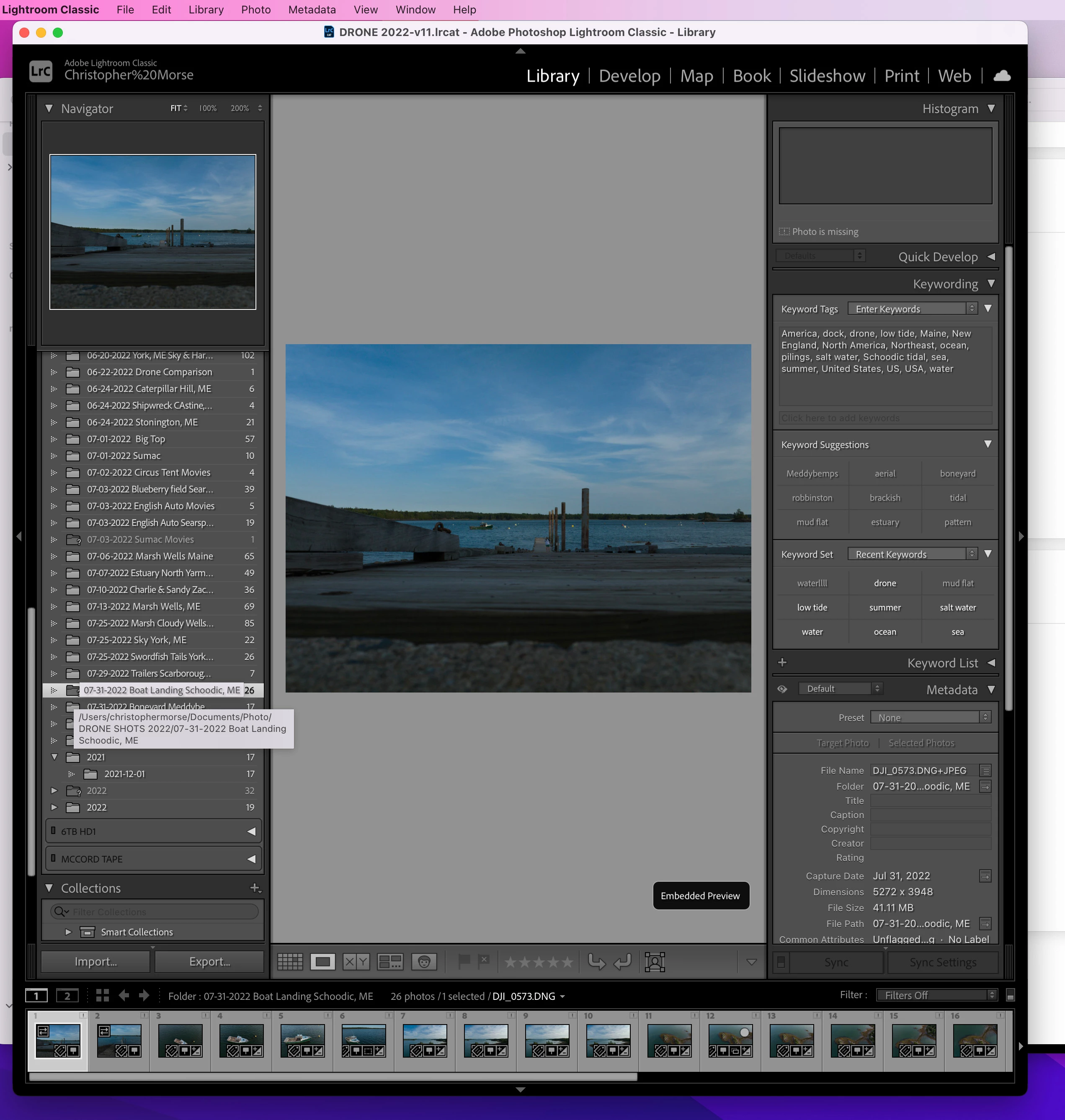
I imported 26 images from a folder which had a typo in the folder name.  after I did some adjustments to the image I realized I had a typo in the name of the source folder. I corrected the typo in the folder name; now, of course,  images are "lost" ... I have done quite a bit of work to the images and would like not to repeat the effort.   How do I redirect the already imported images & adjustments to the newly renamed folder?
This topic has been closed for replies.
Correct answer christopher morse

Control Click got me this:


My bad .... I hit "Command" not "Control"!Woerked like a charm !!!!


Many thanks & apologiess for being so obtuse.


C

1 reply

Per Berntsen
Community Expert
Community Expert
August 2, 2022

Right click the folder, choose Find Missing Folder, and point Lightroom to the renamed folder.

Note that it's possible to rename folders inside Lightroom by right clicking and choosing Rename.

Inspiring
August 2, 2022

I right click, but see no "Find Missing Folder: anywhere, nor does it seem to give me the opportunity to rename the folder.  am on a Mac Studio: OS Monteray V: 12.4  Apple M1 Ultra chip running Lightroom Classic 11.4 

dj_paige
Legend
August 2, 2022

"I right click"


where?


What do you see when you right-click ... what are the menu items? Tell us the list of menu items (Show us a screen capture would be better, use the "Insert Photos" icon, do not attach files)