
LR CC | LR Classic CC presets compatibility issue
Hi all,
after upgrading to LR Classic CC, I noticed that my develop presets will somehow make a confusion/clash in the Develop Module.
Here's why :
Let's assume I'm working on a RAW file, that I just import in LR Classic CC.
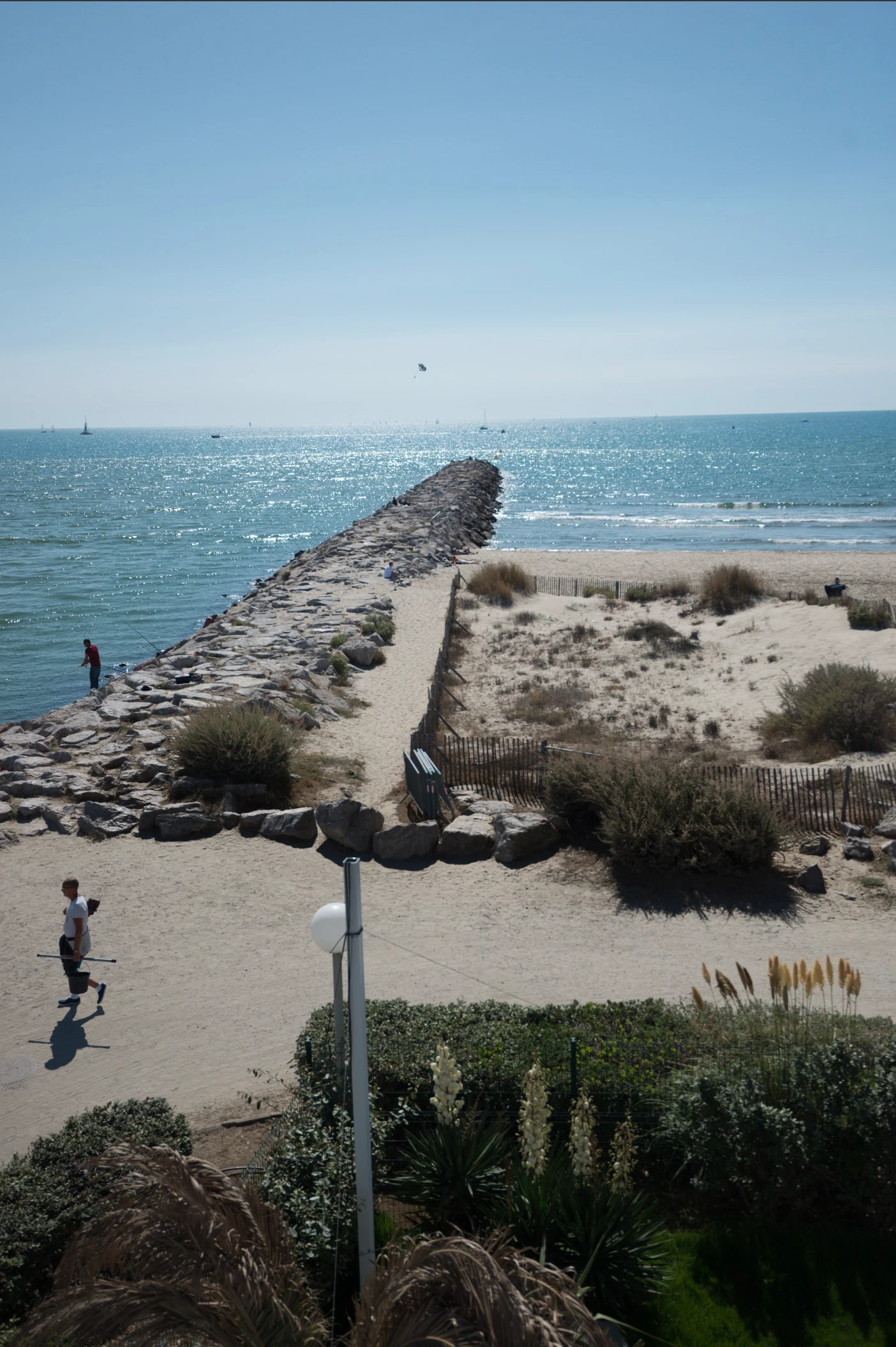
I want to fix the sky, so I add a Gradient Mask.
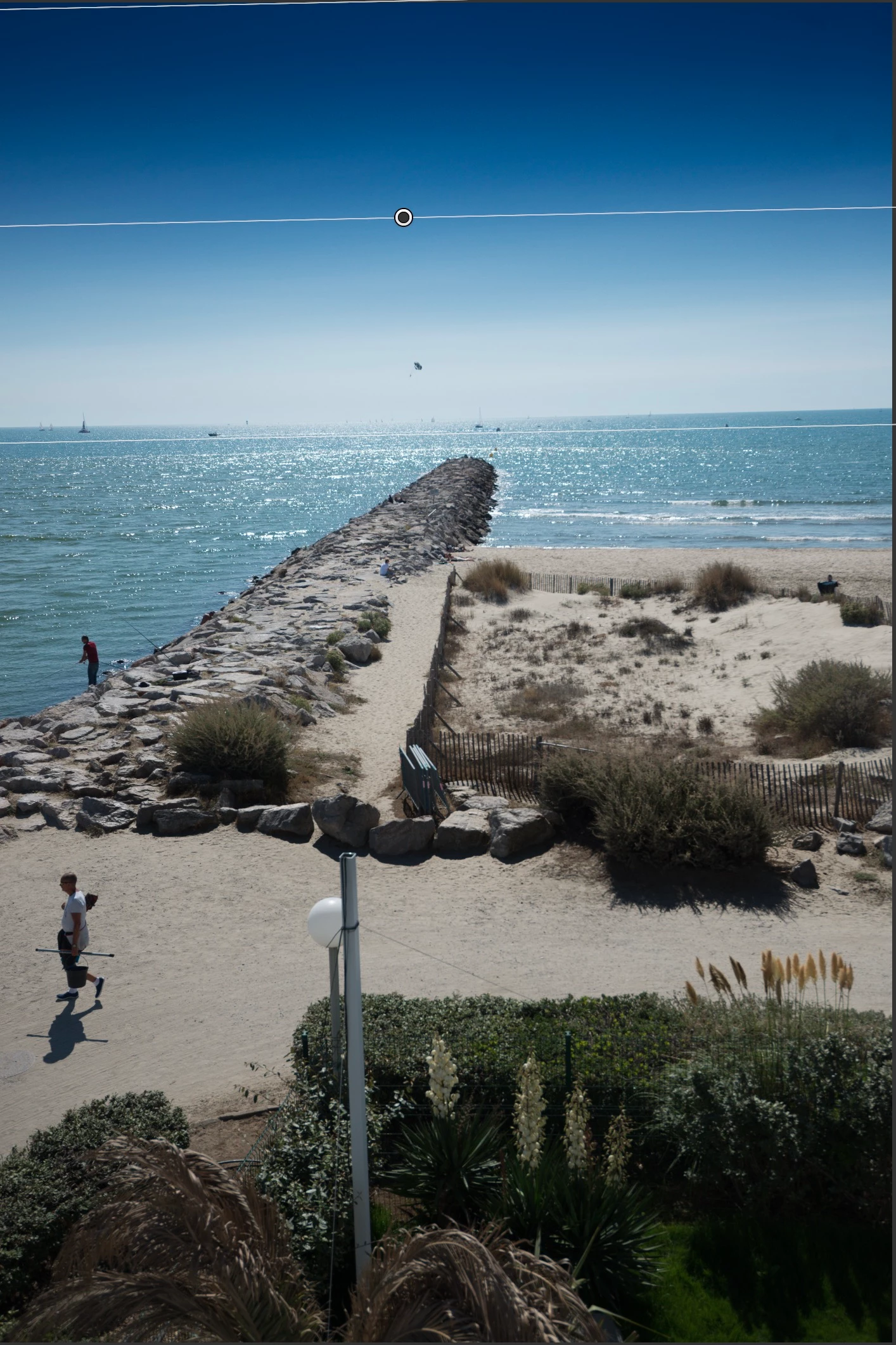
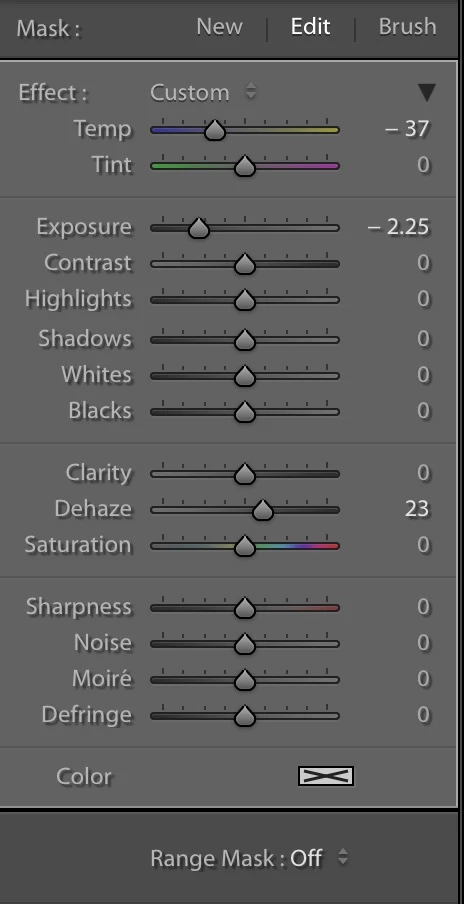
Then I decide to make the most of the new "Range Mask" feature, so I choose "Luminance" and protect the highlights by setting the range slider to 0/65.
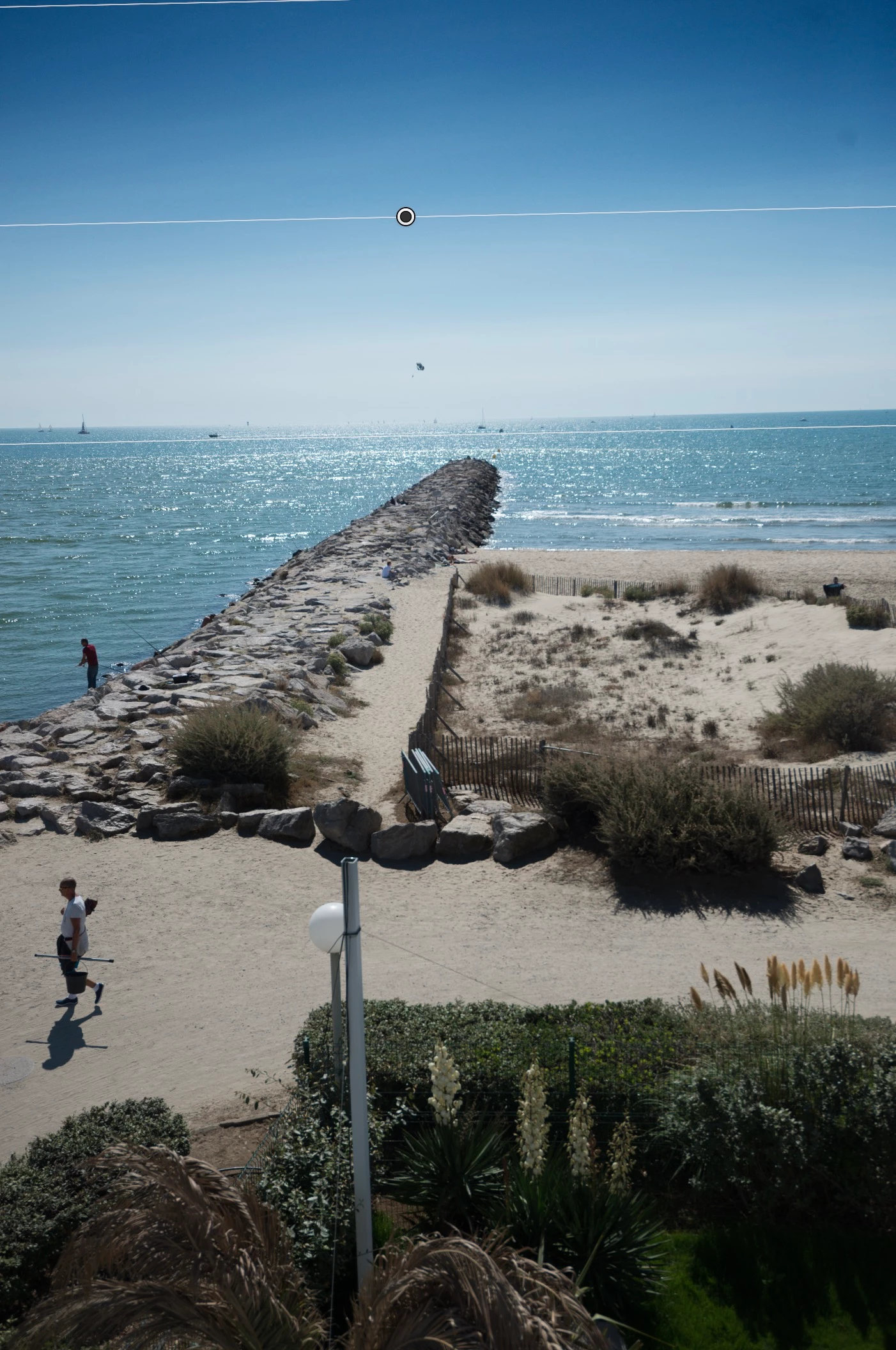
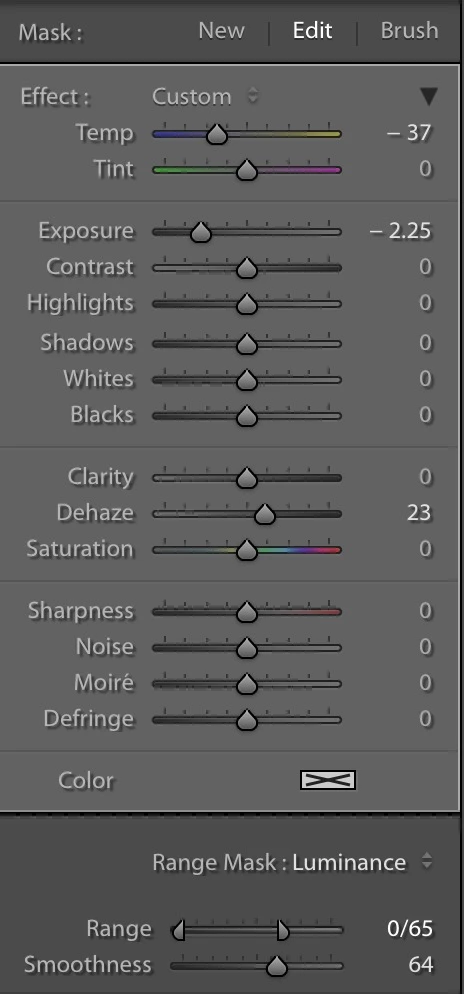
So far, so good.
Now, I want to throw in one of my presets, that takes care only of sharpening (Details section).
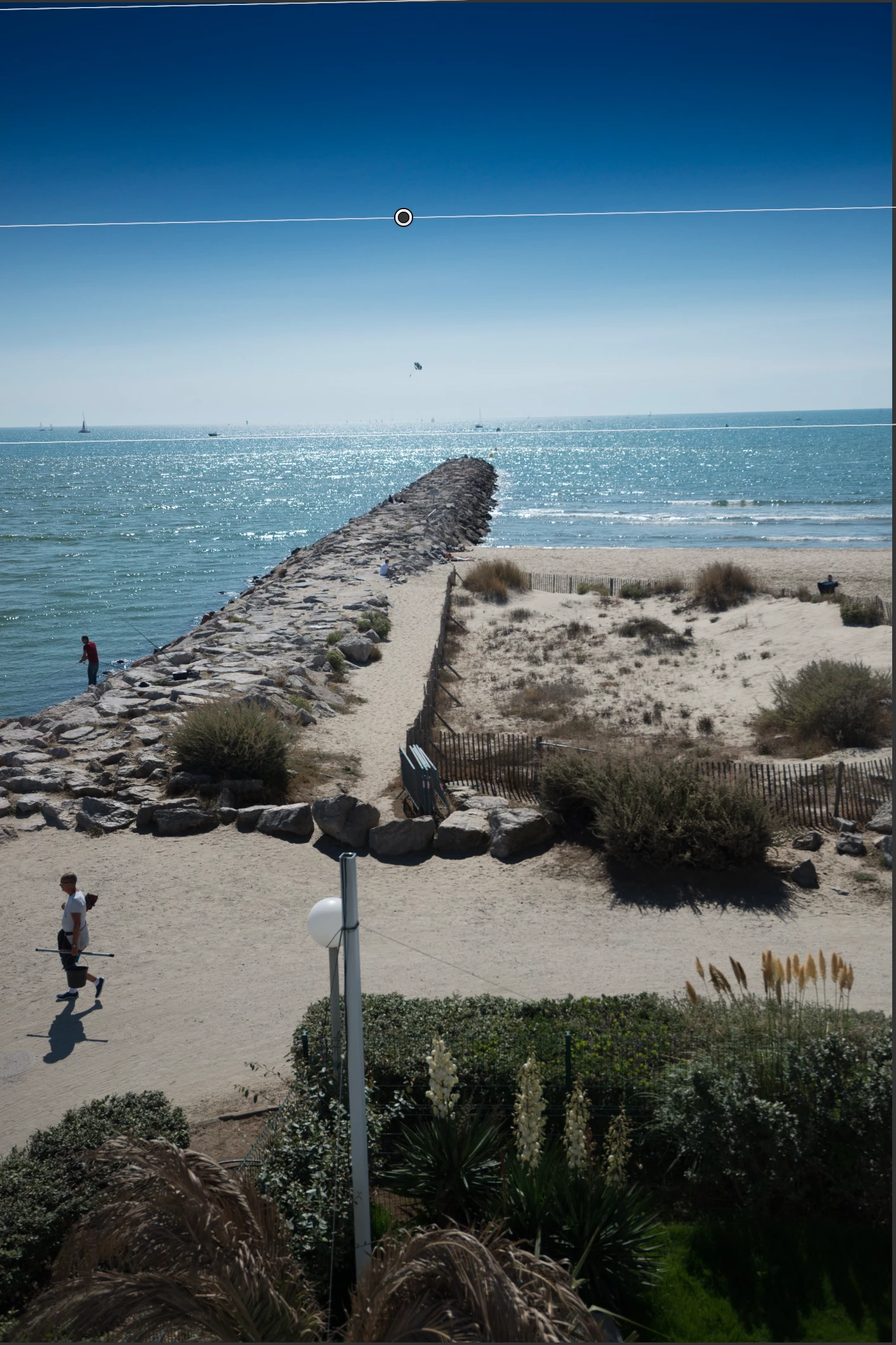
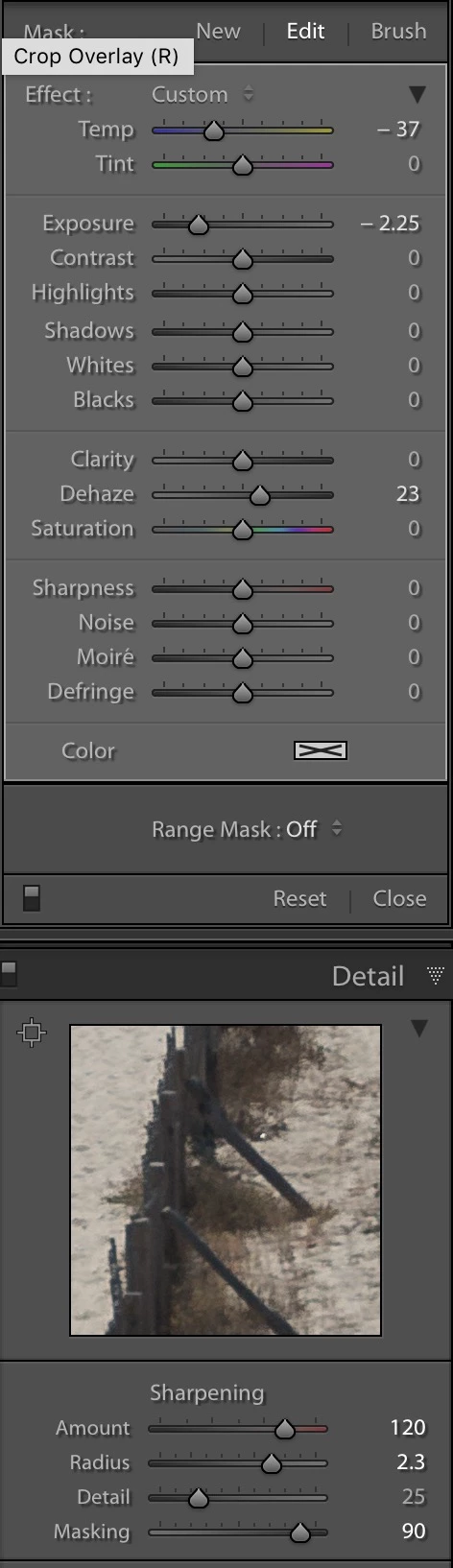
BOOM !! You will notice that the Range Mask settings are being cancelled by my Sharpening Preset. That is because my Sharpening preset has been created in a previous, non LR Classic CC version, and the Range Mask parameter didn't exist. So it clashes the actual Range Mask settings, and I end up with a similar image to the one before the Range Mask settings... oh dear, oh dear !
Later on, I created the same Sharpening preset in LR Classic CC, apply it. As expected everything's fine, the Range Mask parameters are NOT changed by my newly created preset ! Yey ! Wait...what has happened ? I decided to investigate a bit further.
I opened my two presets (Sharpening 01 and 04) files with a regular text editor, and voila :
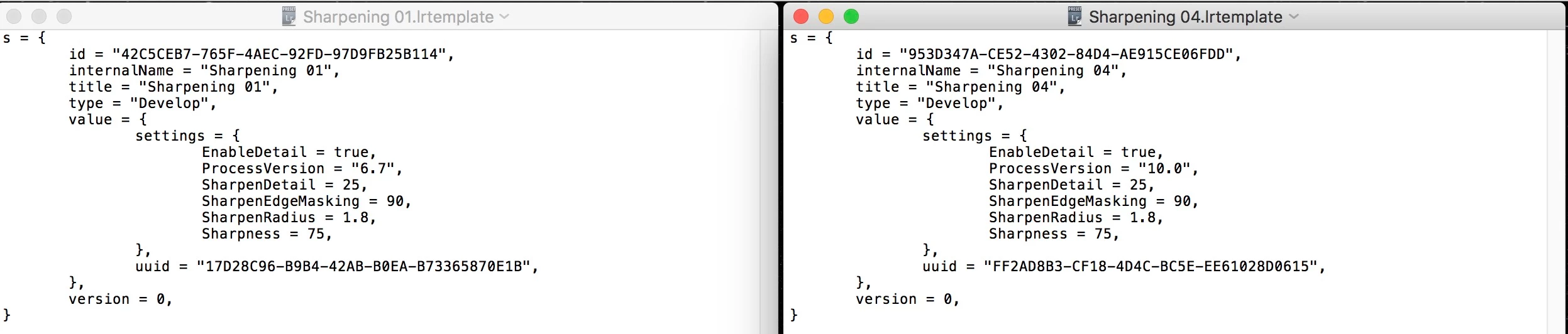
As you can see, on the left side, ProcessVersion is set to "6.7" when created with previous LR version.
On the right side, ProcessVersion is set to "10.0" when created with LR Classic CC. That sure IS the issue.
I said "OK ! Seems like I just need to replace "6.7" by "10.0" in the preset "Sharpening 01" file...innit ? Well...not really...because "id" and "uuid" are here and surely acts as checksums or a kind of a digital signature to ensure that the preset has been created within LR core engine and hasn't been tweaked from outside...! Gasp !
Now what to do ? Update each and everyone of my presets ? Hmmm... 318 files to go through... one by one...
Any ideas, anyone ?
 AdChoices