
IngridVD
Inspiring
February 9, 2022
Question

LR classic start very slow

  • February 9, 2022
  • 1 reply
  • 698 views

when I start LR classic the wheel keeps spinning for at least 1 to 2 minutes, see attachments

A solution please


Mac OS Catalina 10.15.7
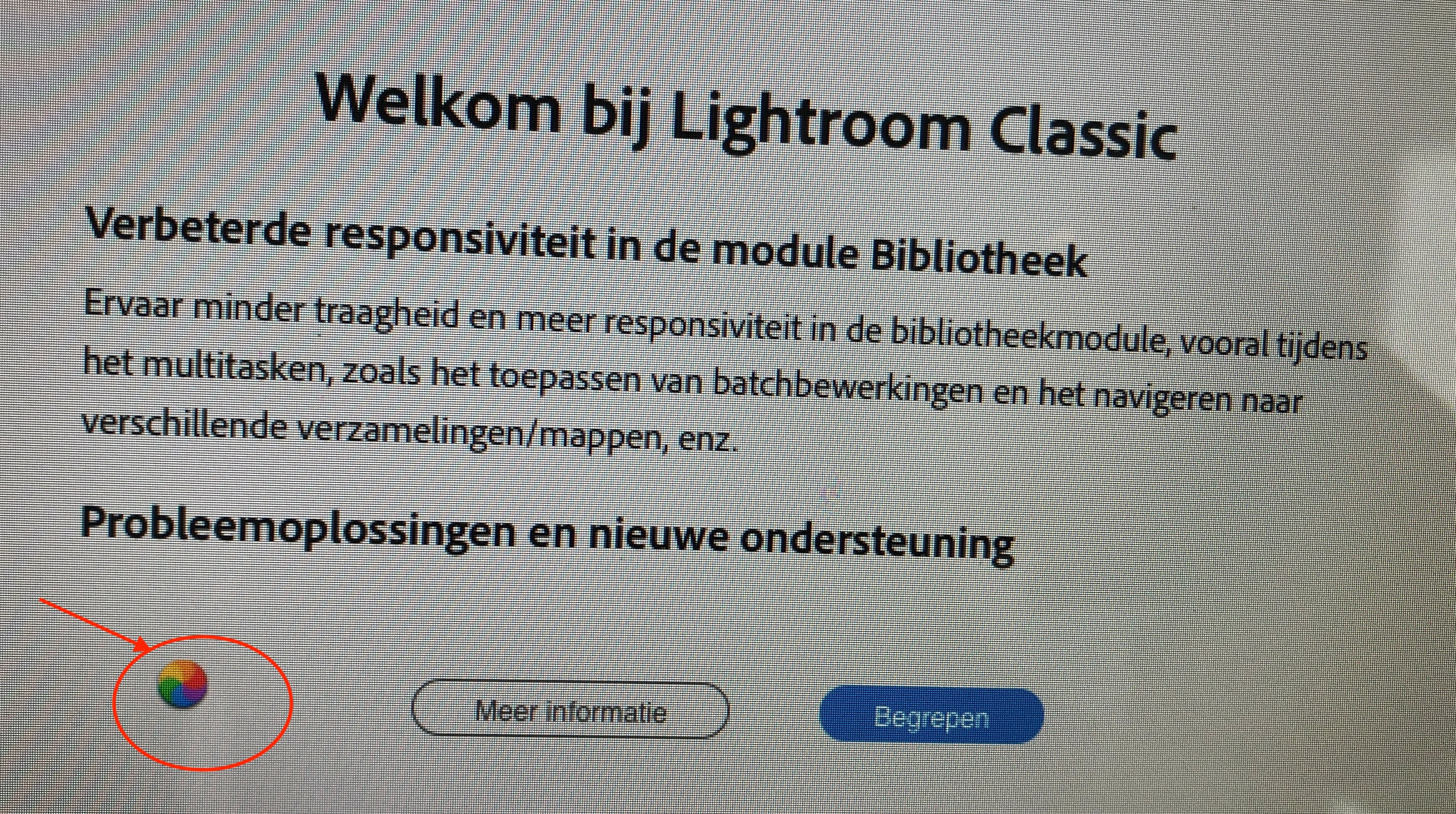
2.11.0.0
This topic has been closed for replies.

1 reply

Community Expert
February 9, 2022

Try resetting the preferences of Lightroom Classic:  https://helpx.adobe.com/lightroom-classic/help/setting-preferences-lightroom.html 


If this doesn't help please write the error message in normal text so we can translate. 

Which version of Lightroom do you use?


My System: Intel i7-8700K - 64GB RAM - NVidia Geforce RTX 3060 - Windows 11 Pro 25H2 -- LR-Classic 15 - Photoshop 27 - Nik Collection 9 - PureRAW 6 - Topaz Photo AI
IngridVD
IngridVDAuthor
Inspiring
February 9, 2022

Hi Axel.

it doesn't work.

I don't get any error messages, just that the wheel keeps spinning and I can't do anything

Version 11.2

2.11.0.0
2.11.0.0
dj_paige
Legend
February 9, 2022

Try removing or disabling all Logitech plug-ins from Lightroom Classic, see if that helps.


If that doesn't help, remove/disable all plug-ins and see if that helps.