
Known Participant
July 28, 2023
Question

Lr crawling slow on Dell XPS 7590

  • July 28, 2023
  • 2 replies
  • 626 views

I'm using a Dell XPS 15 7590 with a 2 TB SSD, 32 GB of DDR4 memory, an i7 9750H CPU, a 4K OLED display panel and NVidia GTX 1650 with 4 GB of GDDR5 memory, on an updated version of Windows 11.


Even if the specification seem more than enough to run Lr Classic without any hiccup this is the current LrC performance (most of the times I press keys immediately after the screen has finished loading):


These are the performance options:
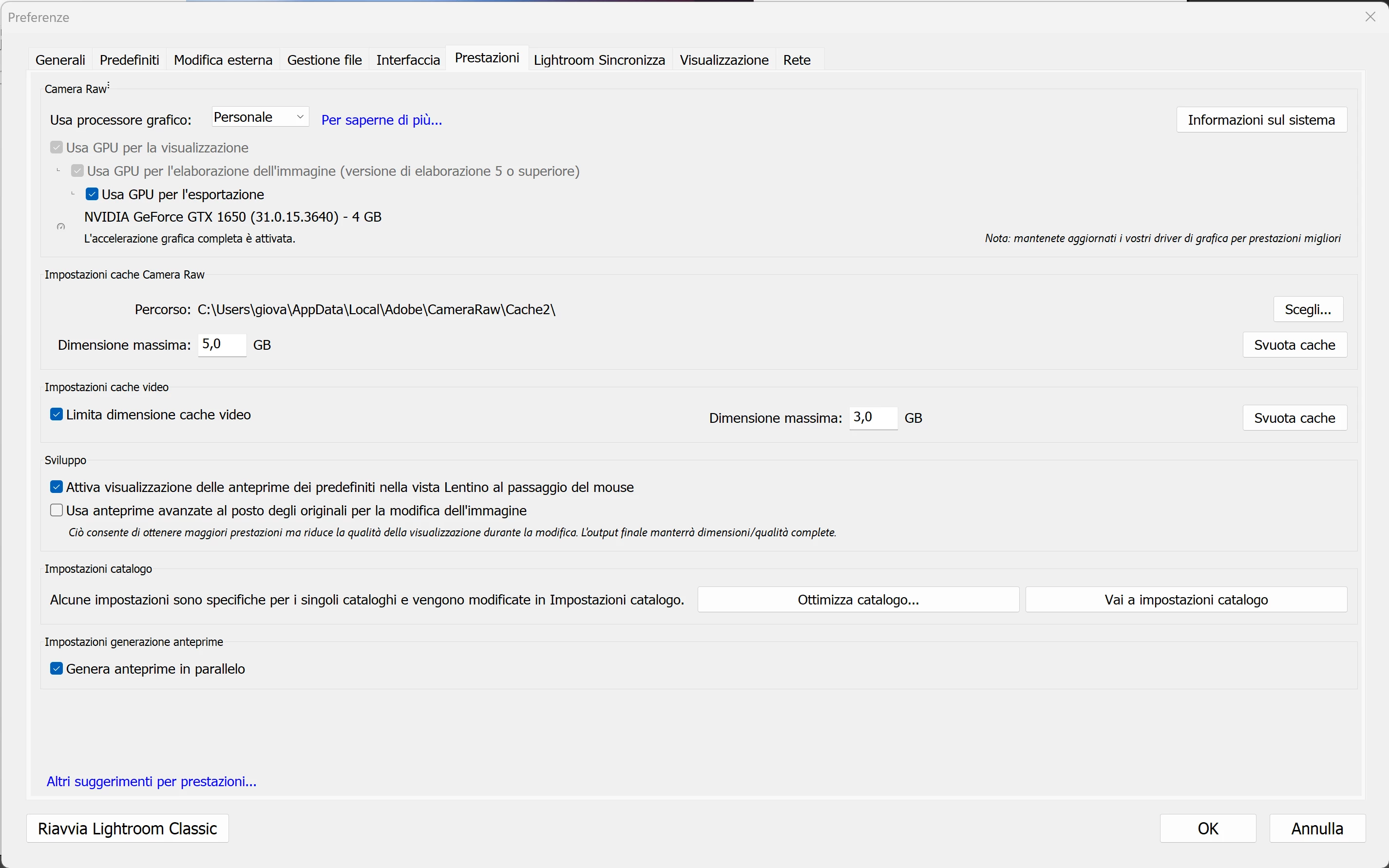
It's almost unbearbly slow. Even if I compare it with my old 15" retina MacBook Pro from 2012. And it's even slower that Lightroom on a very cheap (sub 300€) HP laptop I had as a stopgap between the MacBook and the current Dell.


Have I done something wrong? I've tried Capture One on this exact pc and it's quite fast, it seems to be a Lightroom problem of sorts 😕😕

This topic has been closed for replies.

2 replies

johnrellis
Legend
July 29, 2023

A couple first troubleshooting steps:


1. Update to the latest Nvidia Studio driver:

https://www.nvidia.com/download/driverResults.aspx/209265/en-us/


2. If that doesn't help, try setting Preferences > Performance > Use Graphics Processor to Off.  (This is a diagnostic step to see if the issue is related to the GPU driver.)


gio91berAuthor
Known Participant
July 30, 2023

Hello, I followed both of your suggestions. Unfortunately there was no noticeable difference between using or not using the graphics processor.

GoldingD
Legend
July 29, 2023

Are these performance issues occurring while making mods in the develop module?

I ask that as it relates to the next question.

Why is your limit on Camera RAW CACHE so low, set to the default of 5 GB?

gio91berAuthor
Known Participant
July 30, 2023

The performance issues are going on both in the develop and library modules, it is in general unbelievably slow, for sure compared to the MacBook and my old HP cheap laptop