Participant
December 19, 2022
Question

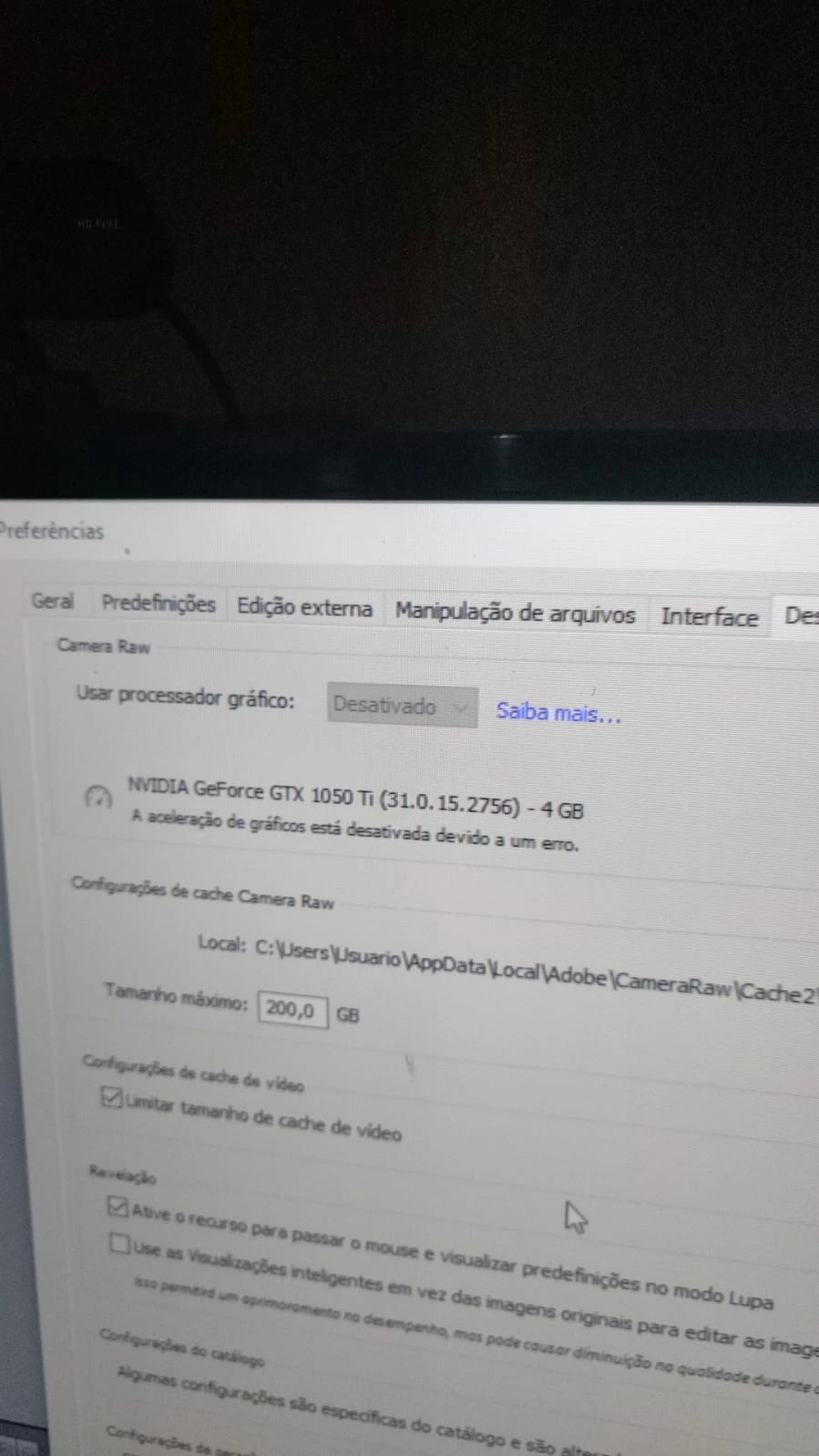
Lr desativando placa gráfica e travando

  • December 19, 2022
  • 1 reply
  • 213 views

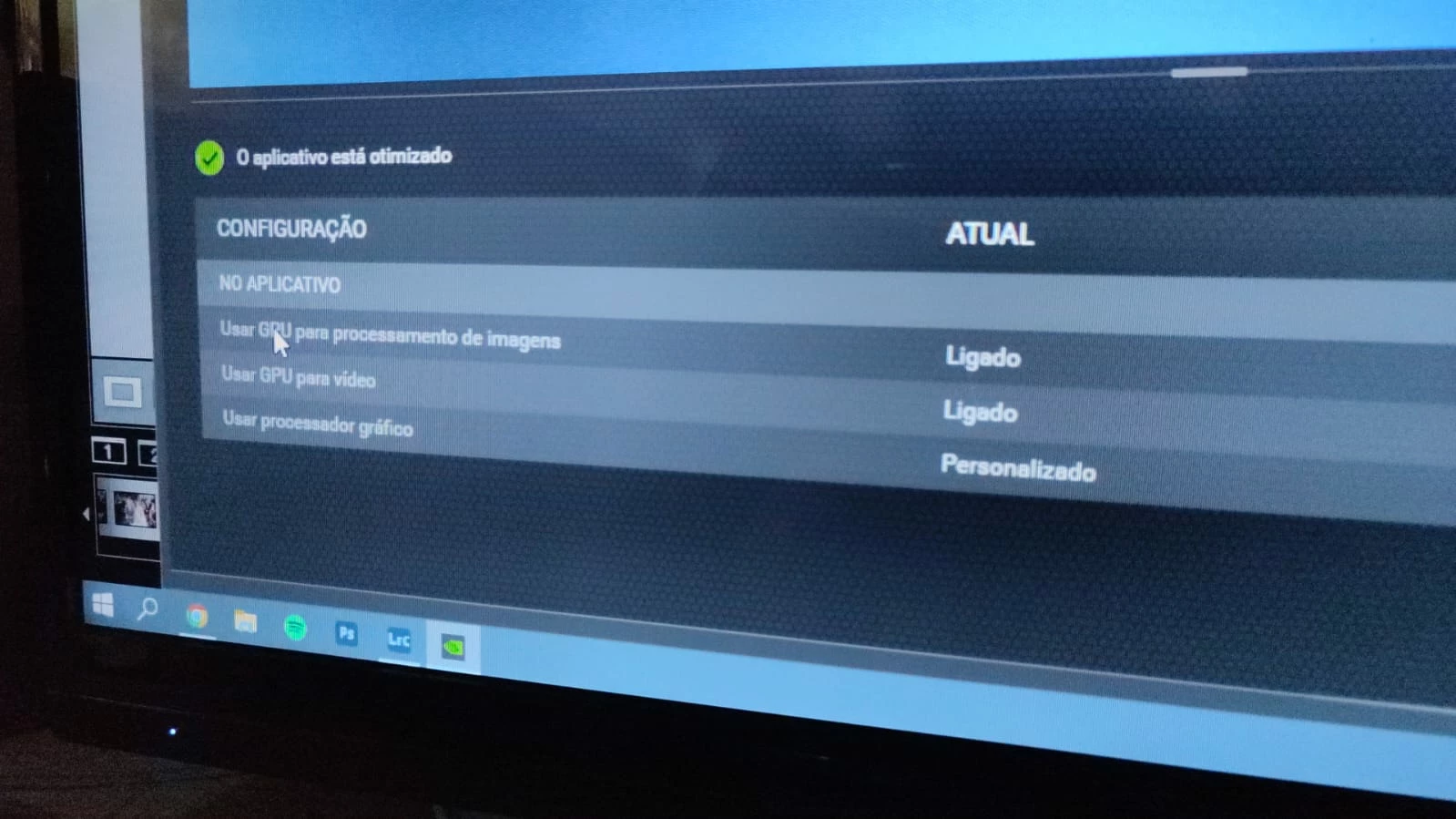
O Lr está desativando minha placa gráfica e quando acontece esse erro ele simpelsmente congela a imagem que estou editando. Meus drive estão estão atualizados. no sistema e no gerenciador da placa ela está ativa já não sei mais o que fazer 
This topic has been closed for replies.

1 reply

Sameer K
Community Manager
Community Manager
December 20, 2022

Welcome to the Lightroom Community. I'll help you figure this out.


On Windows, the GPU info & Logs location is %APPDATA%\Adobe\CameraRaw. A shortcut to get to this folder on Windows is:

  • Press the Windows + R
  • Enter %APPDATA%\Adobe\CameraRaw


  • Rename the GPU & Logs folder in this directory by adding .old at the end. (GPU.old & Logs.old)
  • Restart Lightroom Classic, which should capture the updated driver & hardware capabilities.

If this does not help, try solution 3 in this article: https://helpx.adobe.com/lightroom-classic/kb/troubleshoot-gpu.html


Let me know how it goes.

Thanks!

Sameer K