
Answered
LR edits not showing in PS properly
Hi everyone, I am having an issue with LR and PS - not sure if you can help. I always start editing in LR, then send to PS for detailed edits. For some reason, the image that I send does NOT look the same once it goes to PS. Not sure if this is a LR or PS issue so I'm asking here to cover my bases. Can anyone help?
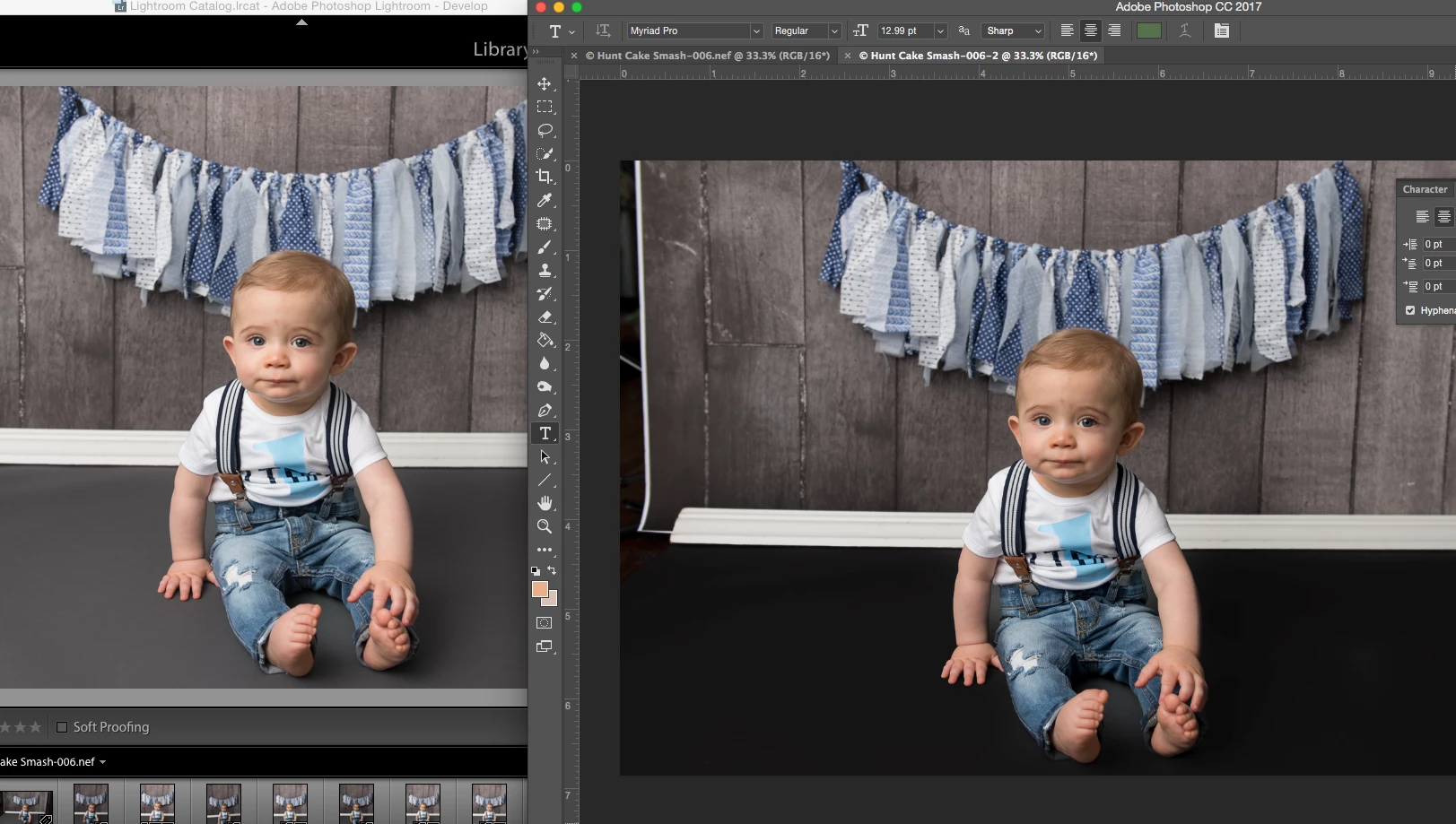
Image on left was edited in LR, namely an adjustment brush on the grey seamless on the floor. When I send to PS, it changes it to black and other color/light is off too. THOUGHTS?
 AdChoices