
LR "freezing" after editing just a few photos
LR Version 11.5
macOS Monterey 1.6 (just updated a few days ago)
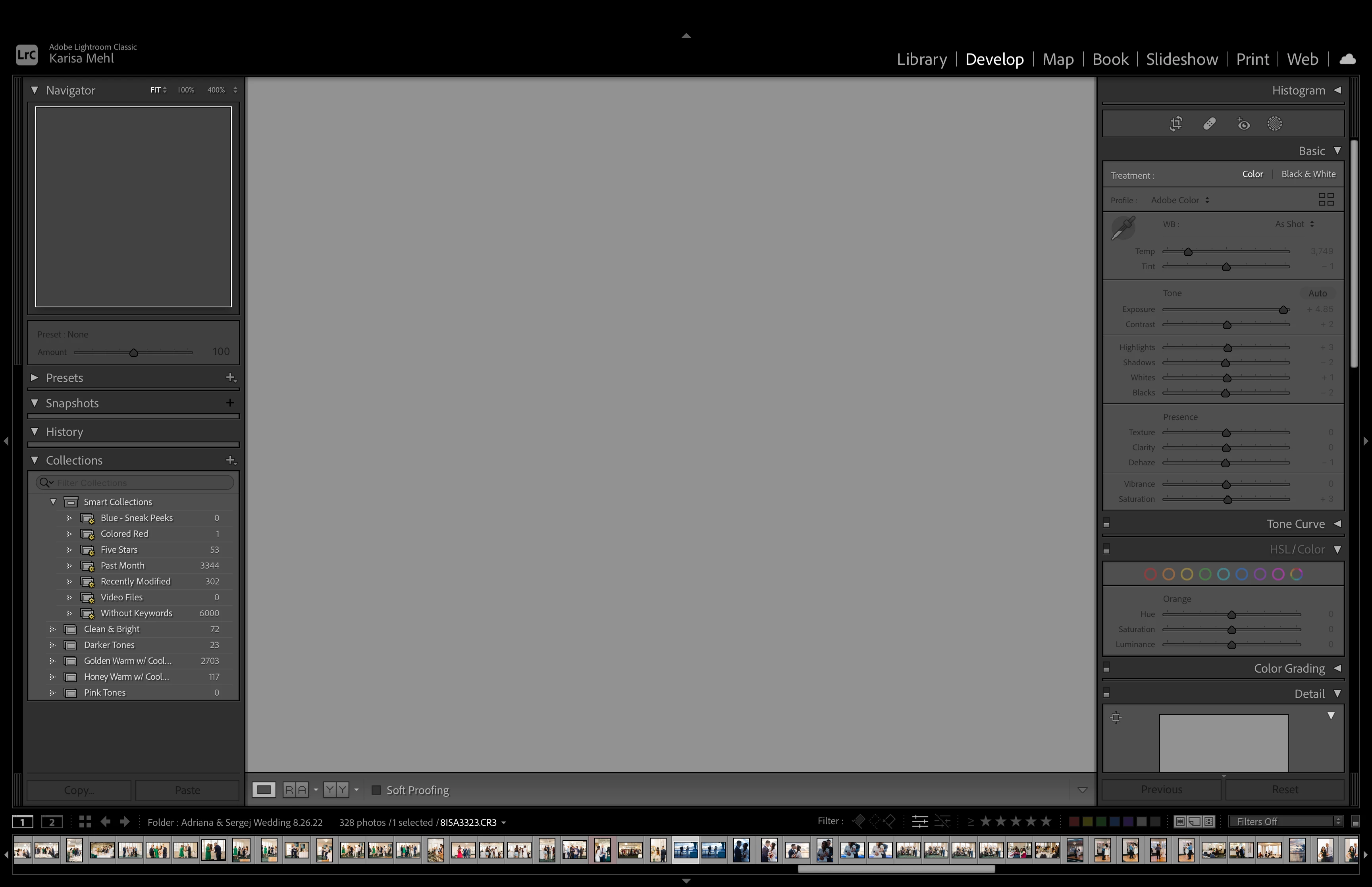
When editing in the Develop module, I can quickly edit anywhere from 3-8 images before LR freezes (see screenshot). I can't switch between modules (error message pops up) and I have to shut down LR and reopen it to continue editing. I tried turning off the graphics processor and this has not helped.
My catalog has less than 7,000 photos in it and there is plenty of storage on the drive my catalog is stored on. I also just downloaded the "batch.ai" plug-in a couple days ago and have only used it on one folder of 400 images in the catalog. I'm not sure if that could be related to this issue, if my macOS update could be a cause, or if it's just a simple bug within LR. Any insight would be appreciated!
 AdChoices