
Greg @ Caprice
Inspiring
October 31, 2022
Question

LR just changed my external edit color profile with no input from me.

  • October 31, 2022
  • 2 replies
  • 565 views

I just discovered that my LR program had changed my external edit color space from AdobeRGB1998 to Pro photo RGB. It has done this without any updates or changes by me.

I discovered this after exporting into PS and then saving back into LR. The image color was coming back drastically different.

Anybody else expereinced this?

This topic has been closed for replies.

2 replies

JohanElzenga
Community Expert
Community Expert
October 31, 2022

Sounds like your preferences got reset, so these settings went back to the defaults. The Photoshop update may have caused this. This should not lead to differences in color however, provided you use correct color management.


-- Johan W. Elzenga
Greg @ Caprice
Inspiring
October 31, 2022

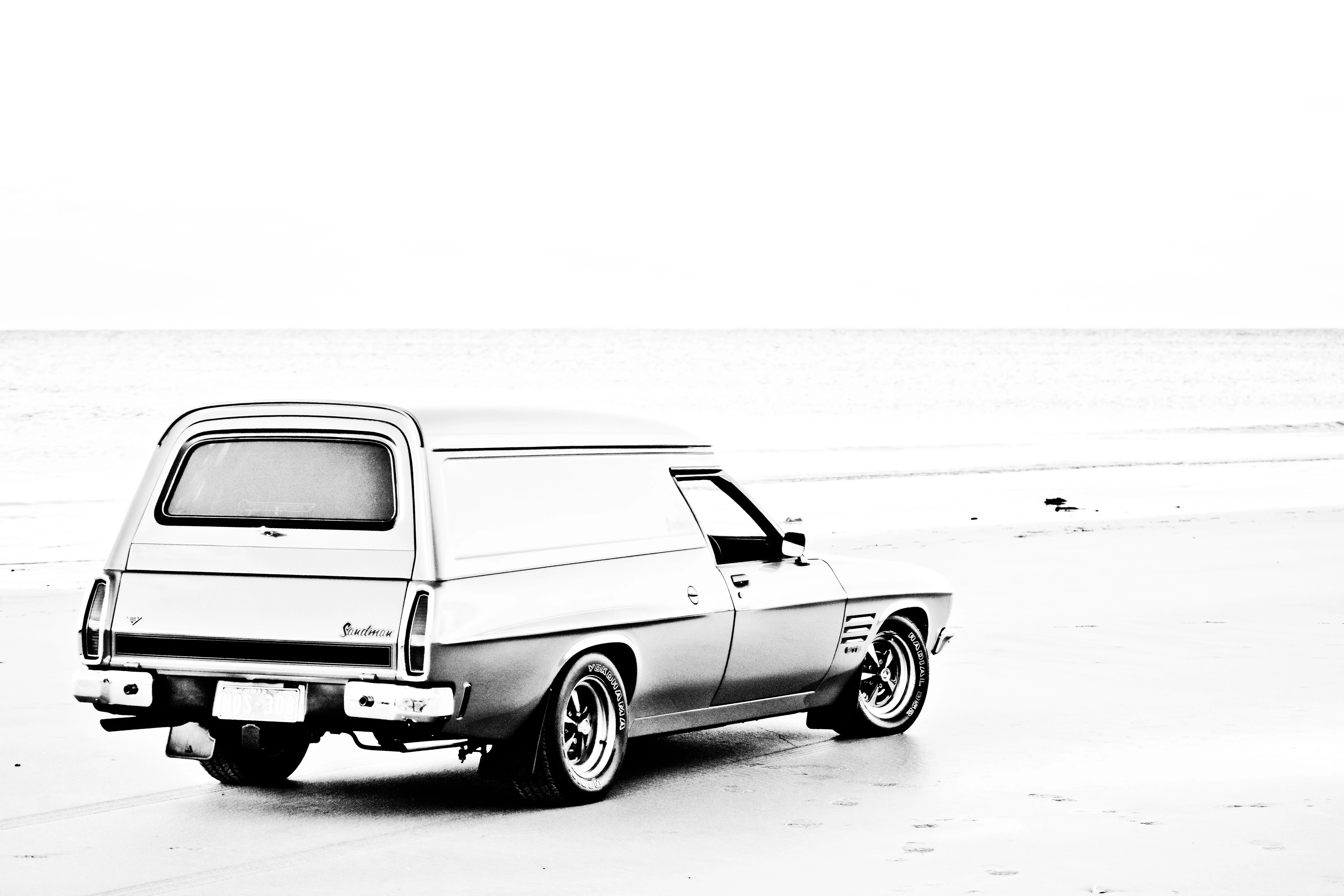
Below are the images before and after exporting. 

I've noticed they're still not right so I'll need to remember what my setting were.

Community Expert
November 1, 2022

If you see any difference like this something is drastically wrong in the color management on your machine. You should not be able to see any difference in color between these two color spaces if you don't strip the color profile at some point. I would guess in this case that Photoshop is somehow set up to not respect embedded profiles which is not a good thing. 

Inspiring
October 31, 2022

Looks like Adobe did reset the raw conversion profile too in Photoshop. In the raw converter opening a file was changed to the their newest profile instead of AdobeRGB. And changed it from 8 bits to 16 bits. Very strange behavior. Thank you for reporting this. Have to check and change my settings too, I suppose.