

LR not showing newly created folder in newly associated drive
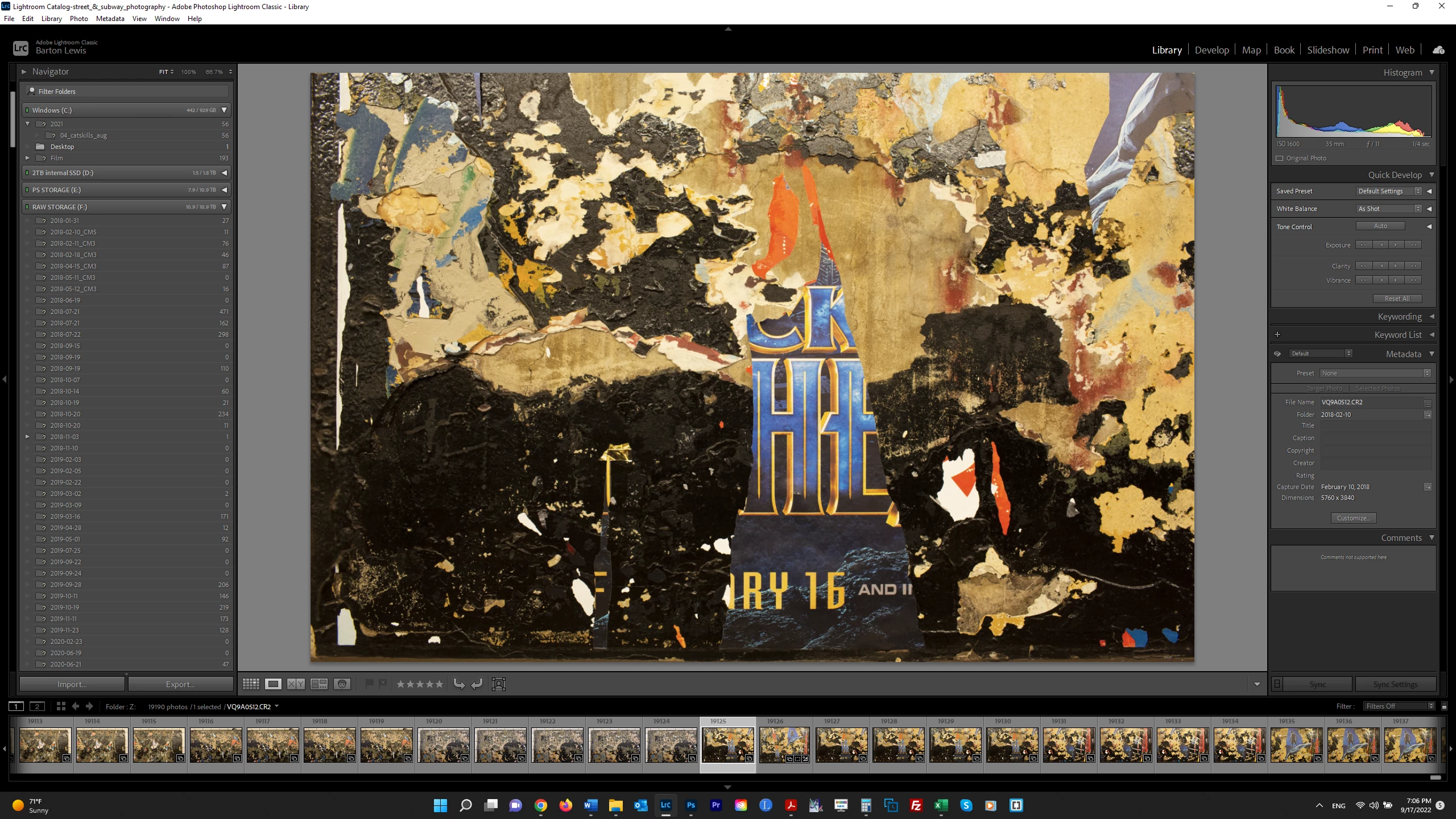
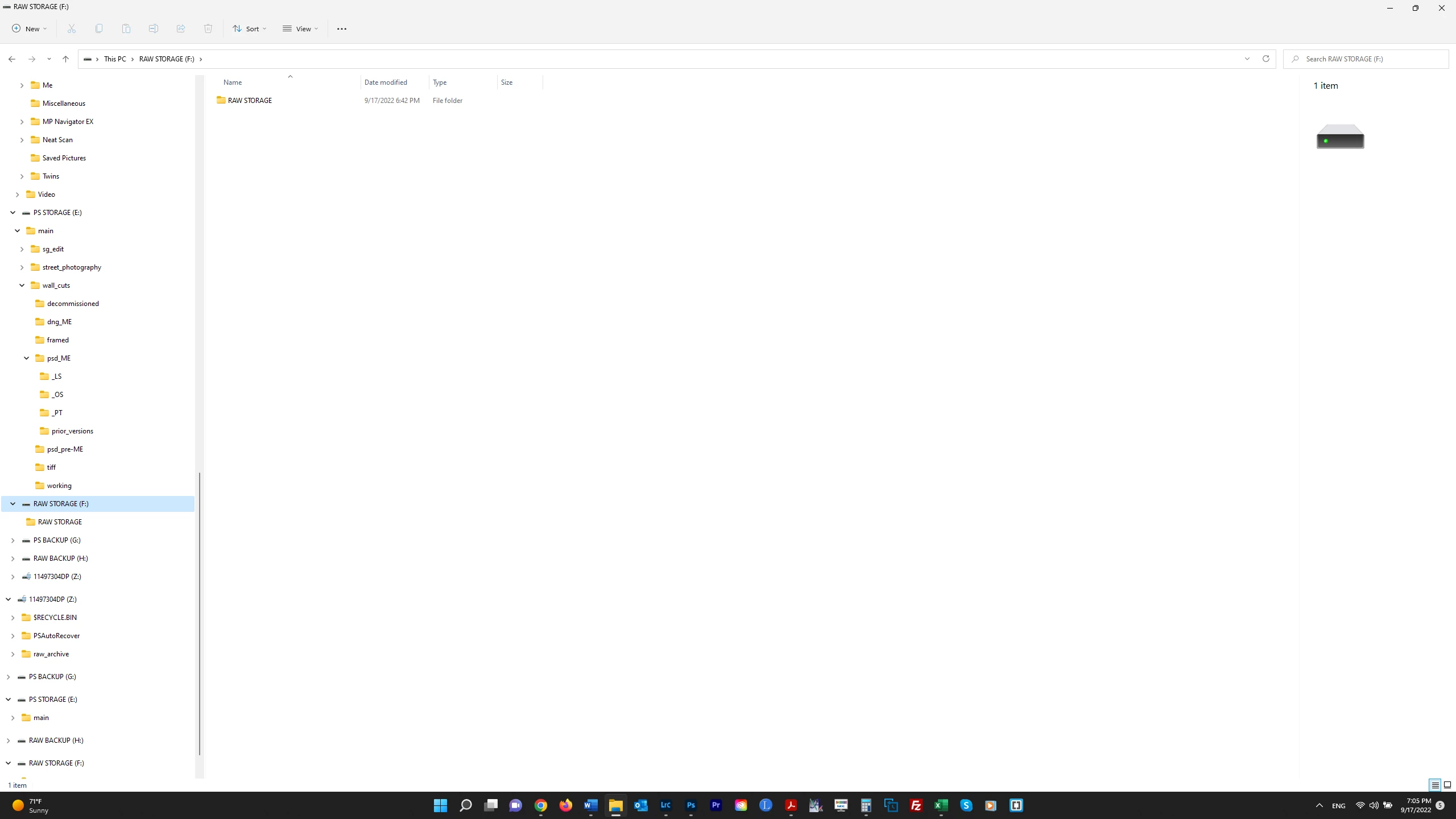
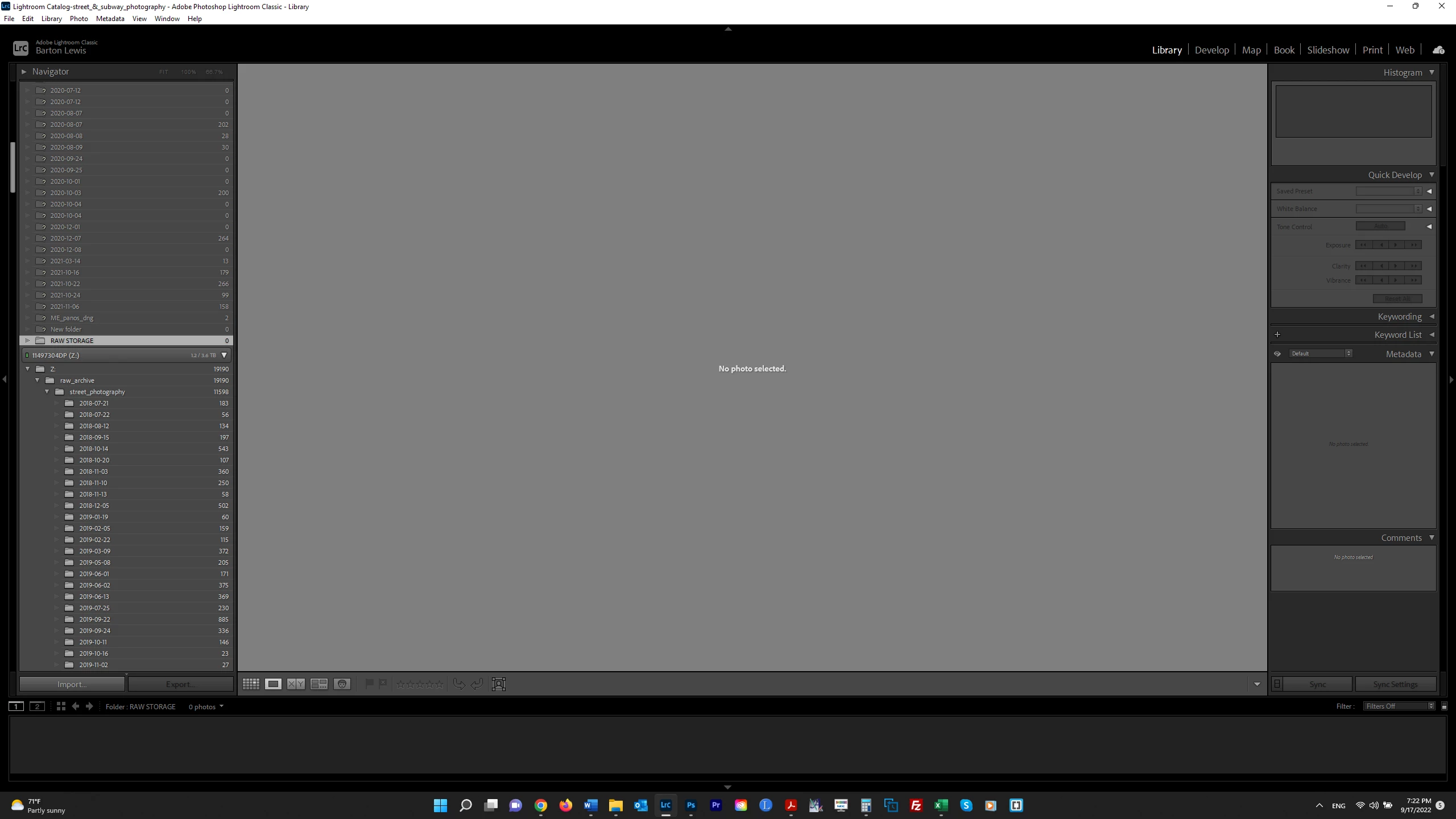
I need to move my RAW files from one drive to a new one, and followed the instructions by Scott Kelby at this youtube video https://www.youtube.com/watch?v=yl5oH_shX08 I plugged in the new drive ("RAW STORAGE (F:)") to my laptop, created a new folder on that drive so that LR could recognize the new drive, and expected to see that folder show up in LR. But instead, a lot of "missing" folders (with "?s") are showing up directly underneath the drive. See 1st screenshot below. In the 2d screenshot, I show the drive in Windows Explorer with the folder I created. Why is LR not showing that folder (into which I want to drag the files from the other drive) and what is the significance of all of these missing fodlers appearing here? Thank you. UPDATE: I deleted the folder in the new drive and added it again, and now it is showing (see 3d screenshot). But I am changing the file structure since I now have this newly created "parent" folder into which I am dragging the parent folder on the old drive with all its contents. I guess this is okay ???
 AdChoices