

cjphoto3063
Participating Frequently
December 3, 2023
Question

LR v13 missing folders on import

  • December 3, 2023
  • 2 replies
  • 482 views

Lightroom Classic 13.0.2


I have created a new catalog where I want to merge several catologs.

I created a new catalog File menu > New Catalog

Then located the catalog that I wanted to import  File menu > Import from Another Catalog 

I made sure that "include subfolders" was selected.

I made sure that "Add to new catalog without moving" was selected

After completing the import, many of the folders and photos present in the original catalog are not in the new importerd catalog. 


How do I complete an imported catalog and retain all subfolders and their photos?


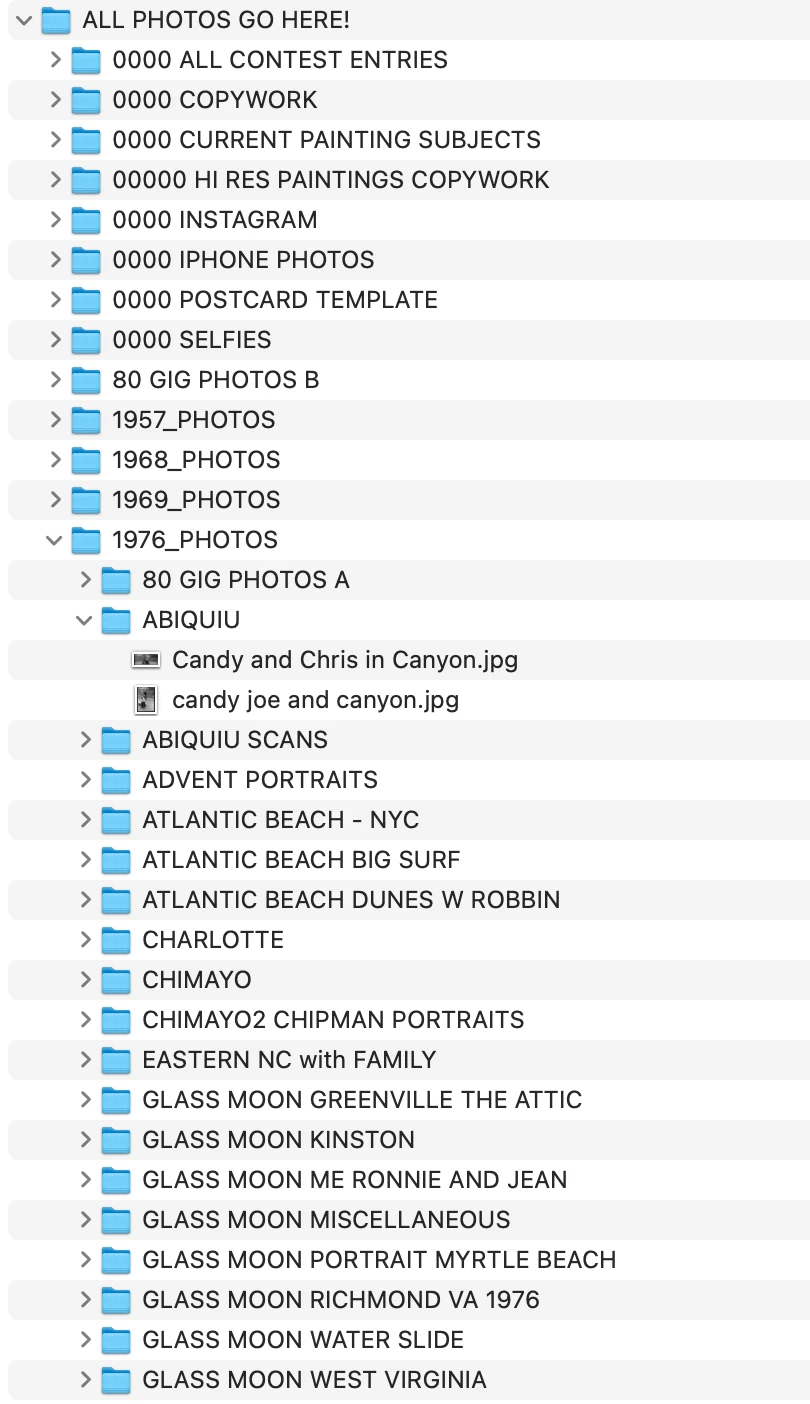
My simple file structure is date and location specific:

HDD/ALL PHOTOS GO HERE/ 2023_PHOTOS/ LOCATION/IMAGE FILE

(the parent folder has no more than 2 subfolders- please see 1976_PHOTOS in the screenshot)


NOTE: All of these files and folders exist in the original LR catalog (the one which I tried to import)


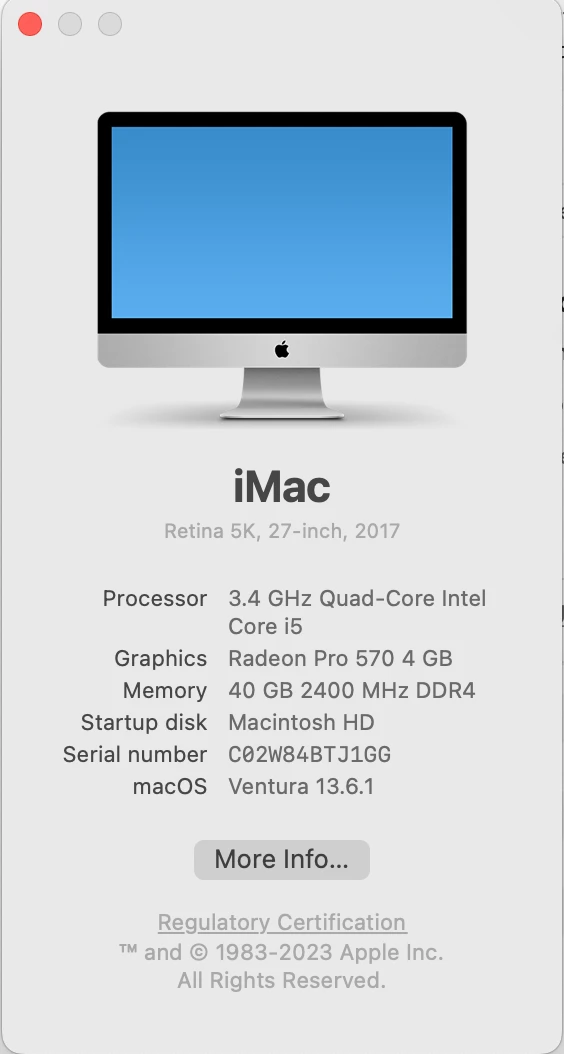
SYSTEM:


This topic has been closed for replies.

2 replies

GoldingD
Legend
December 3, 2023

Are any of the folders, or the photos, listed in the old catalog(s) folder panel, show up as missing?


cjphoto3063
Participating Frequently
December 4, 2023

Yes, as you can see from the screenshots in my previous post, there are many folders and files missing.

GoldingD
Legend
December 4, 2023

Ok, I missed that a bit, except that your two screenshots, the folder in old, the folder in new, have different of note. One being that 80 GIG Photos folder shown as missing in the new catalog, BUT, not shown at all in the original catalog folder.


I was referring to the original catalog folders and photos. Looks like that one folder at a minimum is/was missing, so no surprise it winds up missing in the new catalog. Big issue, is where the heck is it in the old catalog, why is it not seen?


Different catalog??

dj_paige
Legend
December 3, 2023

Please show us screen captures of the Folder panel in LrC for both the new catalog and the previous catalog.

cjphoto3063
Participating Frequently
December 4, 2023

Thanks for your reply.

Here is a screenshot of the orginal correct catalog which matches the finder screenshot in my original post.

And here is a screenshot of the "new" catalog with the results after importing. As you can see, complete folders are missing, along with about 100,000 files. 


I have attempted this several times with varied (but still not correct) results. 

____