
Participant
December 30, 2023
Answered

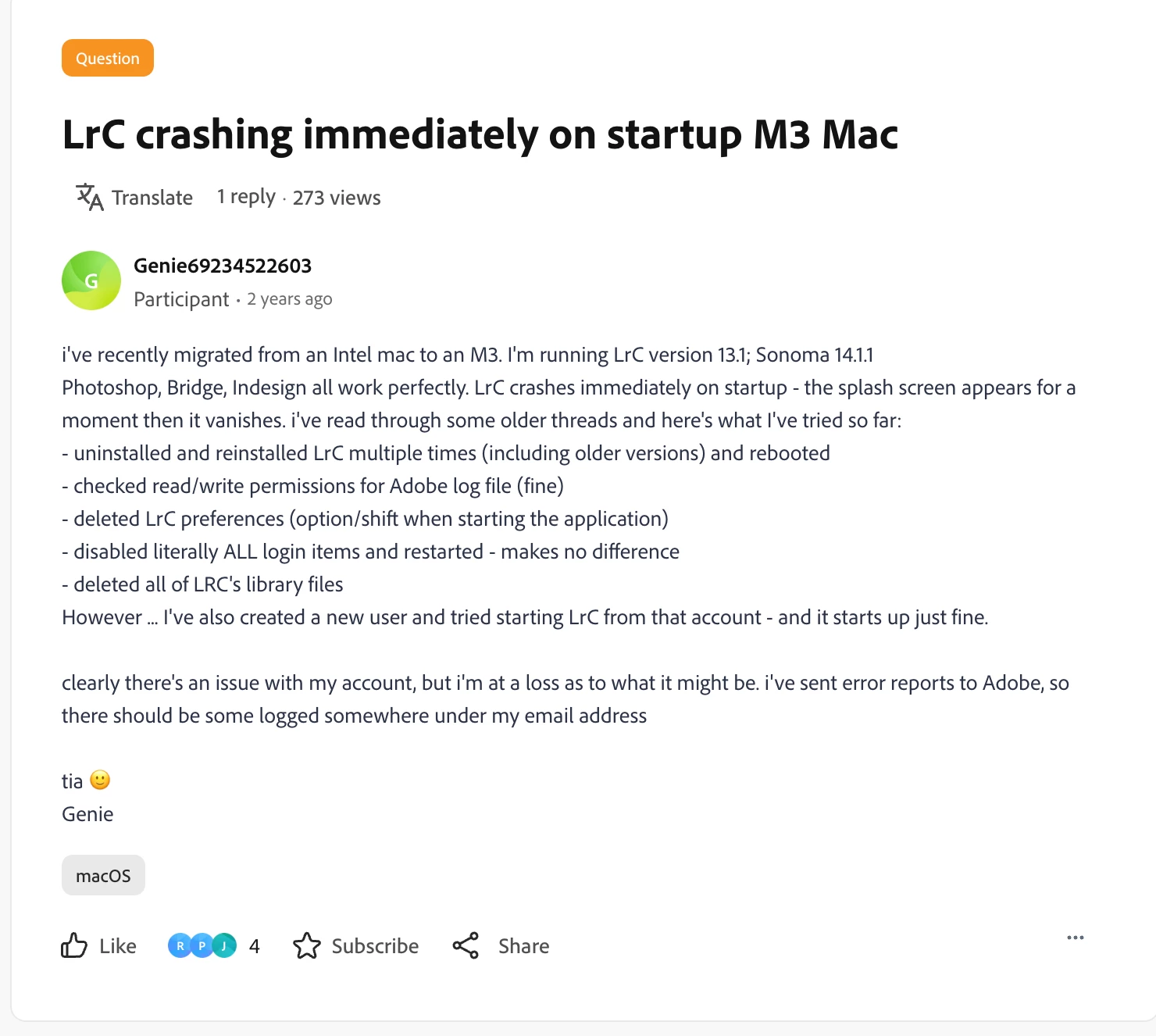
LrC crashing immediately on startup M3 Mac

  • December 30, 2023
  • 5 replies
  • 284 views

i've recently migrated from an Intel mac to an M3. I'm running LrC version 13.1; Sonoma 14.1.1

Photoshop, Bridge, Indesign all work perfectly. LrC crashes immediately on startup - the splash screen appears for a moment then it vanishes. i've read through some older threads and here's what I've tried so far:

- uninstalled and reinstalled LrC multiple times (including older versions) and rebooted

- checked read/write permissions for Adobe log file (fine)

- deleted LrC preferences (option/shift when starting the application)

- disabled literally ALL login items and restarted - makes no difference

- deleted all of LRC's library files

However ... I've also created a new user and tried starting LrC from that account - and it starts up just fine.


clearly there's an issue with my account, but i'm at a loss as to what it might be. i've sent error reports to Adobe, so there should be some logged somewhere under my email address


tia 🙂

Genie
Correct answer Genie69234522603

I posted this question two years ago and didn’t get a useful response - reposting it here as the topic has now been closed for replies. 

two years later - with the help of ChatGPT - I finally worked out what was going on …..

the root cause:  ~/Documents was a dangling immutable symlink left behind by Dropbox Mac Backup after migration to a new Mac. Lightroom Classic failed during startup because it could not create/access the standard Documents directory (AgPathUtils.getStandardFilePath: can't create directory at /Users/eugenieshinkle/Documents).

the solution: Removed the immutable flag from the symlink (chflags -h nouchg), removed the dangling symlink, allowing macOS to recreate a normal ~/Documents directory. Lightroom then launched normally and continued to function correctly across restarts.

I’d love to know if anyone has seen this before

5 replies

Genie69234522603AuthorCorrect answer
Participant
July 17, 2026

I posted this question two years ago and didn’t get a useful response - reposting it here as the topic has now been closed for replies. 

two years later - with the help of ChatGPT - I finally worked out what was going on …..

the root cause:  ~/Documents was a dangling immutable symlink left behind by Dropbox Mac Backup after migration to a new Mac. Lightroom Classic failed during startup because it could not create/access the standard Documents directory (AgPathUtils.getStandardFilePath: can't create directory at /Users/eugenieshinkle/Documents).

the solution: Removed the immutable flag from the symlink (chflags -h nouchg), removed the dangling symlink, allowing macOS to recreate a normal ~/Documents directory. Lightroom then launched normally and continued to function correctly across restarts.

I’d love to know if anyone has seen this before

GoldingD
Legend
December 30, 2023


uninstalled and reinstalled LrC multiple times (including older versions) and rebooted

checked read/write permissions for Adobe log file (fine)

deleted LrC preferences (option/shift when starting the application)

disabled literally ALL login items and restarted - makes no difference

deleted all of LRC's library files


While you did state:

checked read/write permissions for Adobe log file


I do not think that is the same as allowing LrC permission as described in the following link, that I do not see in your list of attempts


https://helpx.adobe.com/lightroom-classic/help/allow-permissions.html


hmm, do I have tthe correct link?

Participant
December 30, 2023

no, i haven't tried that. weirdly, although Bridge, Photoshop and Indesign all have permissions, LrC is greyed out, with the only option as 'full disk access' - and I can't seem to select it. 

GoldingD
Legend
December 30, 2023

You need to unlock the option.


I think that is in the video


an unrelated video, but at about 50 seconds in this person unlocks:

https://www.youtube.com/watch?v=QxOijCl_RHc