Participant
April 21, 2022
Question

LRC Export not working after latest update

  • April 21, 2022
  • 5 replies
  • 433 views

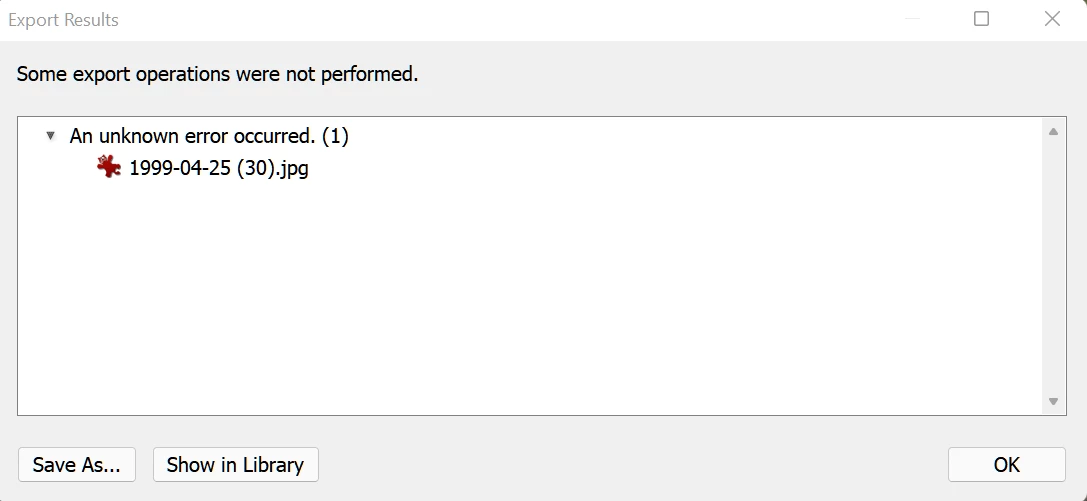
I am no longer able to export any pictures from LRC. I have tried many different settings, with one or more pictures. But every attempt gives this useless error message for each picture:

 

This topic has been closed for replies.

5 replies

kentdesign
Community Expert
Community Expert
May 17, 2022

Then as a last resort, try uninstalling LRc following the full steps listed in this link.

https://helpx.adobe.com/lightroom-classic/kb/manually-remove-lightroom.html 


and then reinstalling LRc from the Adobe Creative Cloud.

kentdesign
Community Expert
Community Expert
May 17, 2022

If that does not work for some reason, I would also suggest optimizing the catalog.


kentdesign
Community Expert
Community Expert
May 17, 2022

I have not found this to happen on my Mac with the latest version of LRC.

THe only thing I can think of that you might try just to see if it clears up the problem:

1. Try to reset the LR PReferences to the defaults.

Here is a link to the istructions:

https://helpx.adobe.com/lightroom-classic/help/setting-preferences-lightroom.html 

TheDigitalDog
Inspiring
May 12, 2022

Can you export a TIFF? What if you try a different original for export? 

Author “Color Management for Photographers" & "Photoshop CC Color Management/pluralsight"
Participant
May 16, 2022

I have tried many export-combinations, but nothing works with Lightroom v. 11.3 and 11.3.1.

When I return to v. 11.2 everything works fine.

kentdesign
Community Expert
Community Expert
May 12, 2022

Which operating system and which version of Lightroom are you using?

Participant
May 16, 2022

The problem occurs with Lightroom Classic v. 11.3 and 11.3.1. When i go back to v. 11.2 everything works fine.

I use Windows 11.