
Participant
September 8, 2023
Question

LRC Masking and Healing Glitches

  • September 8, 2023
  • 1 reply
  • 360 views

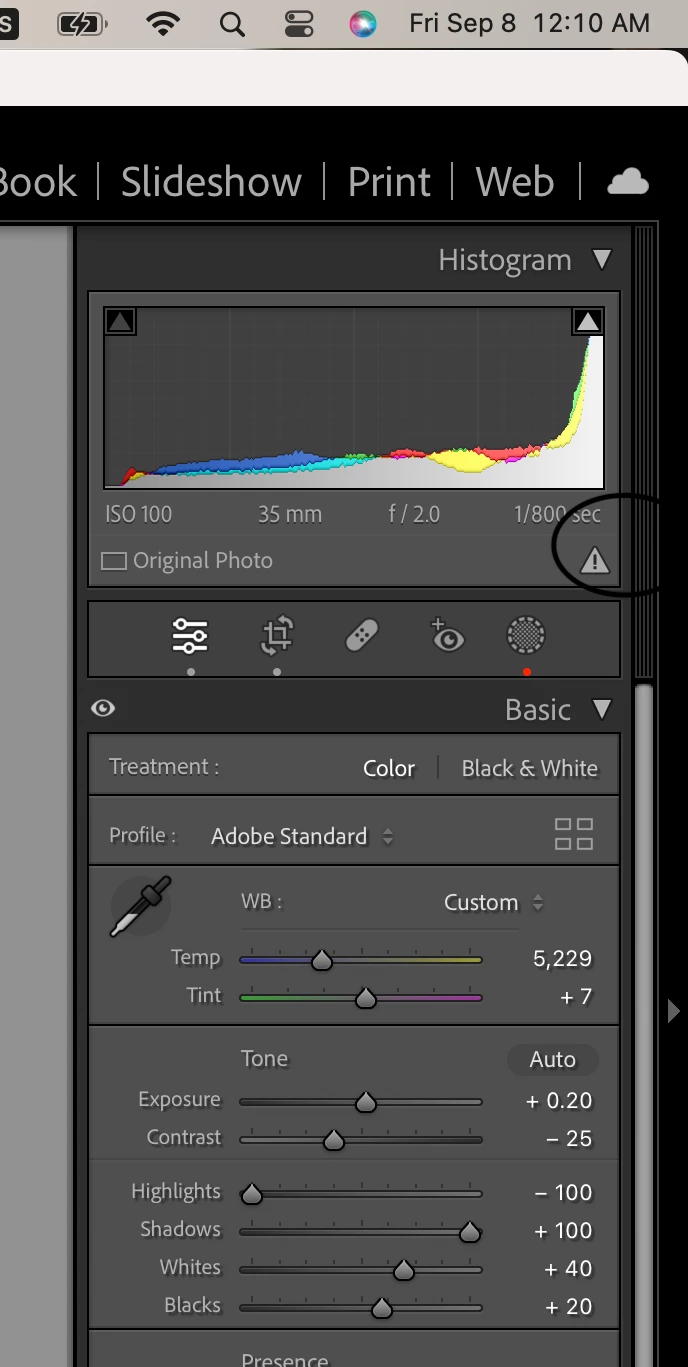
On my Lightroom Classic my masking and healing tools are not working. I will apply one such as a heal tool or bright out sky brush and it works then I exit the photo and it comes up with "Update AI settings" or "Some content aware settings need updated". This will work for a second but I cannot download the images without it not saving the masks or healing tools unless I save it by individual photo. Please help me figure out a solution.
This topic has been closed for replies.

1 reply

JohanElzenga
Community Expert
Community Expert
September 8, 2023

This sometimes happens because Lightroom cannot write the mask data to where they are stored for some reason. Try this. Open your catalog folder and look for 'catalogname.lrcat-data' (not 'catalogname.lrcat'!). Remove it from the catalog folder. Start Lightroom Classic. You will once more have to update the AI masks, but then this should 'stick'.


-- Johan W. Elzenga
Participant
September 8, 2023

Hi Johan!
Thank you for your help. Would this be located on my laptop or on LRC itself?

Participant
September 8, 2023

Because I'm not seeing where to search that on the catalog of LRC