
brianm67516523
Participant
October 6, 2021
Answered

LRC not finding my photos on my external drive

  • October 6, 2021
  • 3 replies
  • 770 views

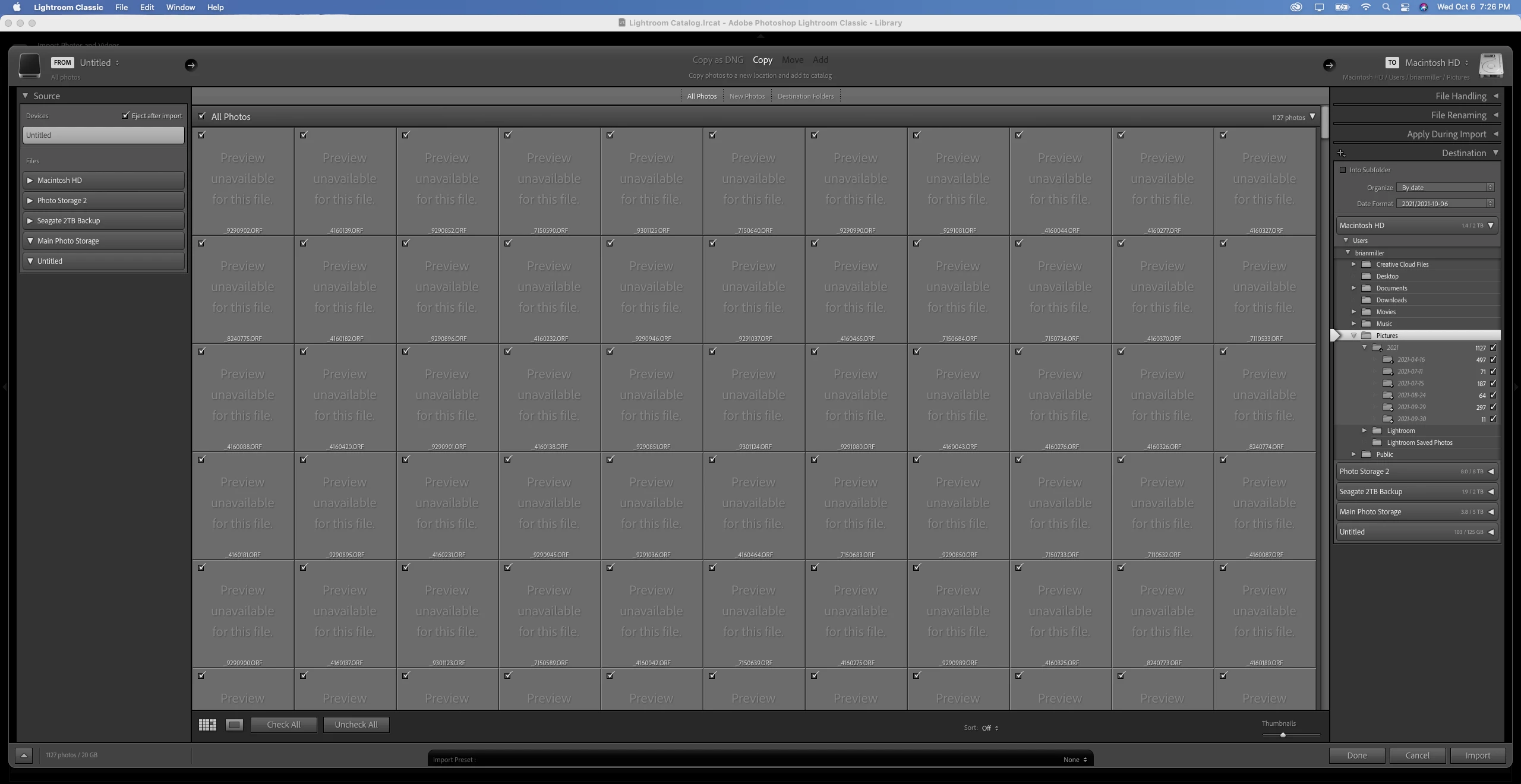
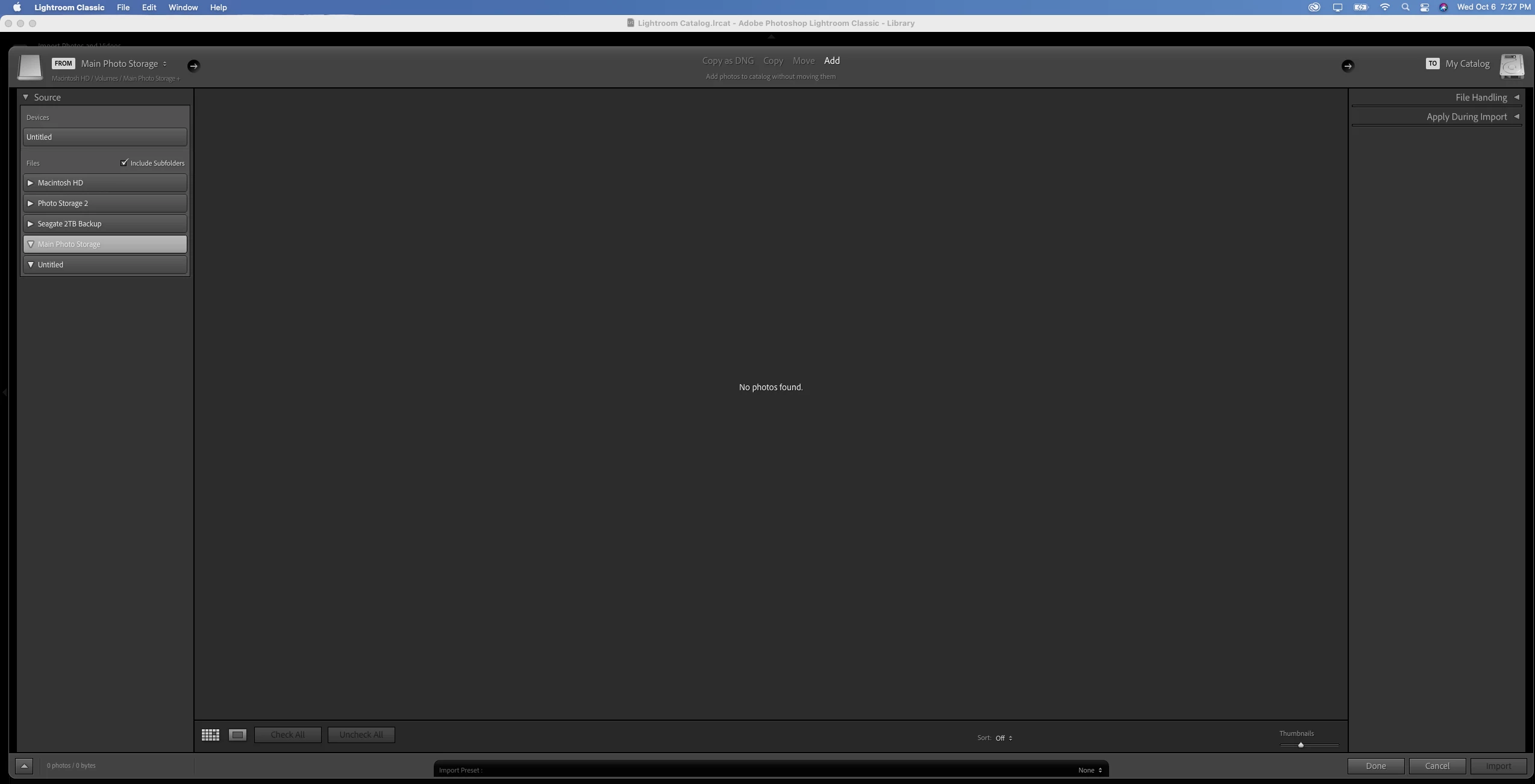
I just installed Lightroom on a new Macbook Pro and connected to my external drives where i store photos.  It is not showing any photos when I try and import them into a new catalog.  When importing from a memory card I get a message saying can't show preview when using Olympus RAW ORF files.  They used to work just fine before.  Attaching screenshots.  Any suggestions?
Correct answer GoldingD

I will make an assumption, new MACOS is newer tan Catalina, old MACOS was older than Catalina. Or at any rate, a pop up message when you first launched LrC on the new computer, was answered incorrectly. Typically FIles and Folders Cyber security not allowing LrC to access removable volumes, including SD cards, and external Hard drives.


For a similar posting , see (ref 1). Solution was fixing MACOS Files and Folders security. Also, see (ref 2)


note: ref 2 not what it used to be content wide, but it does address subject.t?


Ahh, and (ref 3) speaks to the very problem.


(ref 1):https://community.adobe.com/t5/lightroom-classic/lightroom-erkennt-trotz-original-adapter-von-apple-...


(ref 2):How to grant access to folders on macOS Catalina


(ref 3): https://helpx.adobe.com/lightroom-classic/kb/macos-catalina-compatibility.html

3 replies

Participant
February 23, 2025

I have the same issue but with Windows 11. How do I fix it?

CMass
Community Manager
Community Manager
February 24, 2025

Hi @P-51_MSTG3098


Thank you for reaching out! You've commented on an older thread and may not get a response from the OP. May I ask what camera you're using? 


^CM

GoldingD
GoldingDCorrect answer
Legend
October 7, 2021

I will make an assumption, new MACOS is newer tan Catalina, old MACOS was older than Catalina. Or at any rate, a pop up message when you first launched LrC on the new computer, was answered incorrectly. Typically FIles and Folders Cyber security not allowing LrC to access removable volumes, including SD cards, and external Hard drives.


For a similar posting , see (ref 1). Solution was fixing MACOS Files and Folders security. Also, see (ref 2)


note: ref 2 not what it used to be content wide, but it does address subject.t?


Ahh, and (ref 3) speaks to the very problem.


(ref 1):https://community.adobe.com/t5/lightroom-classic/lightroom-erkennt-trotz-original-adapter-von-apple-...


(ref 2):How to grant access to folders on macOS Catalina


(ref 3): https://helpx.adobe.com/lightroom-classic/kb/macos-catalina-compatibility.html

brianm67516523
Participant
October 7, 2021

Fixing the security fixed both issues!  Thank you very much!

GoldingD
Legend
October 7, 2021
 new Macbook Pro

1. Was the previous computer a MAC?

2. What was the MACOS on the old computer. Hunch is older than Catalina.

brianm67516523
Participant
October 7, 2021

Hi.  Yes it was a Mac and I believe it was also Catalina.  I was using it until about 3 months ago.