

1Kissatatimephotography
Known Participant
March 20, 2023
Answered

LRC not opening on Macbook Pro

  • March 20, 2023
  • 2 replies
  • 1735 views

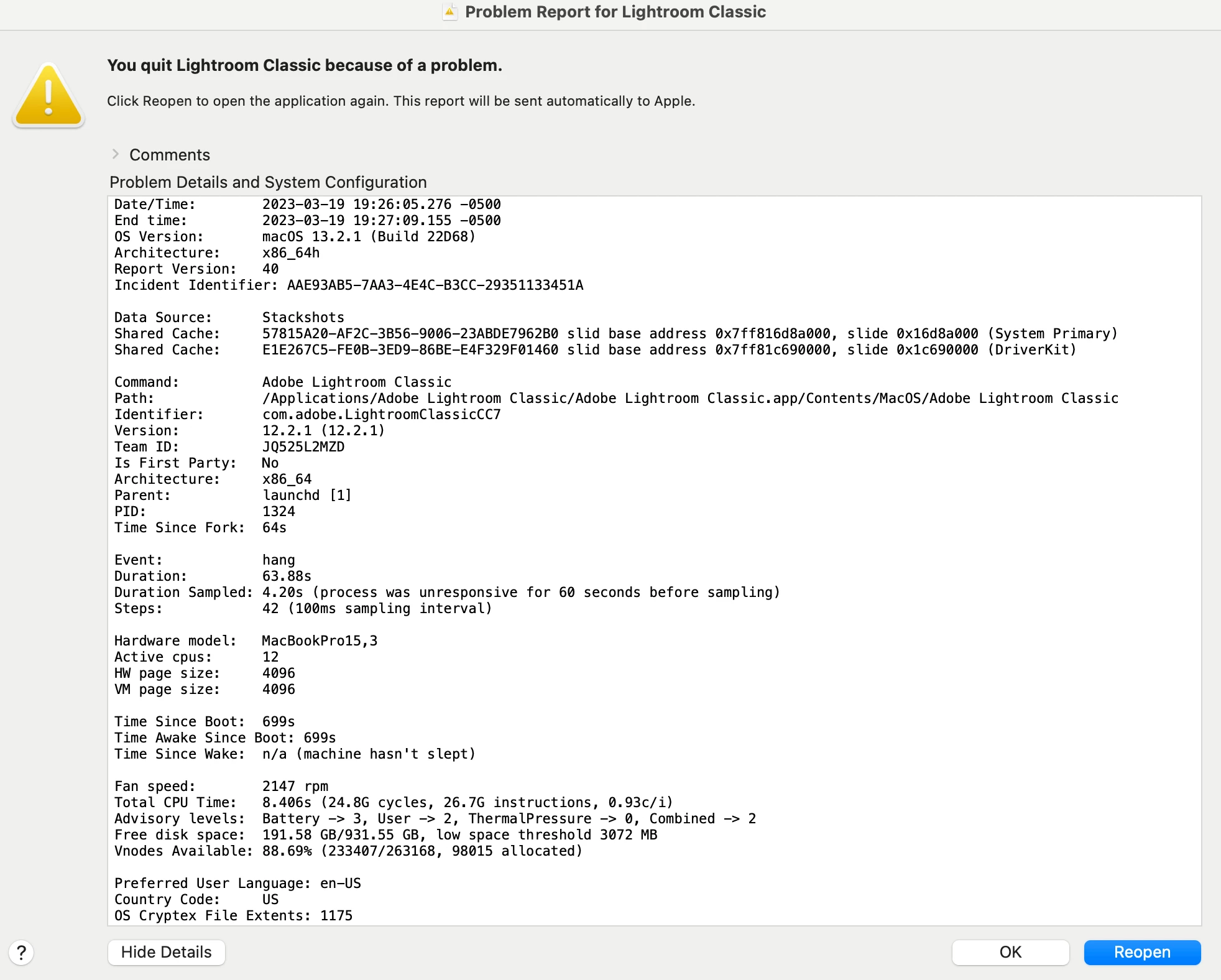
I moved cats today from one hard drive to another, didn't have any issues. Later I tried to open LRC and it keeps spinning the beach ball. I have tried deleting plist files and rebooting 3 times now. I have alos tried uninstalling LRC and re-installing LRC and same beach ball. I have tried removing hard drives associated with LRC to just open in clean space and still beach ball. 
This topic has been closed for replies.
Correct answer GoldingD

Thank you, I followed this and deleted caches. Rebooted and still not working. UGH!


Their are additional solutions to look at in that link. the one about CACH is just mentioned for most currently is because that one has helped multiple members. have you looked at the other solutions?


See:

Troubleshoot unexpected behavior in specific user account | Adobe


and


Basic troubleshooting steps to fix issues in Lightroom Classic | Adobe

2 replies

GoldingD
Legend
March 24, 2023

Update


A specific CACHE file may be at fault:


Mac: /Users/<username>/Library/Caches/Adobe/Lightroom/metrics.json

Win: C:\Users\<username>\AppData\Local\Adobe\Lightroom\Caches\metrics.json 


see : https://www.lightroomqueen.com/community/threads/lrc-cache-causing-crash-metrics-json-but-why.47409/


GoldingD
Legend
March 20, 2023

Log into the MAC using a different account, typically the ADMIN account. Does LrC behave during this test?


1Kissatatimephotography
Known Participant
March 20, 2023

I set up an additional account and LRC worked fine to open up. So what does that mean?


1Kissatatimephotography
Known Participant
March 20, 2023

Are you looking at the User Path:


or the System:


And for the correct user??


I don't seem to have library in the same location.