
Answered

Open Preferences from the Edit menu. Go to the Presets tab. About halfway down is a button called 'Show Lightroom Develop Presets'. Press this to go to the Settings folder which contains all the presets added to Lightroom. 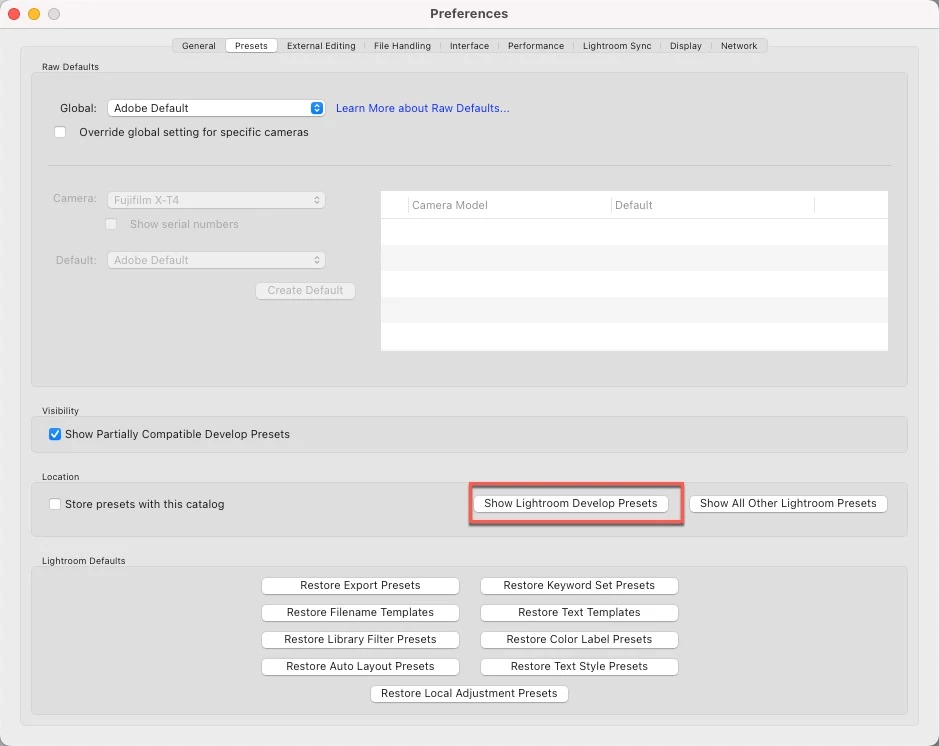
Already have an account? Login
No account yet? Create an account
Enter your E-mail address. We'll send you an e-mail with instructions to reset your password.


 AdChoices