
Known Participant
January 31, 2021
Question

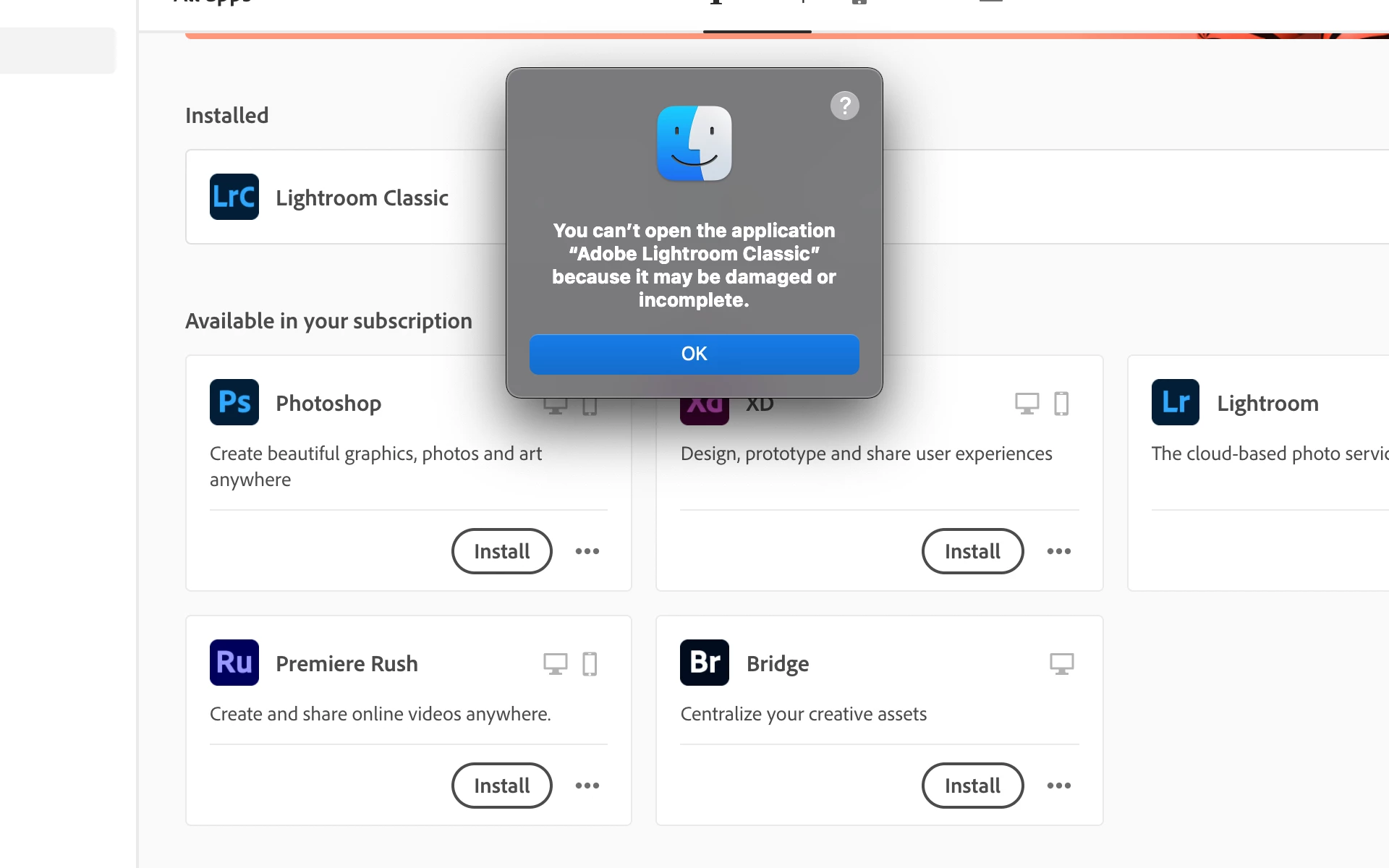
M1 Mac Installation issue - "damaged or incomplete" Error Message

  • January 31, 2021
  • 3 replies
  • 4615 views

During installation on my M1 MacBook Pro, I get the following error message - You can't open the application "Adobe Lightroom Classic" because it may be damaged or incomplete.  


Is Adobe aware of this or are they doing anything to fix it?
This topic has been closed for replies.

3 replies

KR Seals
Community Expert
Community Expert
February 1, 2021

If Rosetta is working ok for you, just uninstall and re-install through the Adobe Creative Cloud app.

Ken Seals - Nikon Z 9, Z 8, 14mm-800mm. Computer Win 11 Pro, I7-14700K, 64GB, RTX3070TI. Travel machine: 2021 MacBook Pro M1 MAX 64GB. All Adobe apps.
Participant
October 30, 2023

this doesn't work either and LR is my main photo app


Community Expert
January 31, 2021

Have you run any software before that needs Rosetta2 to run? Lightroom Classic is not yet compiled natively for the M1 processor. Perhaps try making sure that Rosetta is installed before opening Classic. I think running it from the finder should also trigger the install.

Geoff the kiwi
Community Expert
Community Expert
January 31, 2021

First check permissions for folders and files is granted to Lightroom in System Preference/Security and Privacy.. 

Known Participant
January 31, 2021

Unfortunately, that is a bit difficult to do as this is happening during a clean/initial install of LrC