Answered
Map Module In Lightroom Classic (New Install)
My Map Module comes up looking like this with a map in the bottom right. That doesn't look like the pictures in the book, and I can't select images around or under the map. Any comments??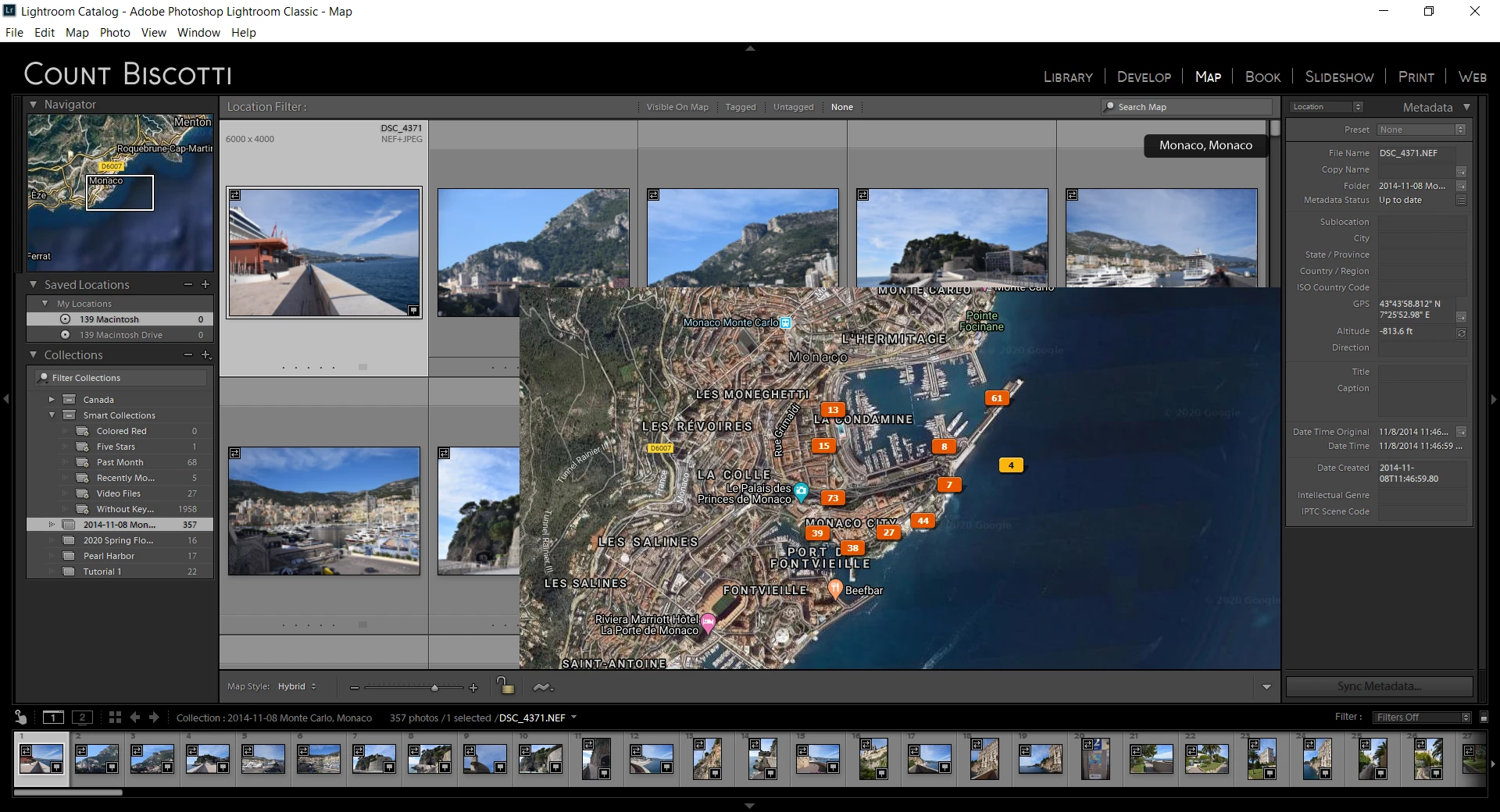

My Map Module comes up looking like this with a map in the bottom right. That doesn't look like the pictures in the book, and I can't select images around or under the map. Any comments??
Your Lightroom preference file may be corrupt. Try resetting as described in Method 1 at https://helpx.adobe.com/lightroom-classic/help/setting-preferences-lightroom.html
If above doesn't resolve issue try disabling GPU acceleration in Performance tab of Lightroom Preferences.
Already have an account? Login
Enter your E-mail address. We'll send you an e-mail with instructions to reset your password.
 AdChoices