Participant
January 2, 2023
Question

Masking not working

  • January 2, 2023
  • 4 replies
  • 533 views

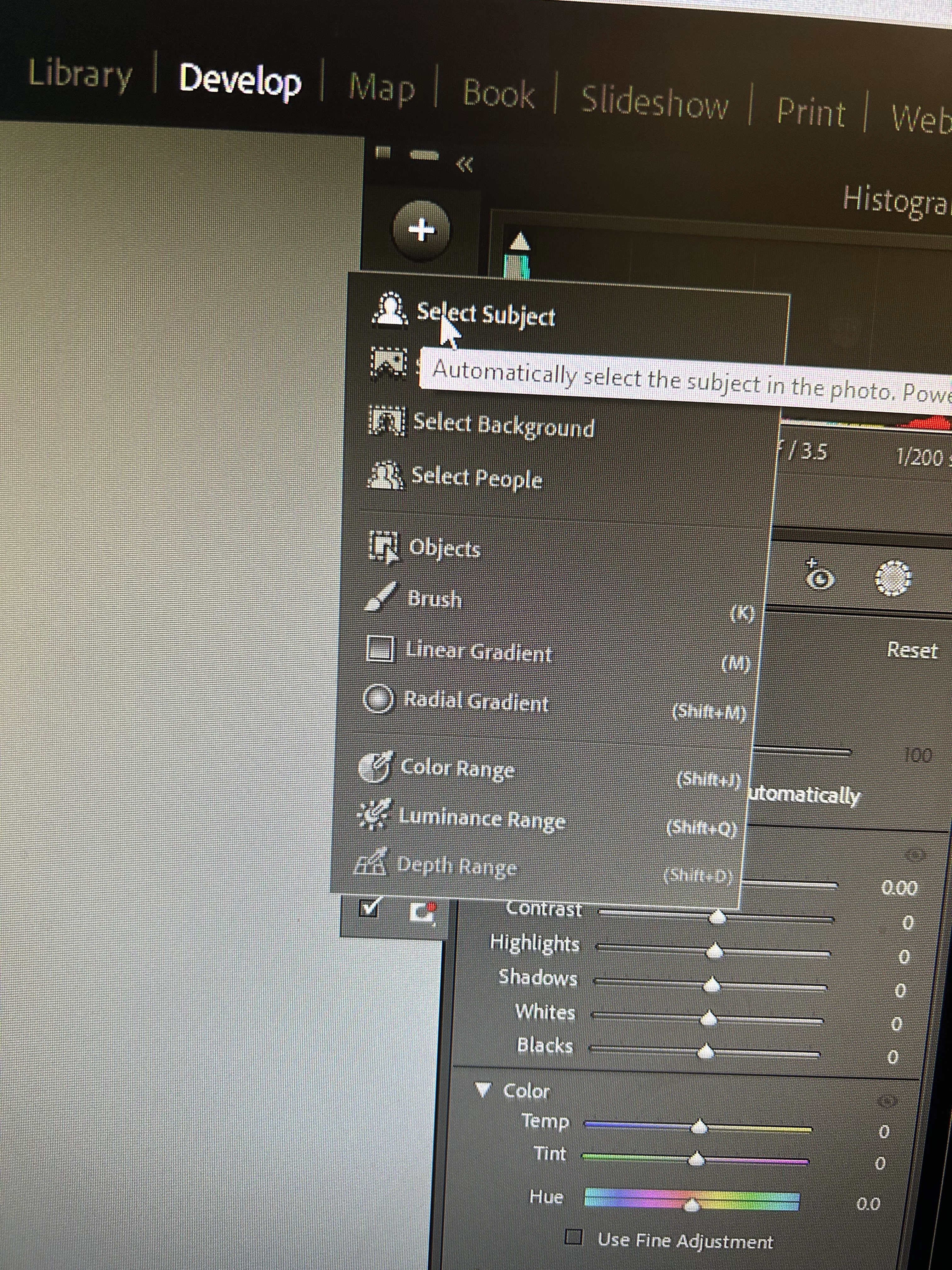
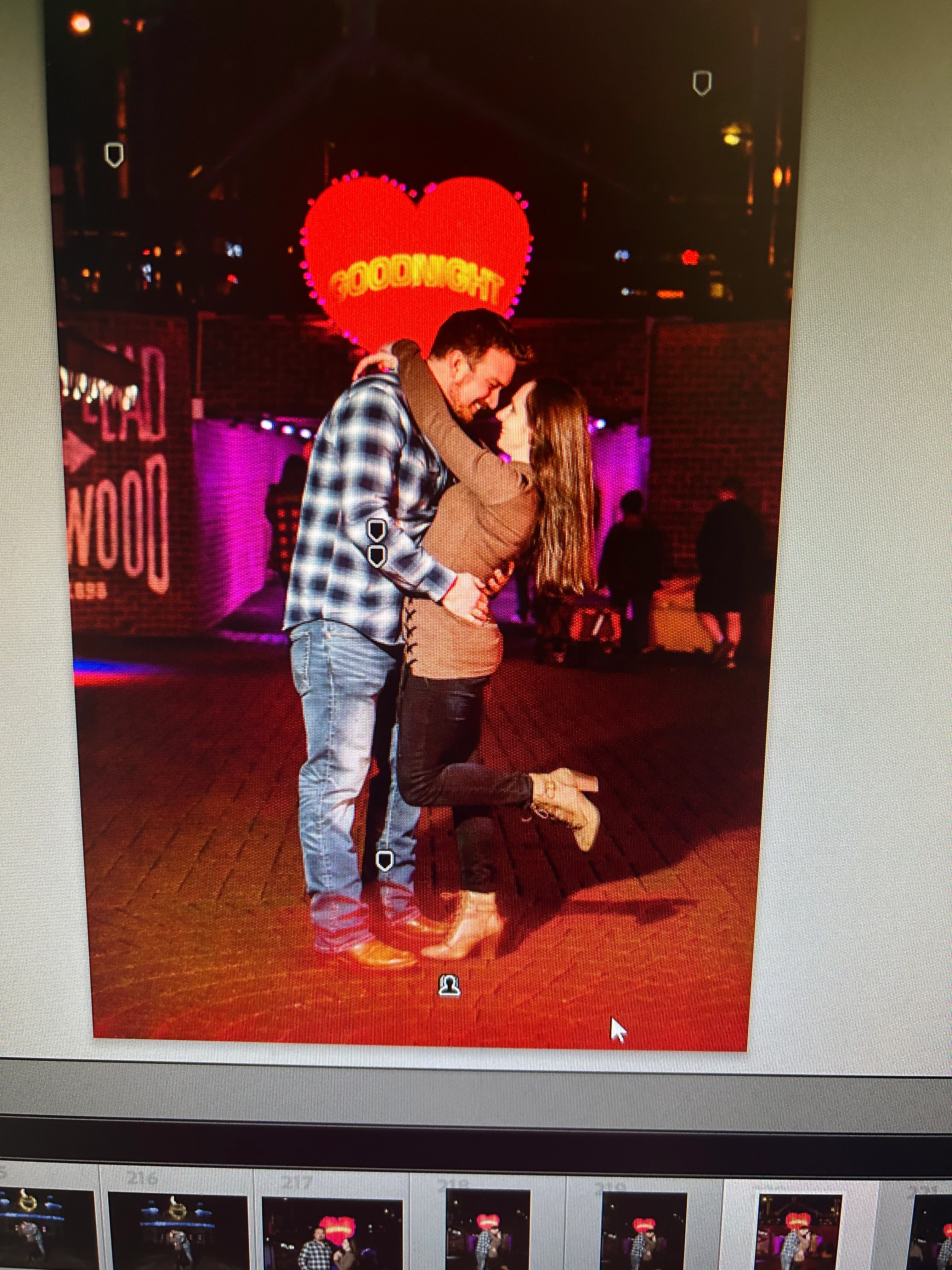
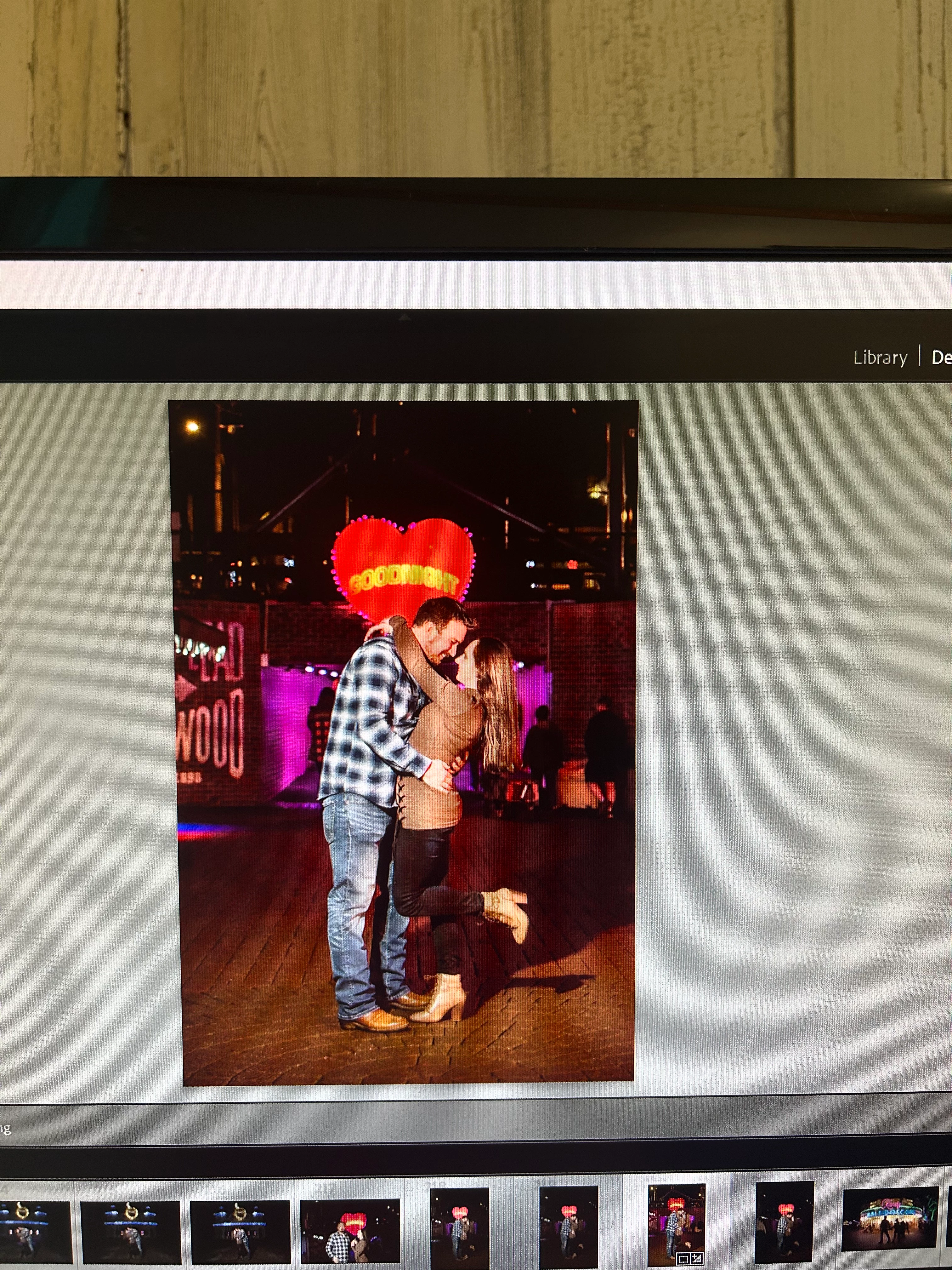
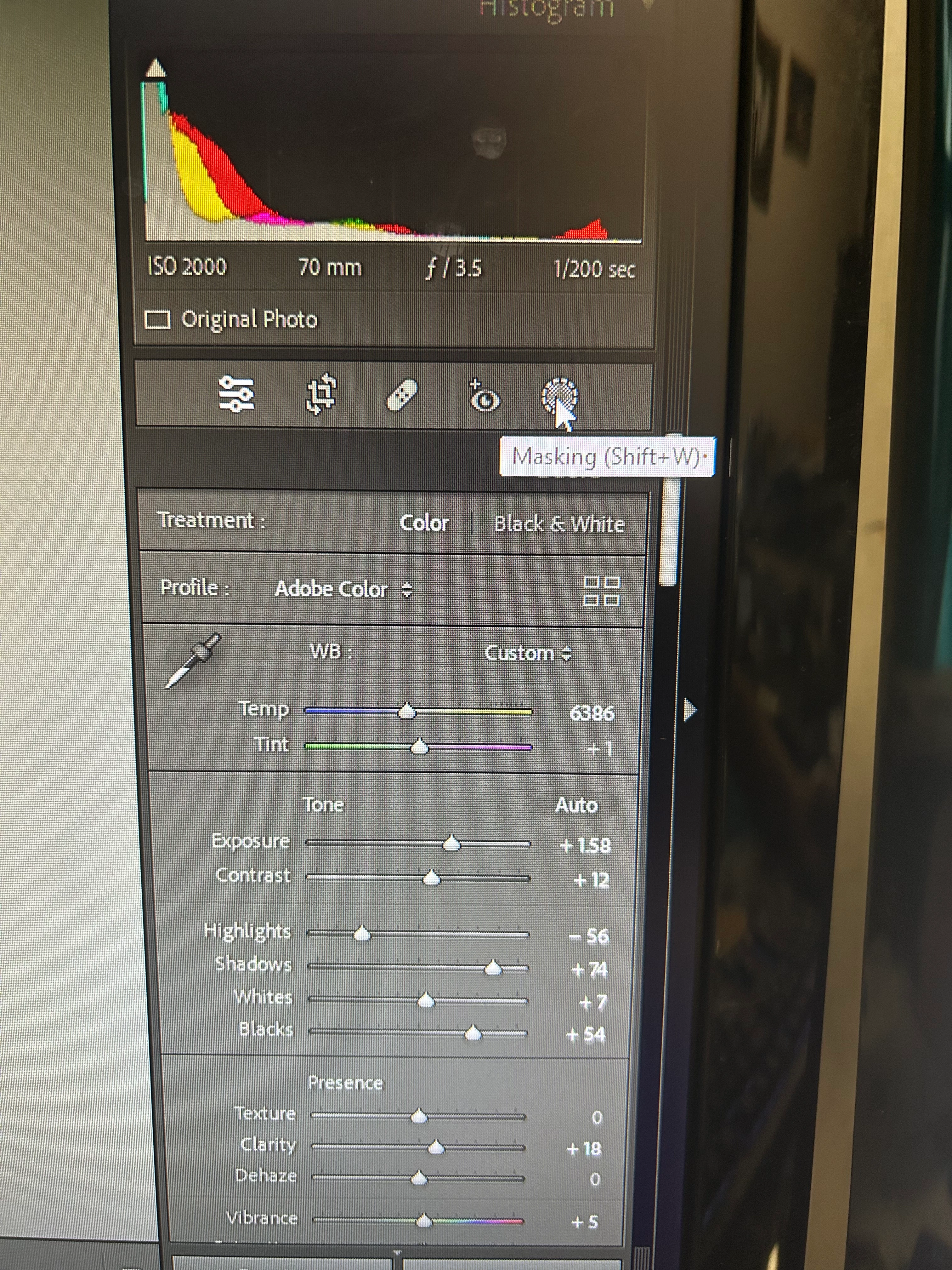
My masking has not been working since I updated my LRC. Only the brush and linear gradient work. If I select the subject masking, it doesn't recognize the subject, and it cannot detect a sky in ANY image. I use masking a lot so this is definitely affecting my turnaround times and work flow. I have YouTubed ans googled and have not been able to find a resolution. I uninstalled LRC and reinstalled it, and I'm getting the same issues. Can anyone help me!?
This topic has been closed for replies.

4 replies

Participant
January 3, 2023

I updated my AMD Graphicscard drivers to the latest version and it worked for me! (Version 22.11.2)

Thanks for the Help!

TheDigitalDog
Inspiring
January 2, 2023

Review your system's specs and compare them to the minimum requirements document*: https://helpx.adobe.com/lightroom-classic/system-requirements.html 

*last revised at the Max 2022 release.

Author “Color Management for Photographers" & "Photoshop CC Color Management/pluralsight"
Participant
January 2, 2023

I do have the same issue. I even intalled an older Lightroom Version but results are the same. Often it does not even detect Persons or if it does, it just gives me a huge box around the person.

I have a RX6600 Graphics Card, a Ryzen 5 and 32GB of DDR4 Ram.

The only thing i did to my system was giving it 16 GB more Ram, so instead of 2x8GB i now have 4x8GB.

dj_paige
Legend
January 2, 2023

@OliverGSdid you not even read the message immediately above yours? The question is asked about how much video RAM (or VRAM) do you have.

Participant
January 2, 2023

I did read it and added even more information that might be helpfull.

The RX6600 has 8GB of VRAM

JohanElzenga
Community Expert
Community Expert
January 2, 2023

What are your hardware specs? You need 2GB VRAM minimum.


-- Johan W. Elzenga