Participating Frequently
Oct 3, 2026 5:29 AM UTC
Question

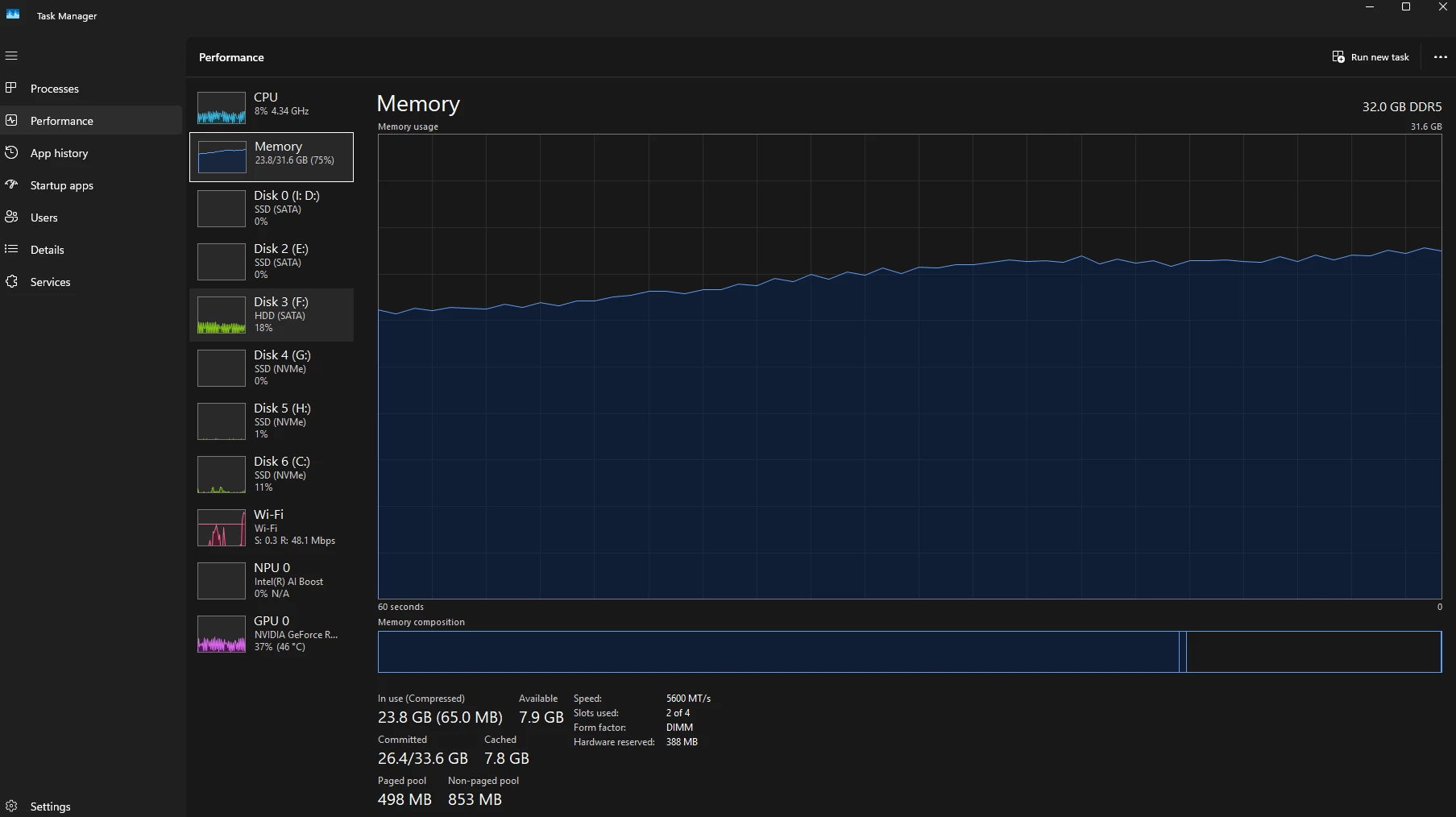
Memory continues increasing during automatic Assisted Culling and eventually crashes in LrC 15.6

 ​@Anshul_Saini I am still experiencing this on 15.6.

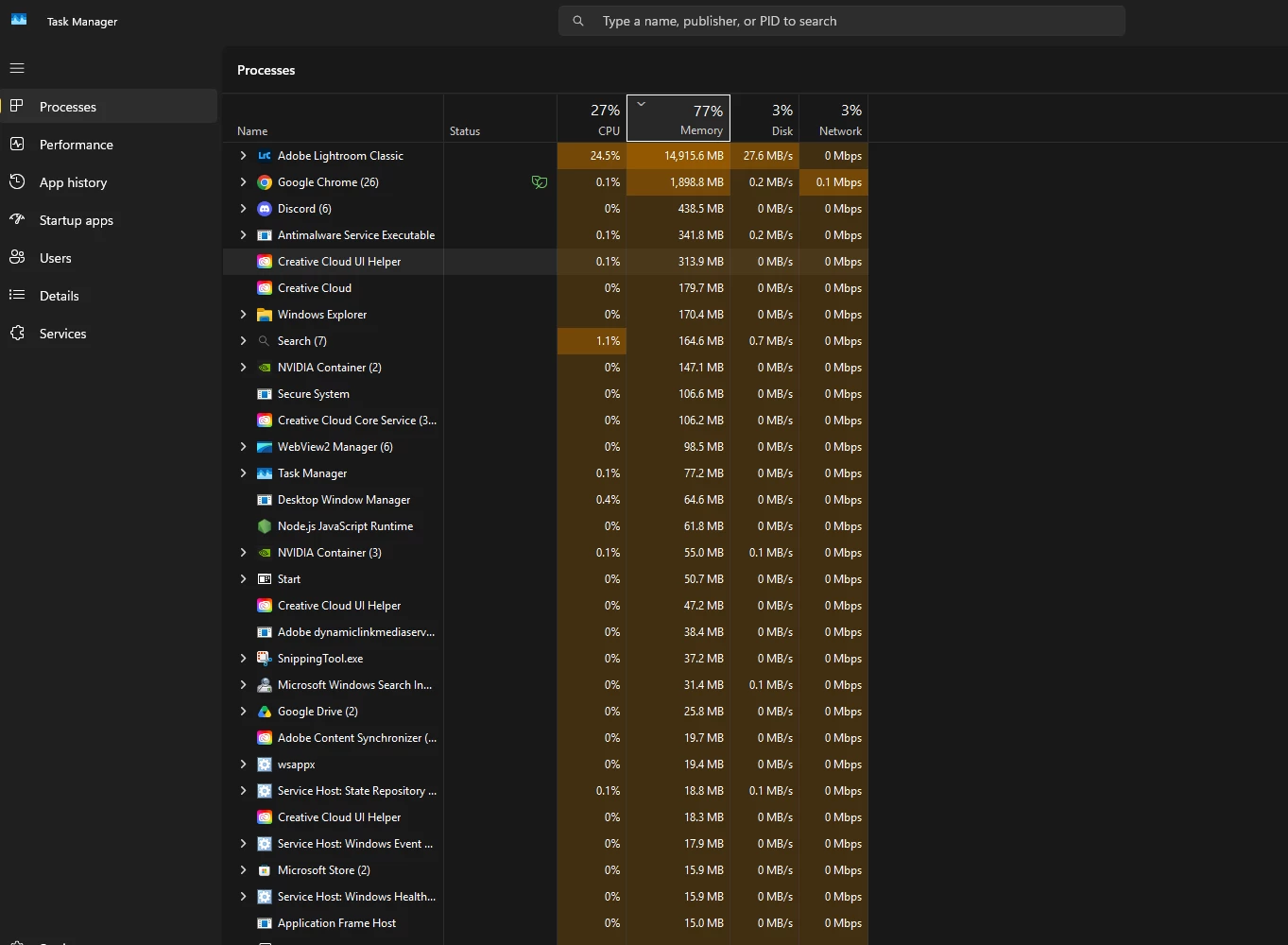
I have Assisted Culling enabled on my library, there are ~120k images left to process. Memory is not being released, and Lightroom will keep eating it until it crashes. There is no reason why it would need in excess of 20GB to process a queue.
 

    6 replies

    glohaAuthor
    Participating Frequently
    Nov 12, 2026 11:10 PM UTC

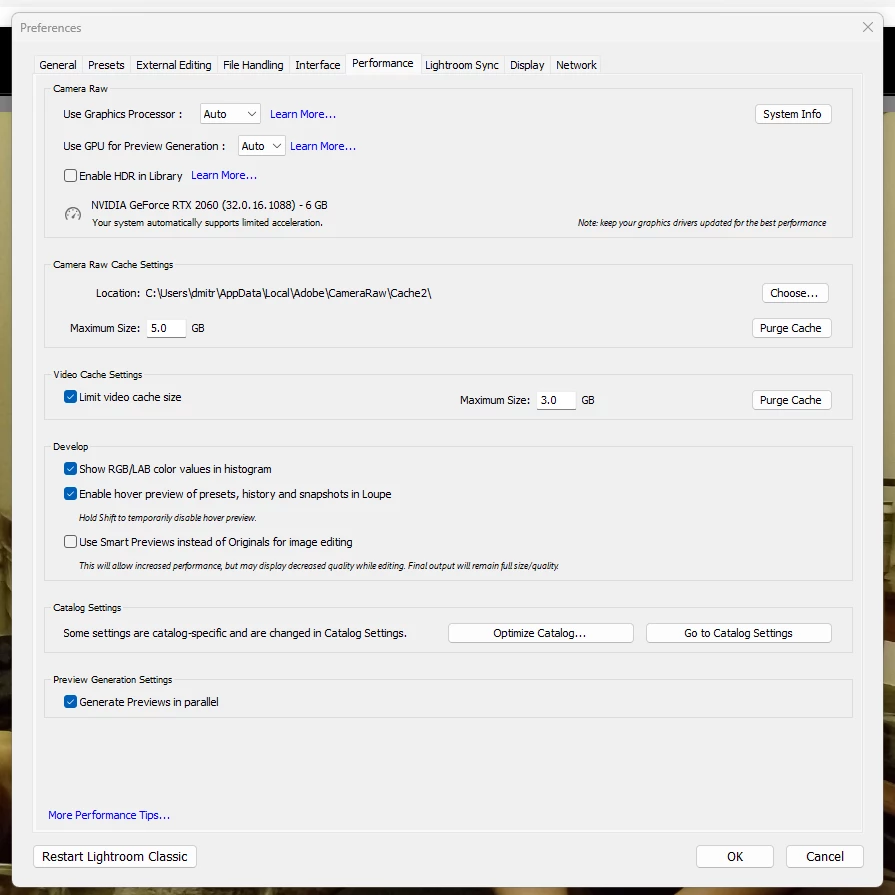
    This is still an issue in LrC 16.0. My graphics drivers are up to date. 

    Mark this as a bug. It’s been persistent and I’m not the only one reporting it. It’s been well over a month since I last reported this and there have been zero updates. This new version, like the last, does nothing to address this issue. It’s not a bug, tell me how to resolve it. If it is a bug, mark it as such and let the team know. It is infurating to have to wait this long. 


    Translate
    glohaAuthor
    Participating Frequently
    Oct 17, 2026 5:35 PM UTC

    ​@Anshul_Saini Do you have any updates on your end? I see that this has not been flagged as a bug, why is that?

    This has been a known bug, dating back to at least 15.4. We were told there were fixes in 15.5 AND 15.6. And there are other reports of the same issue by other users :


    Is there any additional information I can provide to assist in this process?

    Translate
    glohaAuthor
    Participating Frequently
    Oct 6, 2026 11:20 PM UTC

    ​@Anshul_Saini Logs attached 

    Translate
    Anshul_Saini
    Community Manager
    Community Manager
    Oct 7, 2026 2:37 PM UTC

    @gloha, thank you for reattaching the logs and Diagnostic Report. I’ve shared the information with the product team for further investigation, and I’ll follow up if they need anything additional from you.

    One more thing that would be helpful: when Lightroom Classic crashes, do you see the Adobe Crash Reporter?

    If so, please submit the crash report and enter the same email address associated with your Adobe Community account in the email field. That will help us locate the crash report on our backend and share the relevant crash information with the product team.

    Thanks again for helping us investigate this. Please let me know if you need any further help.

    Best,
    Anshul Saini

    Translate
    glohaAuthor
    Participating Frequently
    Oct 7, 2026 7:03 PM UTC

    No, crash reporter doesn't show up. That has been the case with all crashes I've had related to this issue. On both 15.5 and 15.5

    Translate
    Anshul_Saini
    Community Manager
    Community Manager
    Oct 6, 2026 8:00 PM UTC

    Hi @gloha,

    Thanks for the additional information. I’ve separated your Lightroom Classic 15.6 report from the original 15.5 Assisted Culling crash thread so we can investigate the behavior you’re still seeing in 15.6 separately.

    Unfortunately, during that move, the attachments from your original reply did not carry over to this new post.

    Could you please reattach the Diagnostic Report and logs you previously provided, if you still have them? Once I have those, I can get this 15.6 behavior in front of the team for further investigation.

    Sorry for the inconvenience, and thanks for your help with this.

    Best,
    Anshul Saini

    Translate