



elianoimperato
Known Participant
April 6, 2026
Question

Minimal previews on import

  • April 6, 2026
  • 2 replies
  • 54 views

Hi,

after Camera Bits decided to discontinue Photo Mechanic Plus I decided to build my archive with LrC. To not take more space I thought to import all my photos using the minimal previews size.

When I tried to find some photos without the hard drive connected to the computer I found a lot of empty previews:
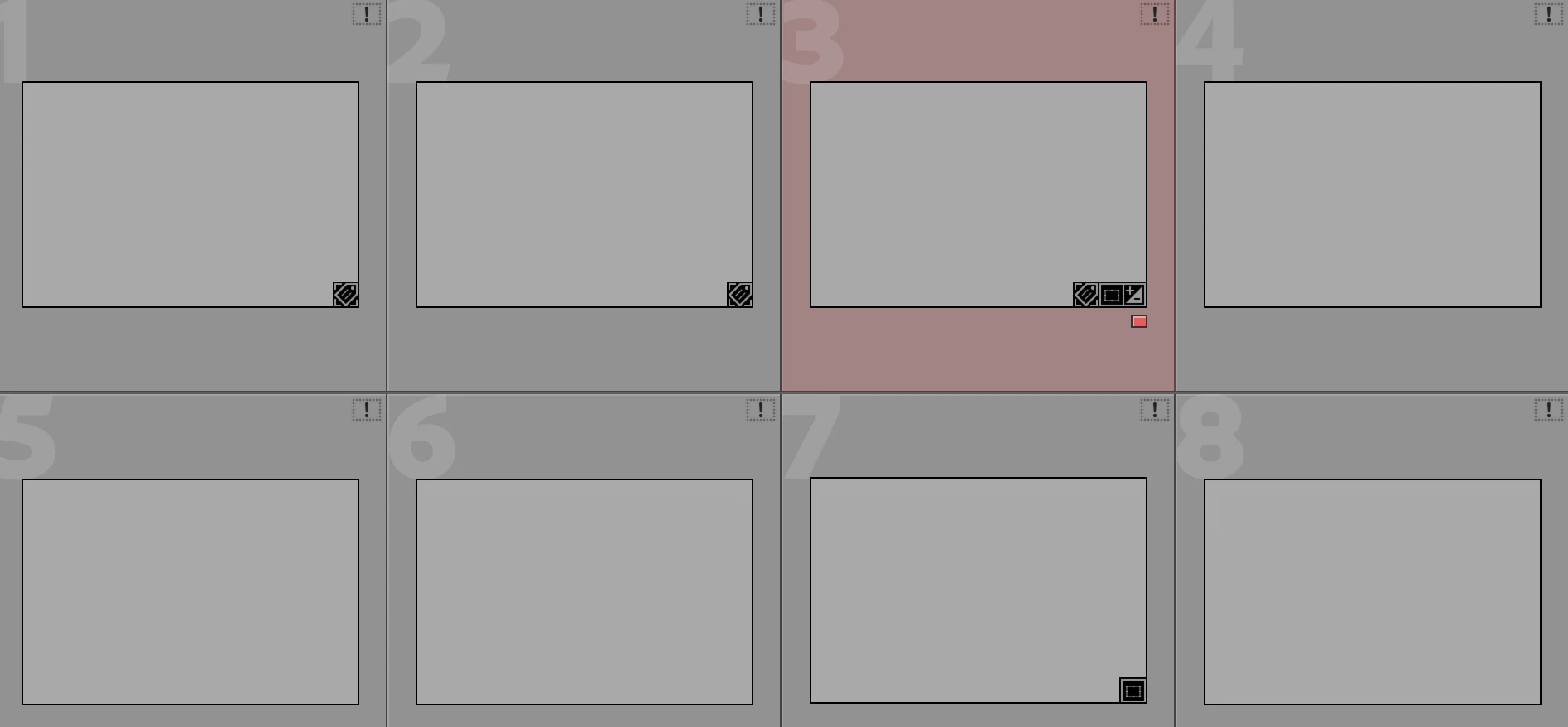
Did LrC built the minimal previews or not?

I read that LrC generate every time the previews when you’re looking at the library, but when we’re importing and we’re waiting all that time is not generating the previews? If I’ve thousand of photos I can’t look at all the library to be sure that LrC will generate the previews.

    2 replies

    Jim Wilde
    Community Expert
    Community Expert
    April 7, 2026

    Did LrC built the minimal previews or not?


    If should have done. After the import was completed was the grid populated with previews or blanks?

    Assuming you did see the previews, then they should still be available even when the image is offline. The only wrinkle is that, IIRC, minimal previews are meant to be automatically and silently replaced with Standard previews, but I’m not certain how that procedure would work if the volume is taken offline before the Standard preview is built. I can try to do some testing of that, but in the meantime you could consider using the “Embedded Preview” option during import (which uses the camera-embedded jpeg). I use that all the time, it gives more or less the same view that you would have got using Photo Mechanic.

    elianoimperato
    Known Participant
    April 7, 2026

    After the import was completed the grid was populated with previews but I couldn't check all the files I’ve imported. Also if LrC will automatically replace the “minimal previews” with the “Standard” there’s no reason we can't see the minimal? For what I waited when I’ve imported the photos? Why LrC give me the choice to use the “minimal previews” if I can’t see them later?

    I didn’t want to use the “Embedded Preview” because the minimal previews are taking less space. Unfortunately LrC save the embedded jpg generated by the camera but doesn’t has the possibility, like Photo Mechanic Plus had, to choose the size of the previews (I used 1680px).

    In any case, I can’t rebuild the previews using the “Embedded Preview” option for all the thousands of photos I’ve already imported.

    Conrad_C
    Community Expert
    Community Expert
    April 7, 2026

    If you want previews to be available when the volume containing the source is offline, generate Smart Previews for those images. I am not sure if normal previews are supposed to be available when the source’s volume is offline. 

    Ian Lyons
    Community Expert
    Community Expert
    April 7, 2026

    @Conrad_C 


    If the previews were built, then they should be available when the originals are offline. 


    Regarding the OPs issue, I suspect that he did not give sufficient time for the previews to be built after importing use ng Minimal previews.

    elianoimperato
    Known Participant
    April 7, 2026

    Exactly, if I waited during the import process because LrC was building the previews I should see them also if the files are offline.