Misnumbering files upon import
k so here's what it's doing: During IMPORT I set the file renaming like I always do : 4 digit event # as the prefix (1234_xxxx.CR3) and then set the sequence from 0001
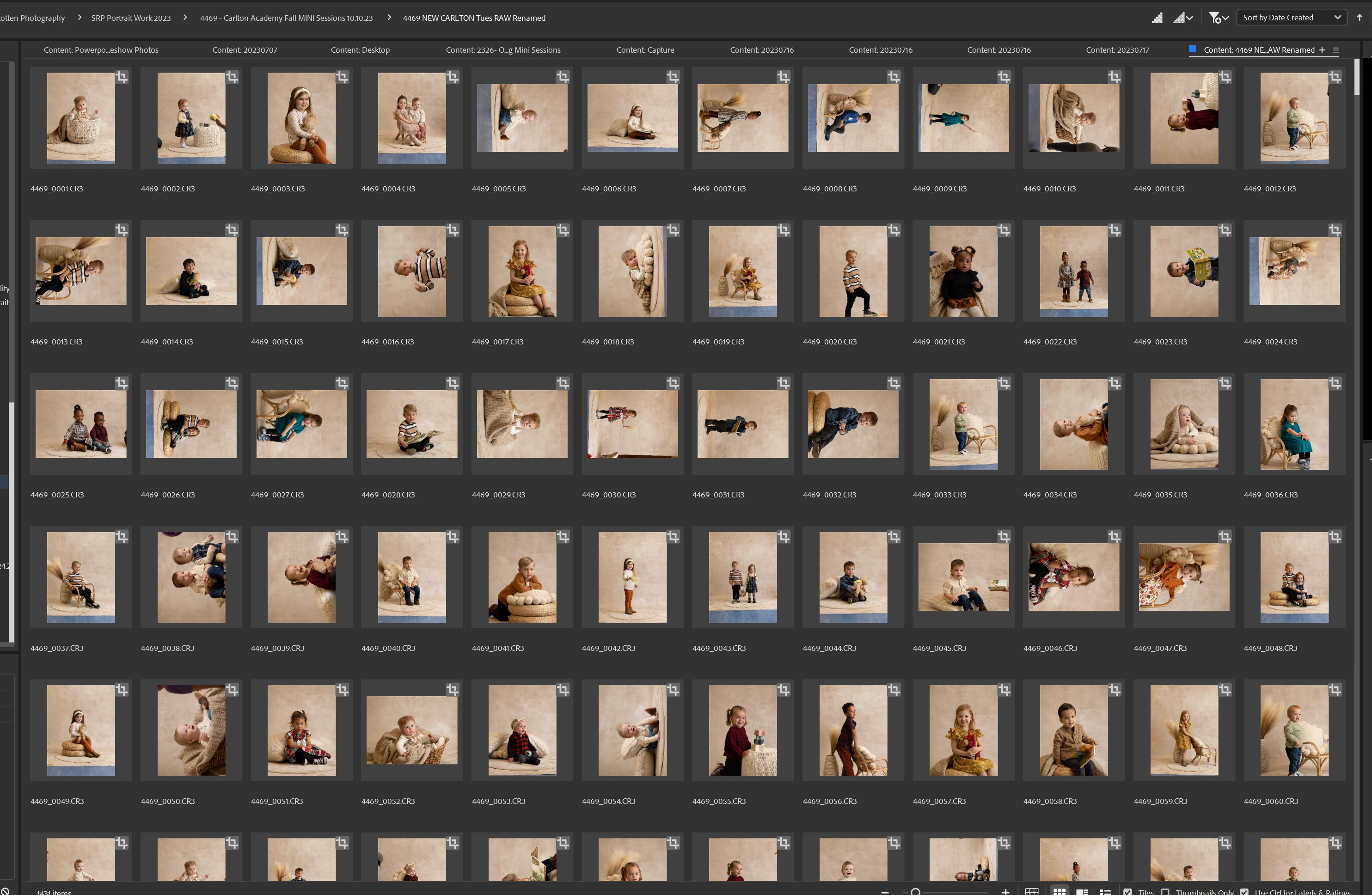
I set the subfolder location and name Ensure the SORT is set to Capture Time Hit IMPORT Now here's what it is doing...It is naming the files completely randomly and out of order. The thumbnails appear to be in capture time order but the new files names are not. I have done the quick fix (thanks Melissa Tash) in BRIDGE to Batch RENAME and now that won't even fix the issue. See the second image below to see what BRIDGE is doing to the images now...not only are they out of order but they jumble them around and flip them... I am pulling my hair out trying to troubleshoot this issue. Anyone have any ideas? This issue used to happen randomly throughout my season. Now it is happening every time. I don't know what's changed...
1st image is Lrc 2nd images is what BRIDGE is doing to the files after a batch rename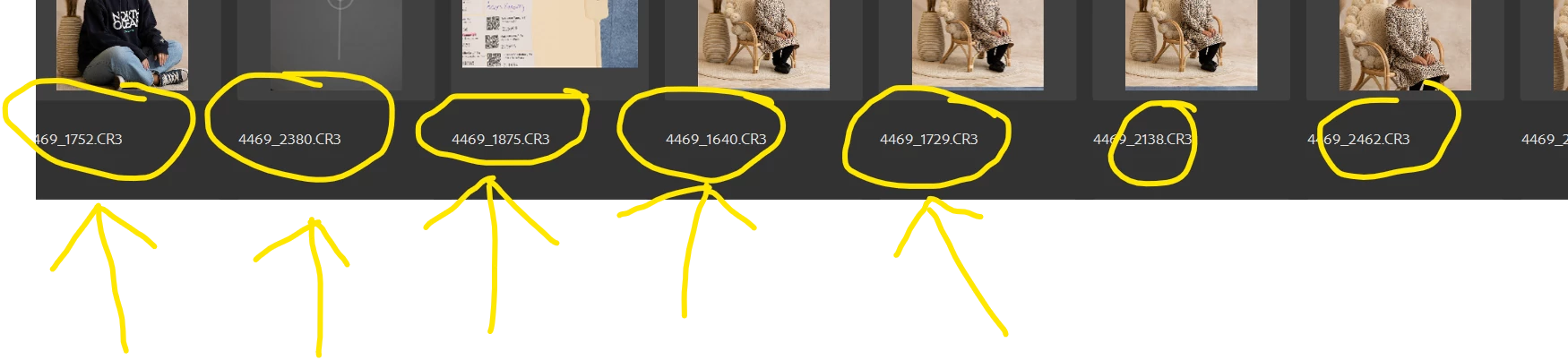
 AdChoices