


Answered
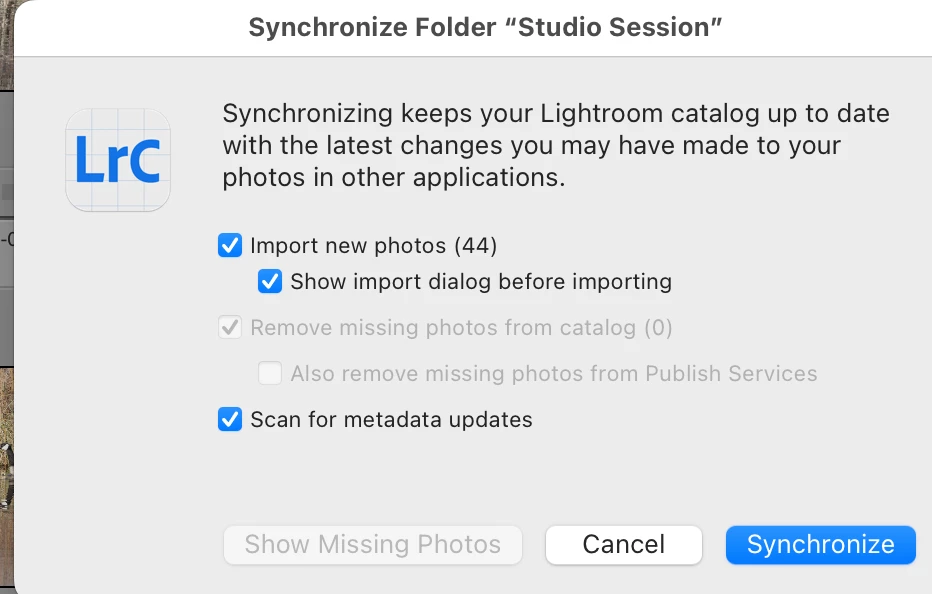
Missing Import Dialog during folder syncing
Hi Adobe Team,
Please bring back the option to show the import dialog before syncing a folder in Lightroom Classic. It used to let me review and select subfolders or specific images before importing — now it auto-imports everything without warning.
This makes it harder to stay organized and slows down my workflow. It was a small feature, but incredibly useful. A toggle in the Sync Folder dialog would solve this.

 AdChoices