
Participating Frequently
October 20, 2025
Question

Missing or damaged files?

  • October 20, 2025
  • 2 replies
  • 77 views

Hello, all. 
I just bought a brand new Canon R6 Mk II. 

I've been on several shoots and I'm bothered my some anomaly on two of them. 
when I import photos into Lightroom classic the import goes well, all thumbnail previews look good. However, when I go to the develope tab, about one third of them show this:
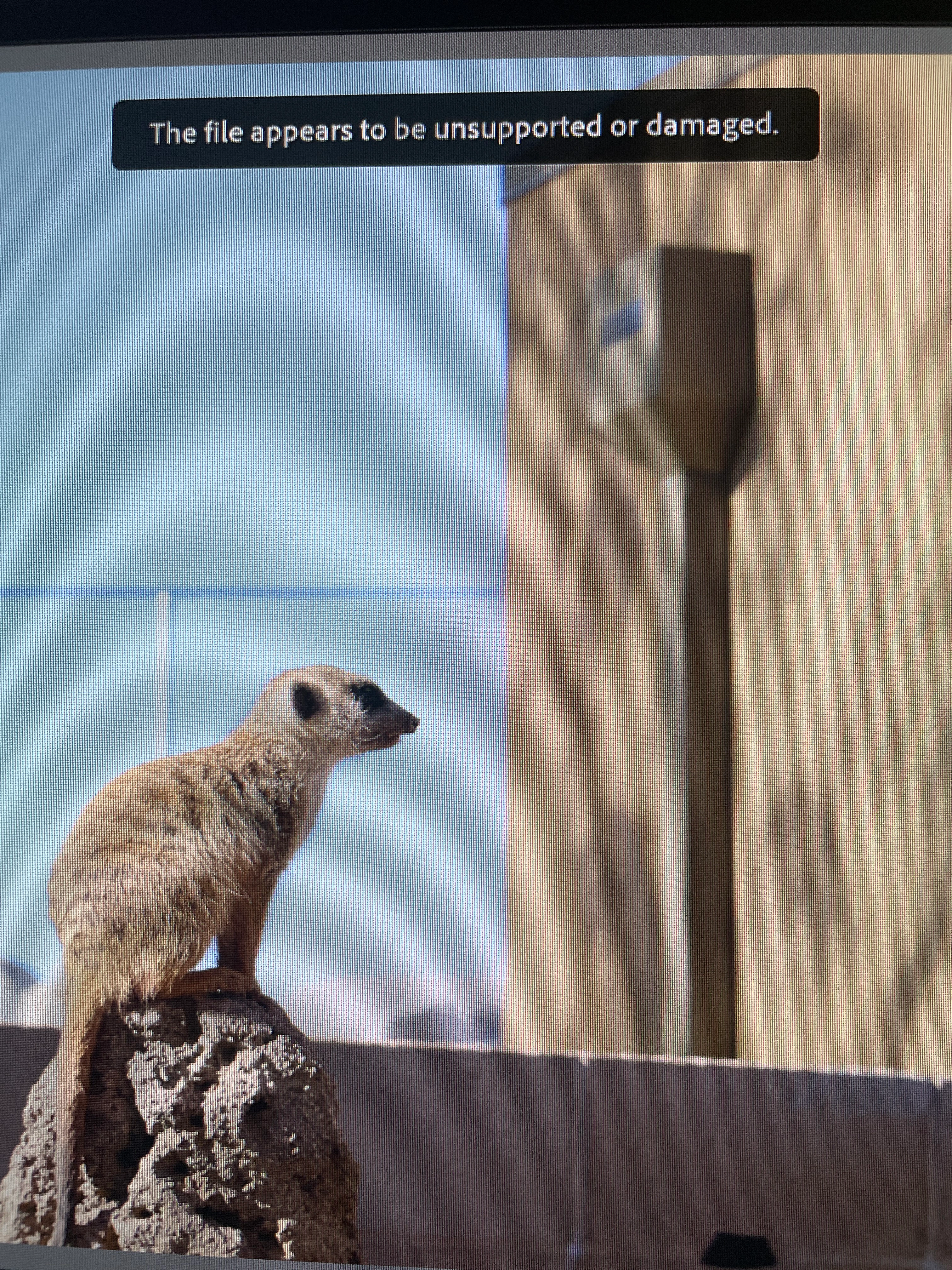
 the file appears to be unsupported or damaged. 
the image can't be edited like this. There is nothing different about these files. They were all imported together from the same SD card. 
this is the second time this has happened. The loss of these images is devastating. What is going on? 

2 replies

Ian Lyons
Community Expert
Community Expert
October 21, 2025

They were all imported together from the same SD card. 


I suggest that you try a different sd card.

dj_paige
Legend
October 20, 2025

Since some of these photos are fine, I would say that the "unsupported" part of the error message is not relevant. Which means that these photos are corrupted.


How do photos get corrupted? Via hardware malfunction somewhere. It could be any piece of hardware that touches the photo, starting with camera, camera card, transfer hardware, hard disk, computer memory. An easy thing to try is to re-import the photos from a camera card to a different hard disk, using different hardware. But if that doesn't turn up a problem, the other possibilities are harder to diagnose. 


Please tell us the version NUMBER of your Lightroom Classic. Please tell us the version NUMBER of your operating system. We need version NUMBERs and not words like "latest" or "up-to-date".


Why does your title indicate the photos could be missing?