
Answered
modify page layouts in Book Module
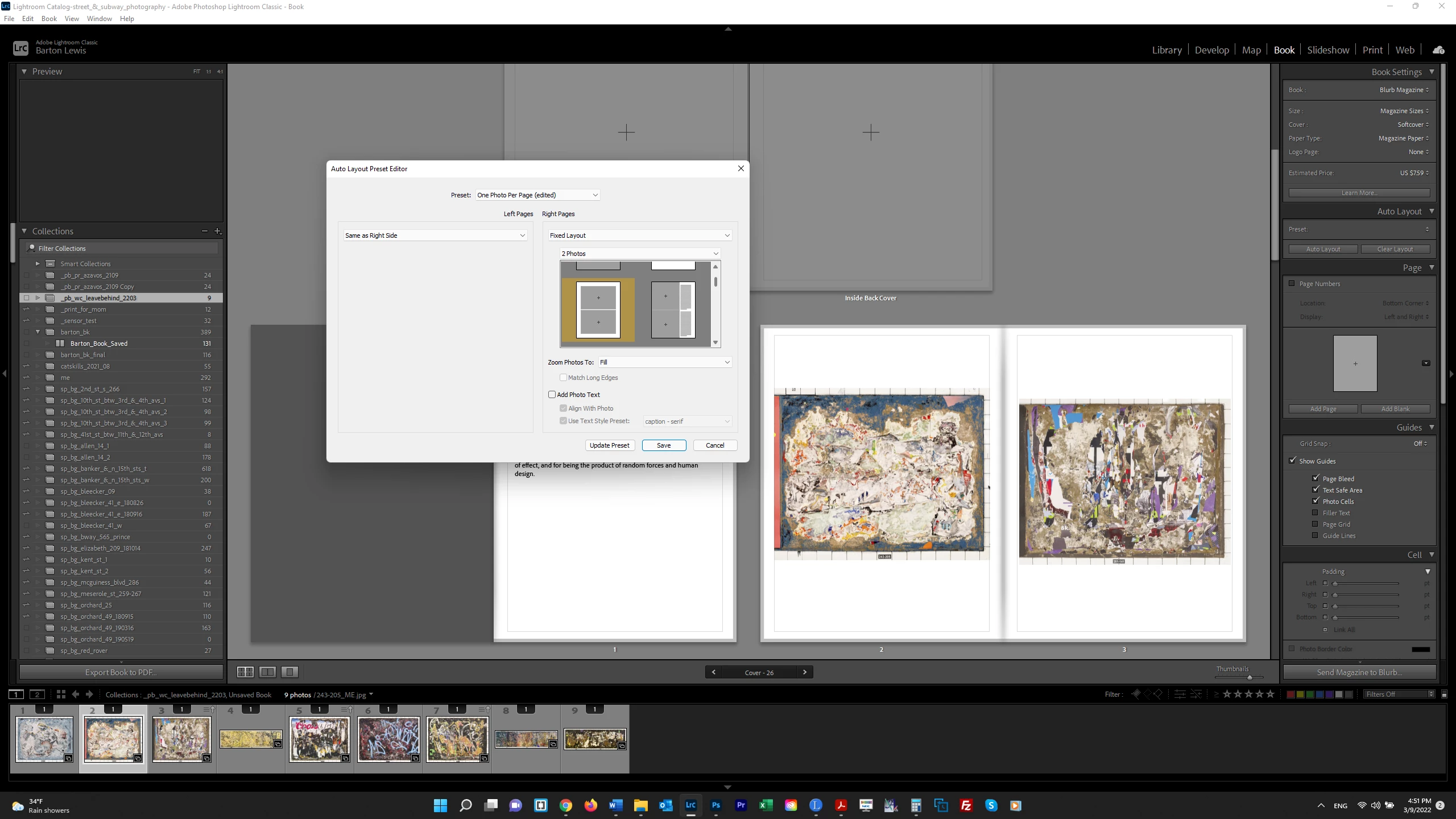
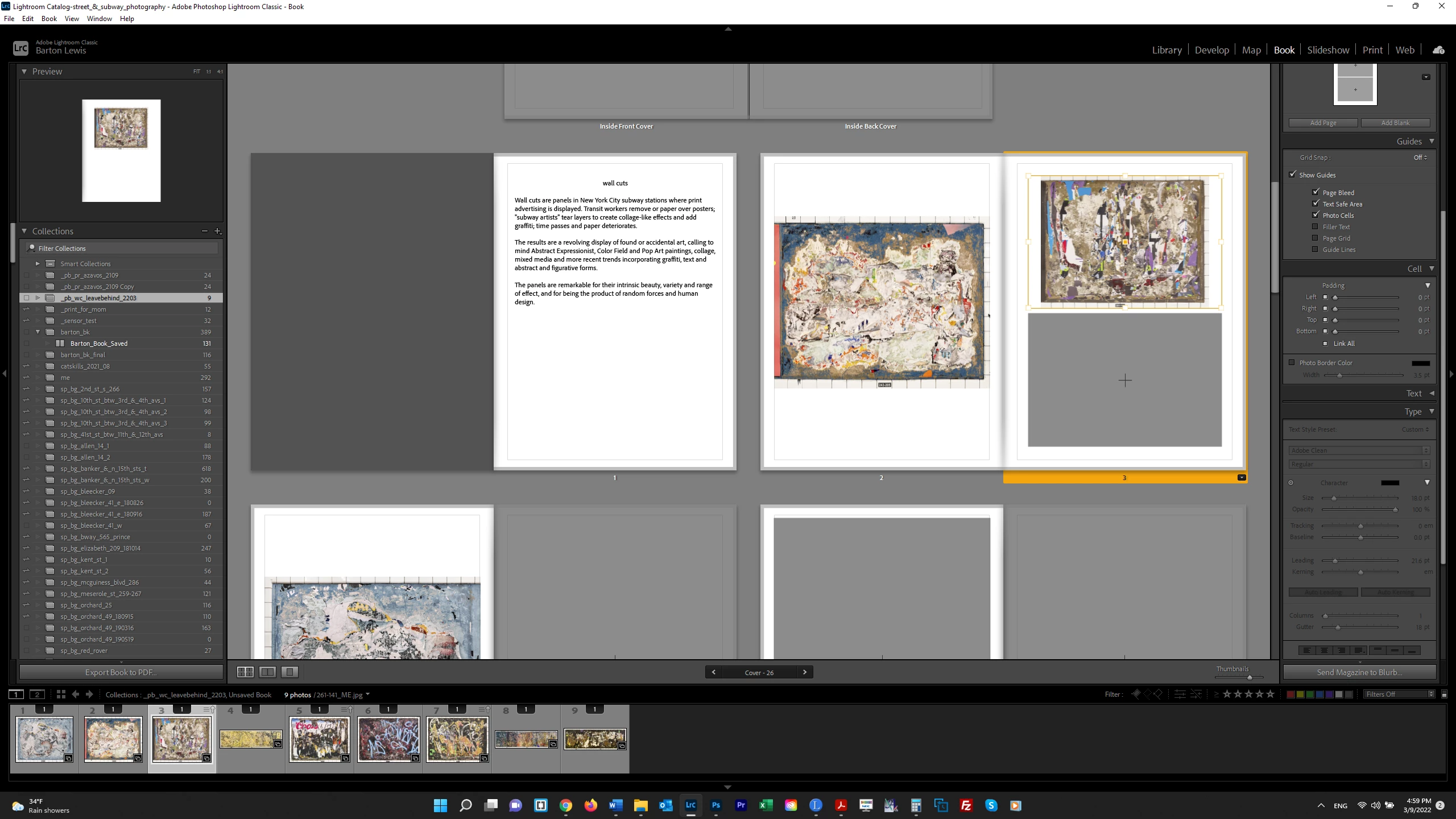
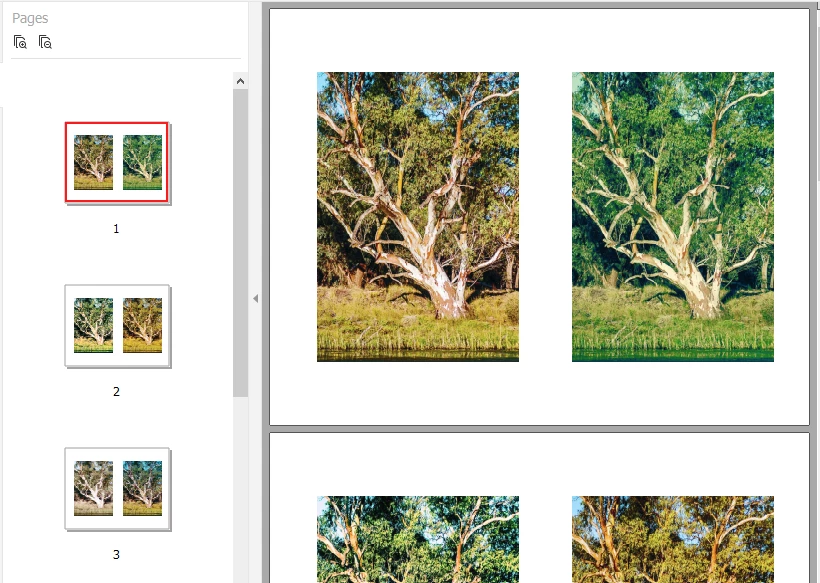
I want to create a simple magazine out of 8 1/2 x 11 paper, folding the paper and stapling it in the middle, with an image on each side of the page. I don't see an otpion to change to Landscape format, so I edited the Auto Layout as shown below for 2 photos per page. But in the 2nd screenshot, the page I changed is showing the image standing on its side. I need to rotate it but don't see an otpion for that. Is there a better way to achieve my desire result? Thank you.
 AdChoices