
Dear all, I am trying to figure out how to edit only a section of my image in monochrome black and white for more black and white control rather than just taking down the saturationand keep other areas of my image in color in Lightroom classic. How do I do that? Thanks you in advance for any help.
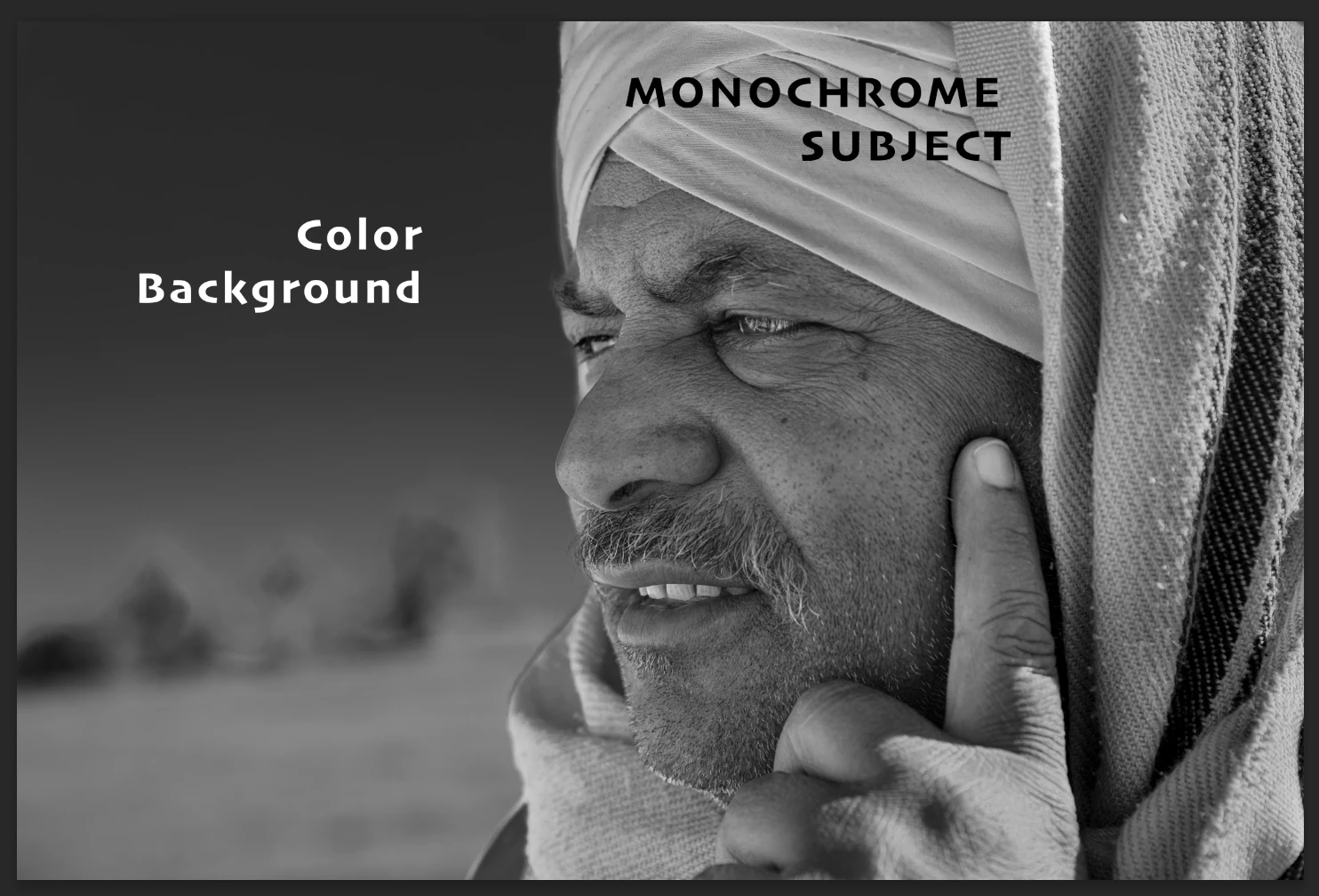
If you have masks for these two sections, you can work with all the tools available for the mask, which is a lot more than just saturation.
What do you miss? What is you target?
--- Got your issue resolved? Please label the response as 'Correct Answer' to help your fellow community members find a solution to similar problems. ---
when I do masks one for the portrait and one for the background, choose the portrait and try to change to Adobe monochrome profile it changes the entire picture into black and white monochrome rather then juust the portrait...