


Participating Frequently
April 19, 2026
Answered

Moving images to an external disk

  • April 19, 2026
  • 1 reply
  • 41 views

I have re-organised Lightroom, moving all my images to an external drive and they are now sitting in well structured folders. All seems to have gone well, but when I look at Lightroom, it says there are 483 photos in the old folder Users/myname/Pictures. However, there are no thumbnails of these images.
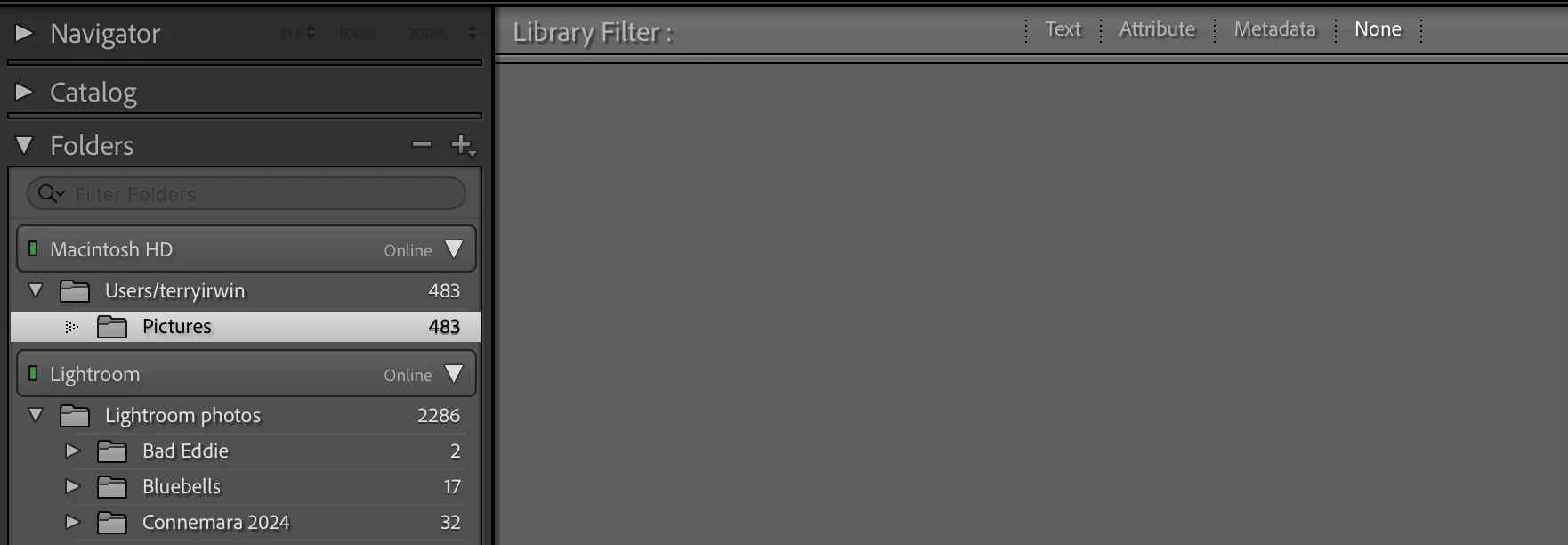
 

When I look in the folder using Finder (I’m on a Mac), I cannot see an images. This screenshot shows my Pictures folder:
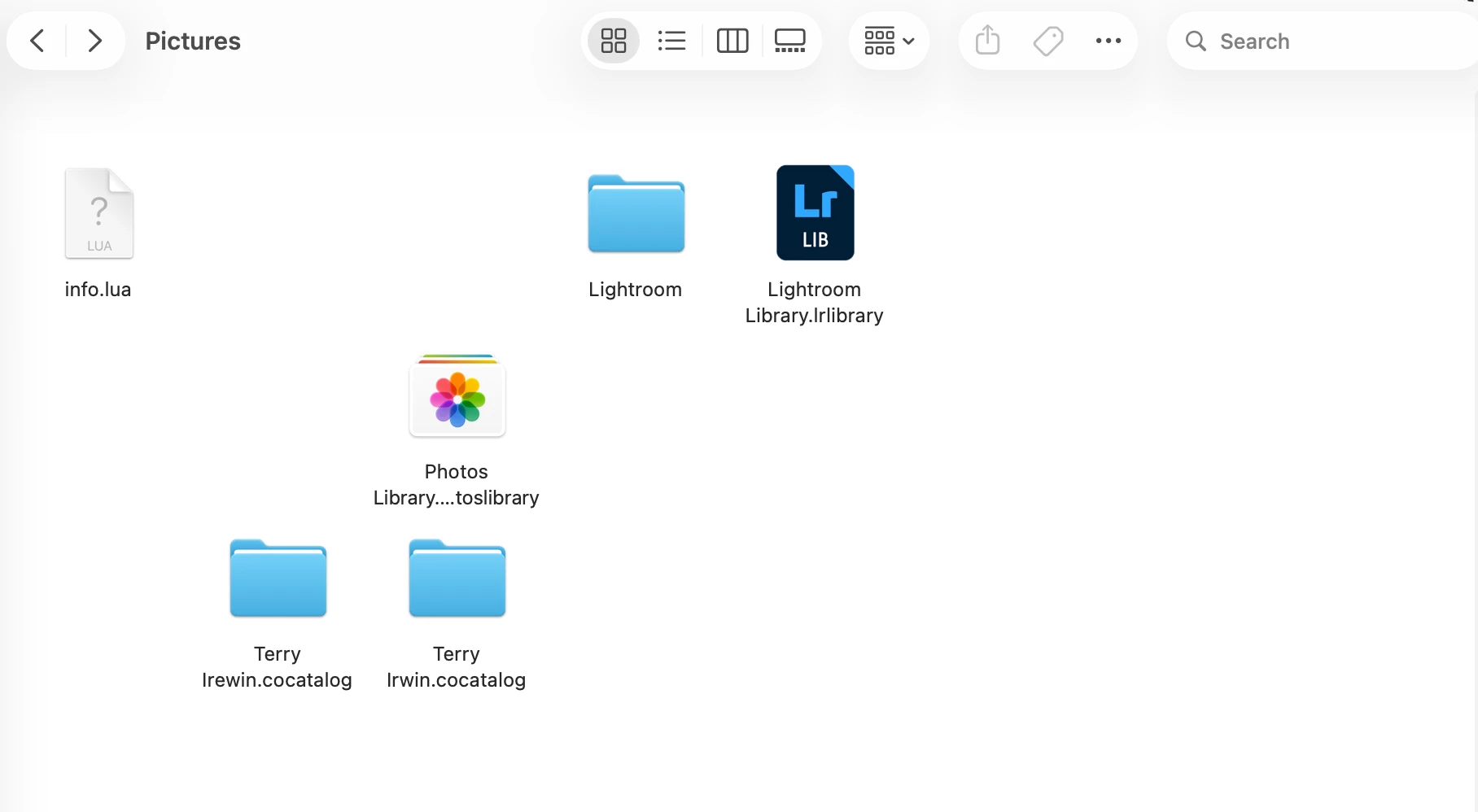
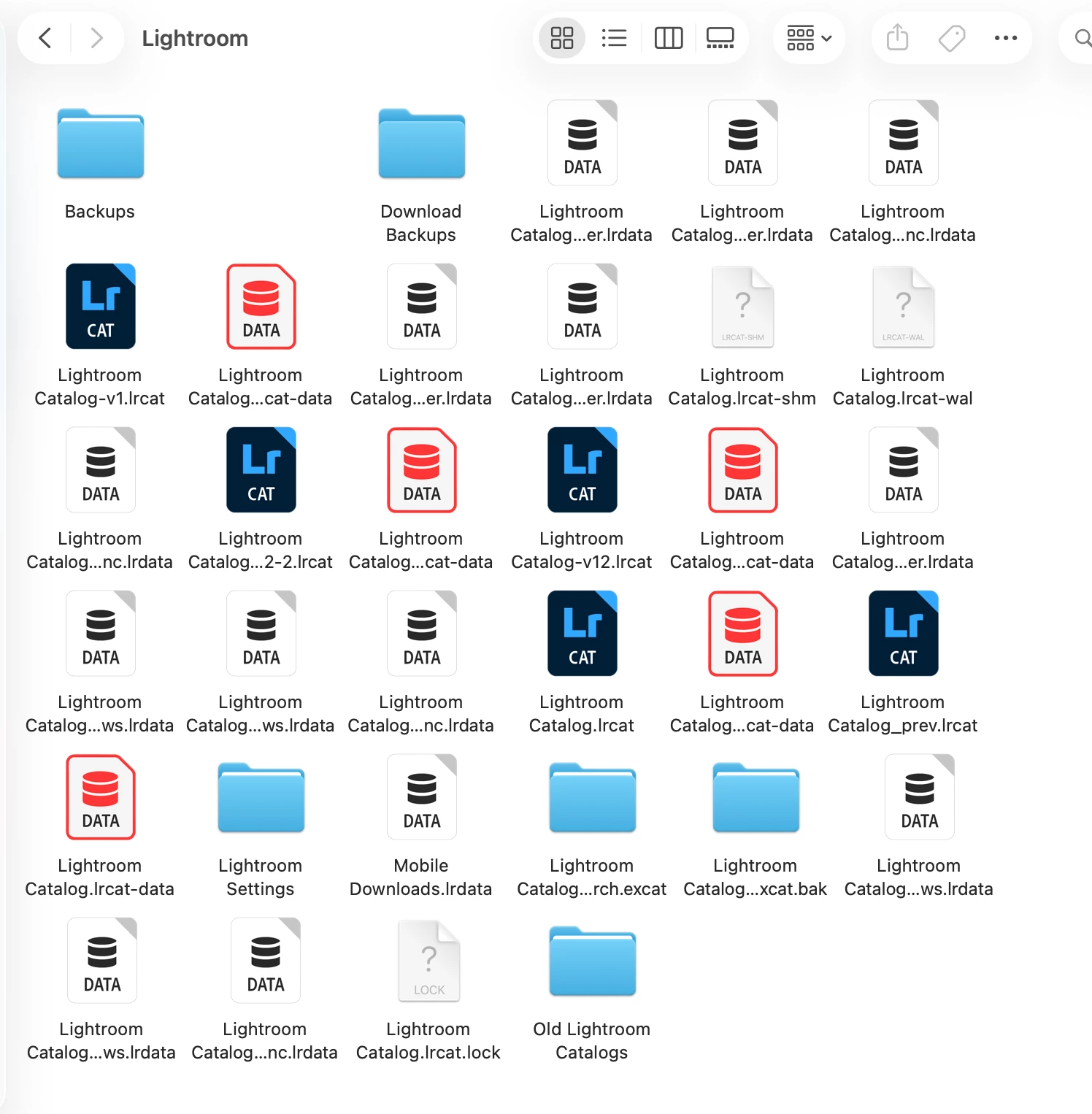
and here the Lightroom sub-folder
Any advice would be much appreciated.


Thanks

Terry

    Correct answer JohanElzenga

    Your catalog folder contains a lot of old catalogs, but in icon view it is impossible to tell which is which. Set the folder view to List, so you can see the full names and the modification dates. The catalog with the most recent modification date is most likely your current catalog. The name also shows at the top of the screen when Lightroom is running. Quit Lightroom. Now look for a file with the same catalog name, followed by Helper.lrdata. Delete that file and then start Lightroom. Does that solve this issue?

    1 reply

    JohanElzenga
    Community Expert
    JohanElzengaCommunity ExpertCorrect answer
    Community Expert
    April 19, 2026

    Your catalog folder contains a lot of old catalogs, but in icon view it is impossible to tell which is which. Set the folder view to List, so you can see the full names and the modification dates. The catalog with the most recent modification date is most likely your current catalog. The name also shows at the top of the screen when Lightroom is running. Quit Lightroom. Now look for a file with the same catalog name, followed by Helper.lrdata. Delete that file and then start Lightroom. Does that solve this issue?

    -- Johan W. Elzenga
    Participating Frequently
    April 21, 2026

    Great, that seems to have solved the problem. Many thanks.