


moving photos (lightroom images) to new hard drive and preview not working
Hi I'm unable to save anything because I have no hard drive space (and I wasn't able to change the save location in LR/PS). I had thought the default save location was on my pc but everything has been saved to one drive/pictures. So I bought an external hard drive and was planning to move all my files there to make space.
From my understanding I need to move my catalog (and photos?) so I have space on my internal harddrive. So far I've copied every file in the lightroom folder except for one of the previews.lrdata as I get the below message.
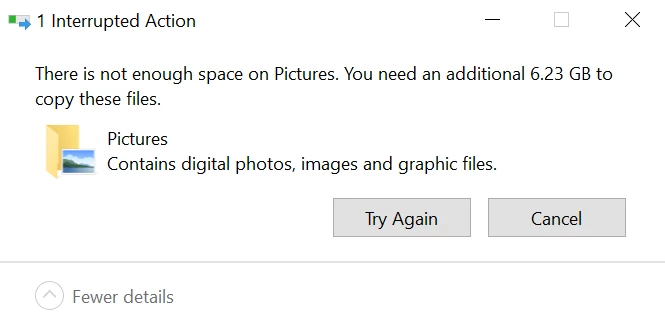
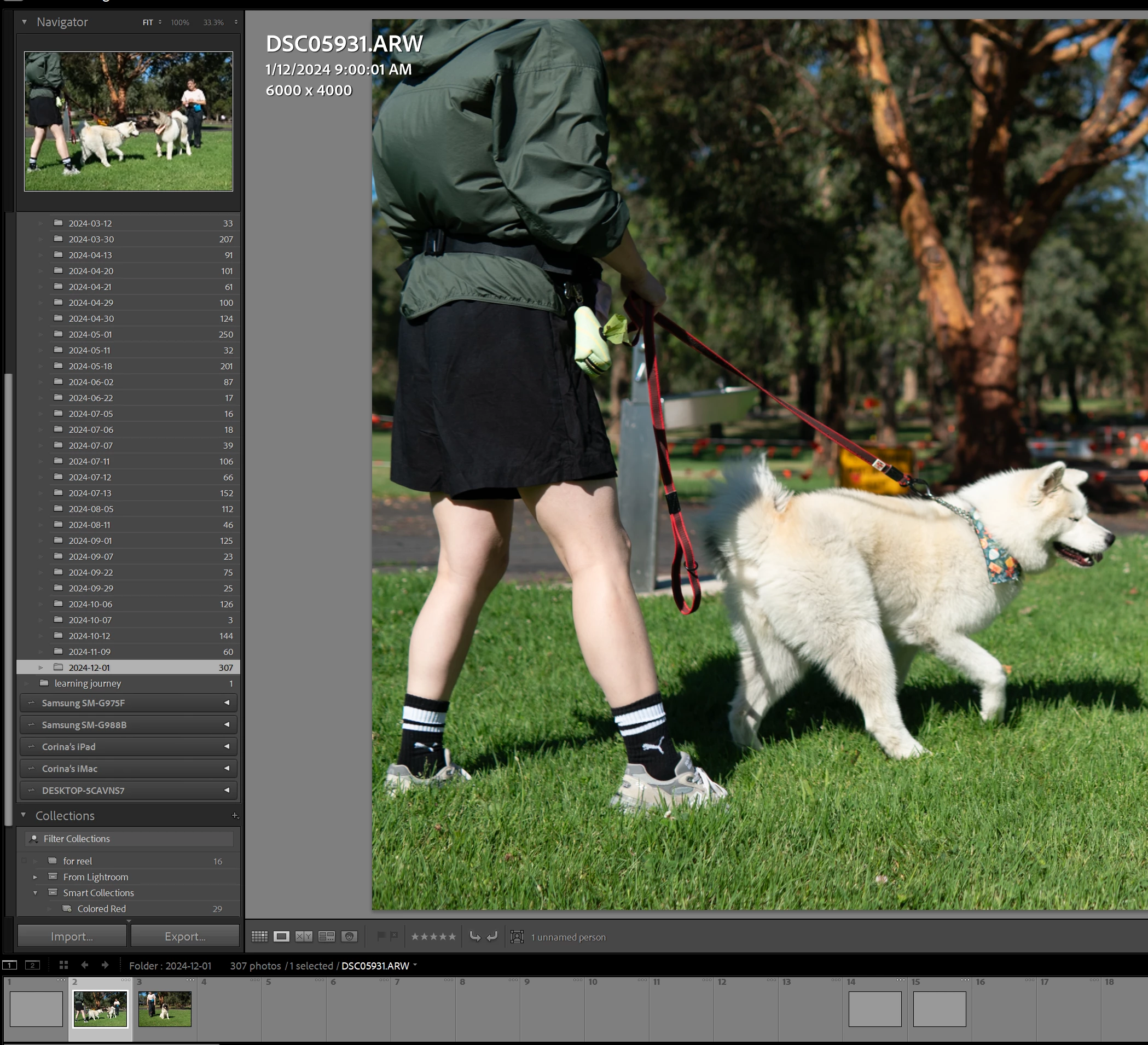
So that plan didn't work, is there another option like exporting the entire catalog? When I click export catalog, the diaglogue shows e.g. exporting 37 images when there are hundreds of photos, so I'm not sure if it's correct. I'm a bit scared to touch anything at the moment because now LR looks like the below, all the previews are gone and only appears when I click to develop a photo. I accidentally created a new catalog and now it looks like this when I open the catalog in the original file location.
If anyone could help me out that would be greatly appreciated.
Thank you


 AdChoices