
Known Participant
March 13, 2022
Question

Need help to fix dark photos in LR and/or Photoshop ASAP

  • March 13, 2022
  • 3 replies
  • 2818 views

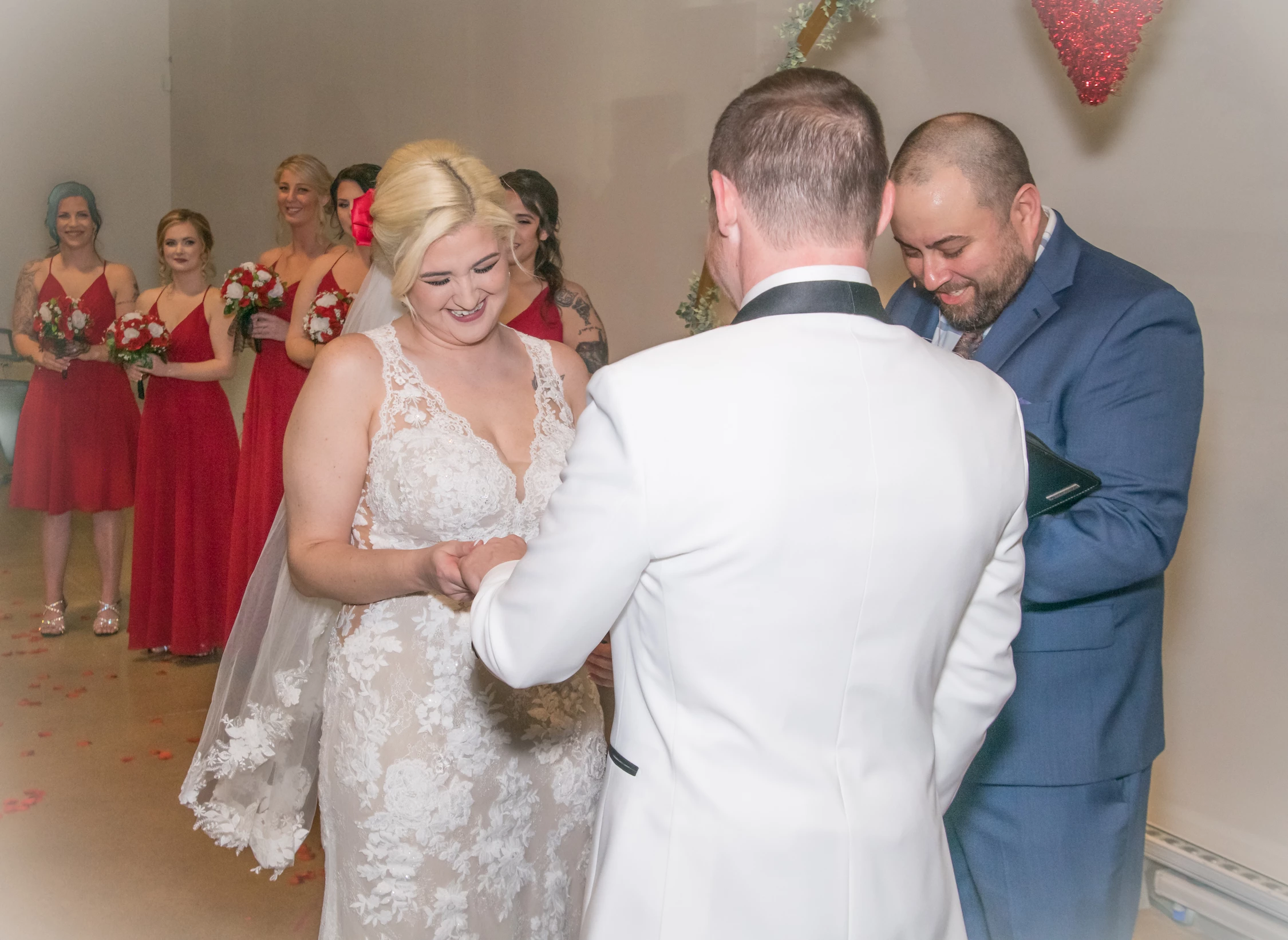
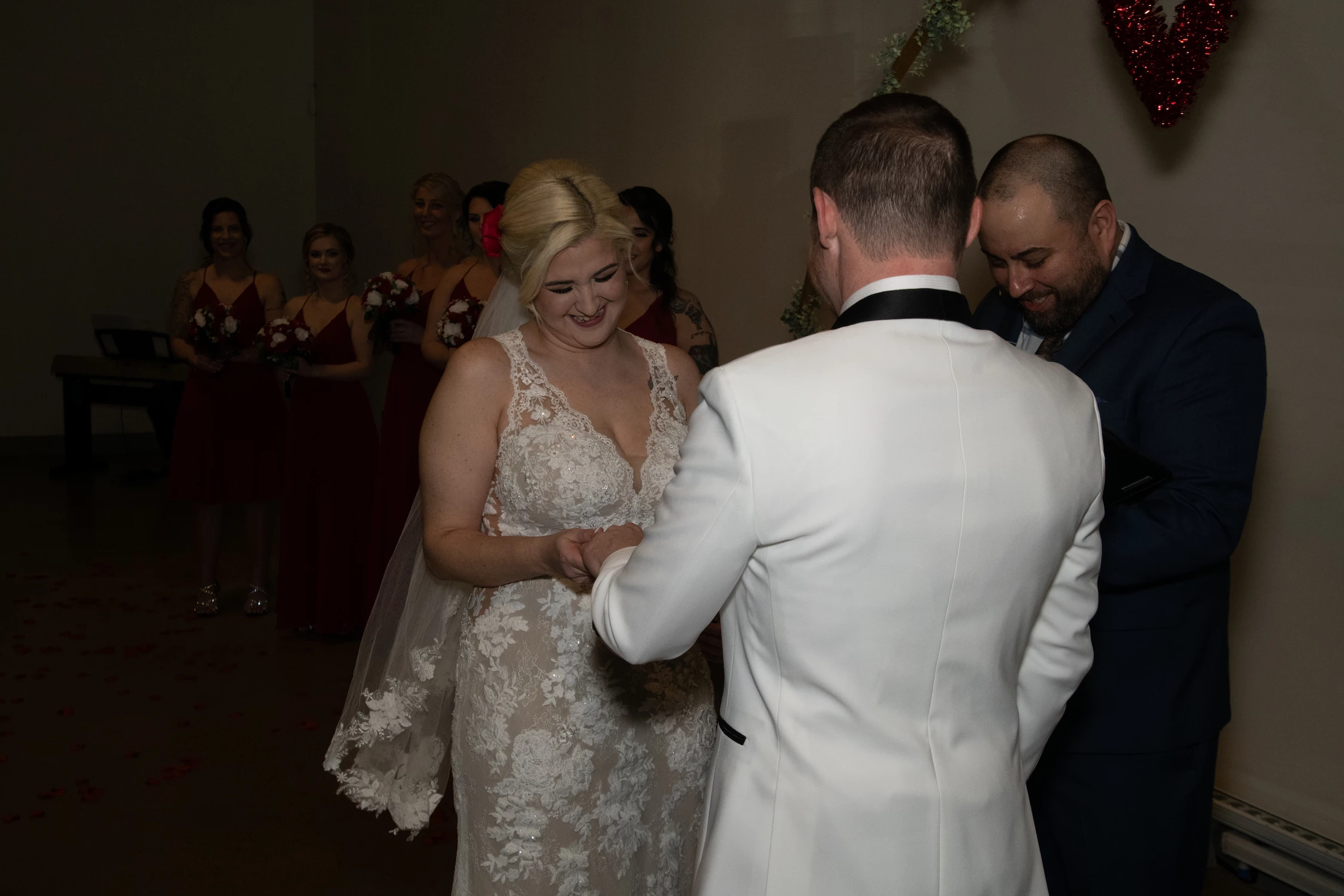
Okay. My son recently shot a wedding. Even though he asked for more lights, the wedding venue was still dark. Here are the original (dark), and the edited (lighter). Any suggestions on how to lighten them up in Lightroom? Or even in Photoshop? Most of the photos are dark like this photo. Please give as many suggestions as possible.
This topic has been closed for replies.

3 replies

Community Expert
March 15, 2022

Another thing to try is to see what the "auto" button in develop does and basically replicate that on other photos if it works well. The auto button uses an AI (artificial intelligence) trained on images by the edits that pro photographers did on them and often works amazingly well as a quick fix. It can also teach you some strategies to fix common images just by looking at what it does. It's absolutely not perfect but can be super helpful.

Community Expert
March 15, 2022

This is what auto does to your before image for example:

Rob_Cullen
Community Expert
Community Expert
March 13, 2022

Develop one photo the best you can.

Create a Preset of the adjustments.

Apply the Preset to all photos as a 'starting point'.

Here is another combination of adjustment sliders-


Regards. My System: Windows-11, Lightroom-Classic 15.3, Photoshop 27.5, ACR 18.3, Lightroom 9.3, Lr-iOS 10.4.0, Bridge 16.0.3 .
Known Participant
March 14, 2022

Dear Rob, thank you for your help & suggestions. Much appreciated.

Per Berntsen
Community Expert
Community Expert
March 13, 2022

The man's white jacket has caused underexposure, the camera was led to believe that the subject was brighter than it actually was. The light from the flash did not reach the background, making it even more underexposed than the foreground.


To brighten the image, I used Exposure +2 and Shadows +100. Setting Clarity to 20 adds a little punch to the image.

But the foreground is now too bright.


A linear gradient set to Exposure -50 Exposure -0.50 and Highlights -100 darkens the foreground and makes the lighting more balanced.

Brightening a high ISO image will always lead to noise appearing in the shadows and mid tones, so some luminance noise reduction may be required. Edit the raw files (not jpgs), and make sure to apply sharpening and noise reduction at 100% view.

Known Participant
March 14, 2022

Dear Per, thank you for your help & suggestions. Much appreciated.