
michnuso3960667
Participant
March 19, 2020
Question

Need to login every time I use Lightroom classic?

  • March 19, 2020
  • 4 replies
  • 6526 views

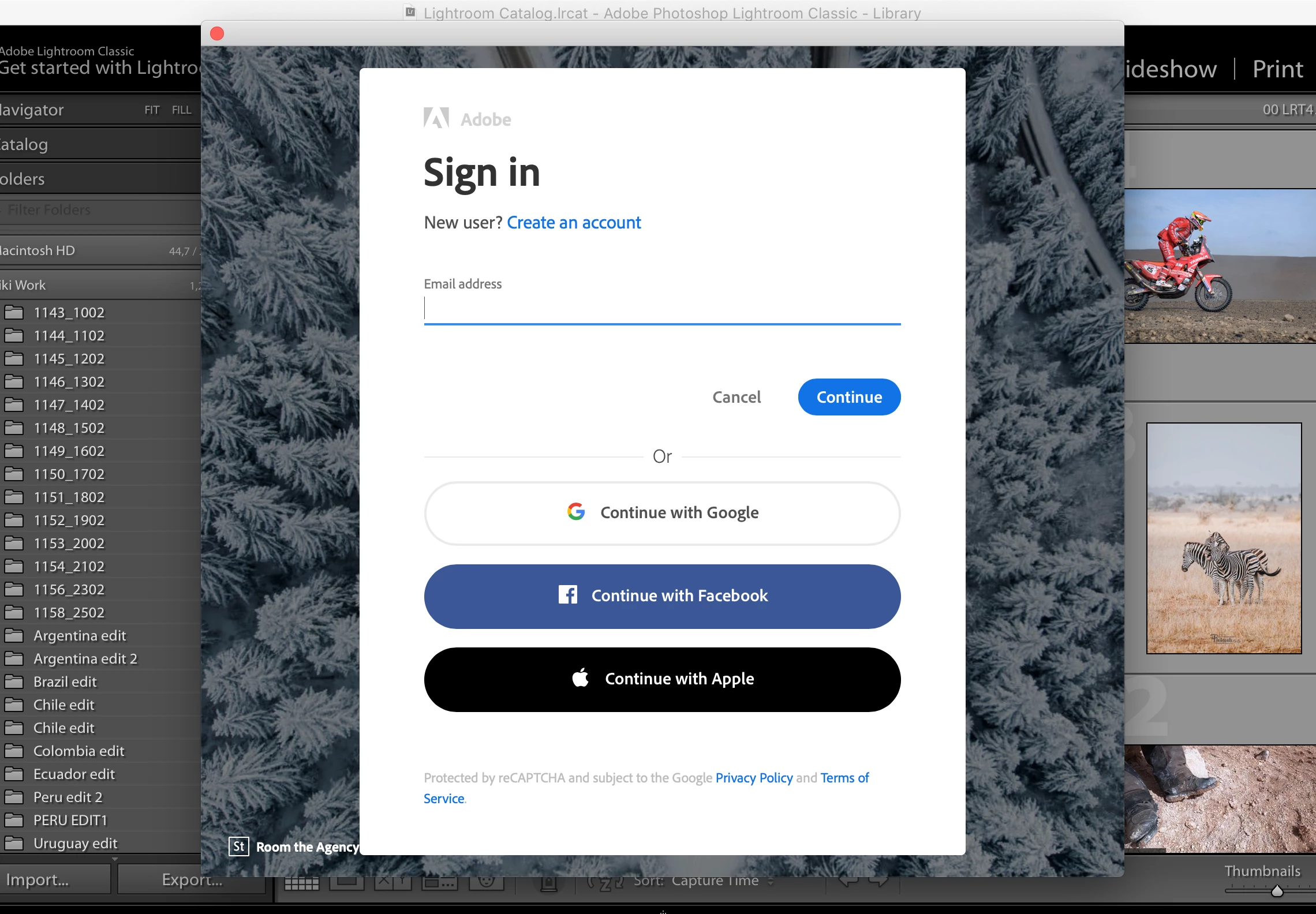
I need some help. If you need to log in every time I use LR classic now. I need to use it offline and the sign-in pop block is now asking for signing every time I want to use it. 
The only way to do this is to delete the Adobe cloud app on my Mac. 
So is there no way to keep the app but not having to sign in every time? Surely people use LR PS AI offline? No wifi - can't use the programs?
4 replies

Inspiring
January 10, 2022

I have the same problem. Even though I am logged in to my account on Creative Cloud, and am running several other Adobe Apps, still I am asked to sign in every time to Lightroom Classic. Then U am told I have reached my activation limit, even though Lighroom is only installed on my desktop and laptop. It doesn't recognise my desktop, thinking it is a third computer. This problem has gone on intermittently for a couple of years, and many hours of troubleshooting with Adobe support has failed to fix it. Help please!

JP Hess
Inspiring
September 20, 2020

I'm using an eight year old HP desktop computer with only 8 GB of RAM. When I start up the computer I allow the creative class desktop manager to load automatically, and it doesn't seem to interfere with anything I do with any of my work. Whenever there are updates available I'm advised of those updates, and I usually simply allow them to be installed automatically. I don't see this as any "conspiracy" on the part of Adobe. I consider it just the way the cloud service works. Having the desktop manager Active hasn't caused any problems at all. I have been able to create panorama images with as many as 30 raw images using Lightroom Classic. I just don't see any problem.

GoldingD
Legend
March 20, 2020

The key is the Adobe Creative Cloud Desktop App. It is used to activate, to accredidate, to install, to update. You sign in it, and you do not sign out. If you sign out of it, the programs PS. LR. LRC, etc, get deactivated.


While a log-in/sign-in exists in Lightroom Classic, it is now redundant, do not use it.


Participant
September 20, 2020

Yes, so the "key" is to have Adobe run a daemon _all the time_ in the background taking up system resources, when I use Lightroom only a few times a week.


Thanks, Adobe. Can you please use some "brand new" tech like cookies instead of a running daemon (that actually is a bit of a resource hog)?

DdeGannes
Community Expert
Community Expert
September 20, 2020

I do not know what you are talking about. When you have finisher using LrC you simply click on Lightroom in the top left of the window and select Exit Lightroom and the app will close. You do not need to be connected

,all the time, with the internet unless you need to sync image files, update the app etc. You must connect online so Adobe will confirm that you subscription is up to date. This happens seamlessly. I even shut down my computer system overnight on a regular basis. When I reboot the system it connects automatically.

Regards, Denis: iMac 27” mid-2015, macOS 11.7.10 Big Sur; 2TB SSD, 24 GB Ram, GPU 2 GB; LrC 12.5,; Lr 6.5, PS 24.7,; ACR 15.5,; (also Laptop Win 11, ver 24H2, LrC 15.0.1, PS 27.0; ) Camera Oly OM-D E-M1.
ManiacJoe
Inspiring
March 19, 2020

The "login" is kind of misnamed the way Adobe uses it. It is more of an "activation" of the app.


The way Adobe intends the login to be used is to log in once and stay logged in. The system understands that internet connections come and go and will let you go 30 days without a connection as long as you do not log out.