New computer: LR keeps trying to write to the wrong drive
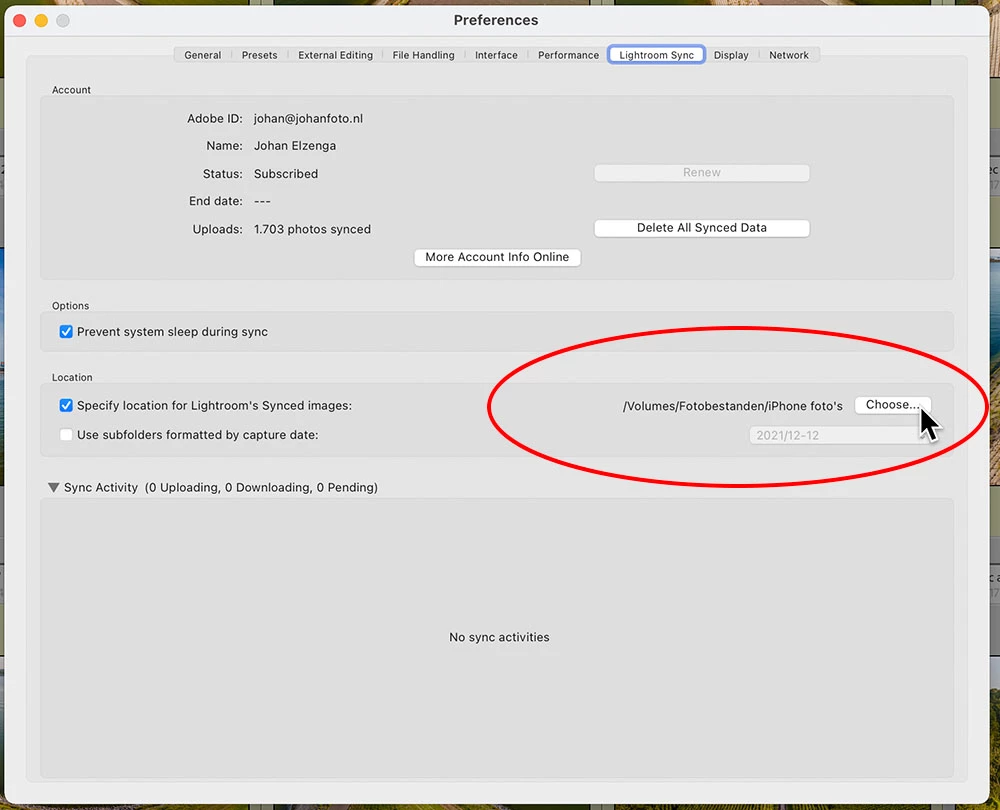
New Win 10 computer, which I have set up same as old computer. I have all photos on an external drive and catalog on computer hard drive. I now have LR aware of (and using) that drive. It's drive D; LR sends me an error message that it cannot write to drive E, so sync may not work, etc. (I have a screenshot if needed.) The program reads the D drive; all my photos are there and editable; and everything generally seems to be working fine. (Running the latest version, and that's now the only catalog in my Pictures library.)
I obviously did something wrong when migrating from one computer to the other. (I have LR on both, and the old one is working fine--I just have to move D drive from one to the other as needed.)
Is there some way I can tell LR not to be looking for a non-existent E drive?
Gail
 AdChoices