
Known Participant
October 14, 2024
Answered

New parts of a (Subject) mask appear after/because denoising Apple ProRAW DNG (iPhone 15 Pro)

  • October 14, 2024
  • 1 reply
  • 1291 views

Just updated to LRC 14.0 and while testing Apple DNG denoise noticed it adds new objects to my Subject mask (after/because AI mask update?). In any case, this is an issue.

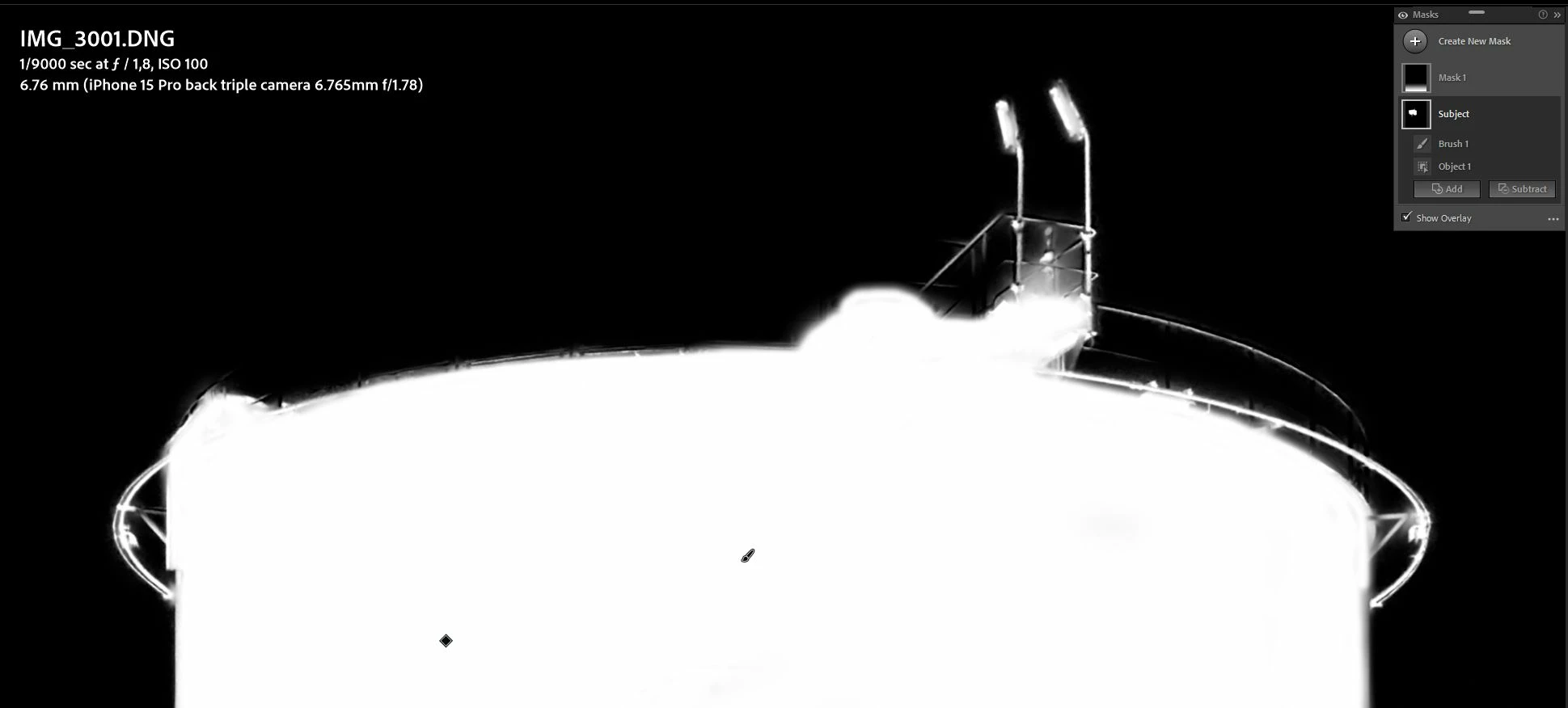
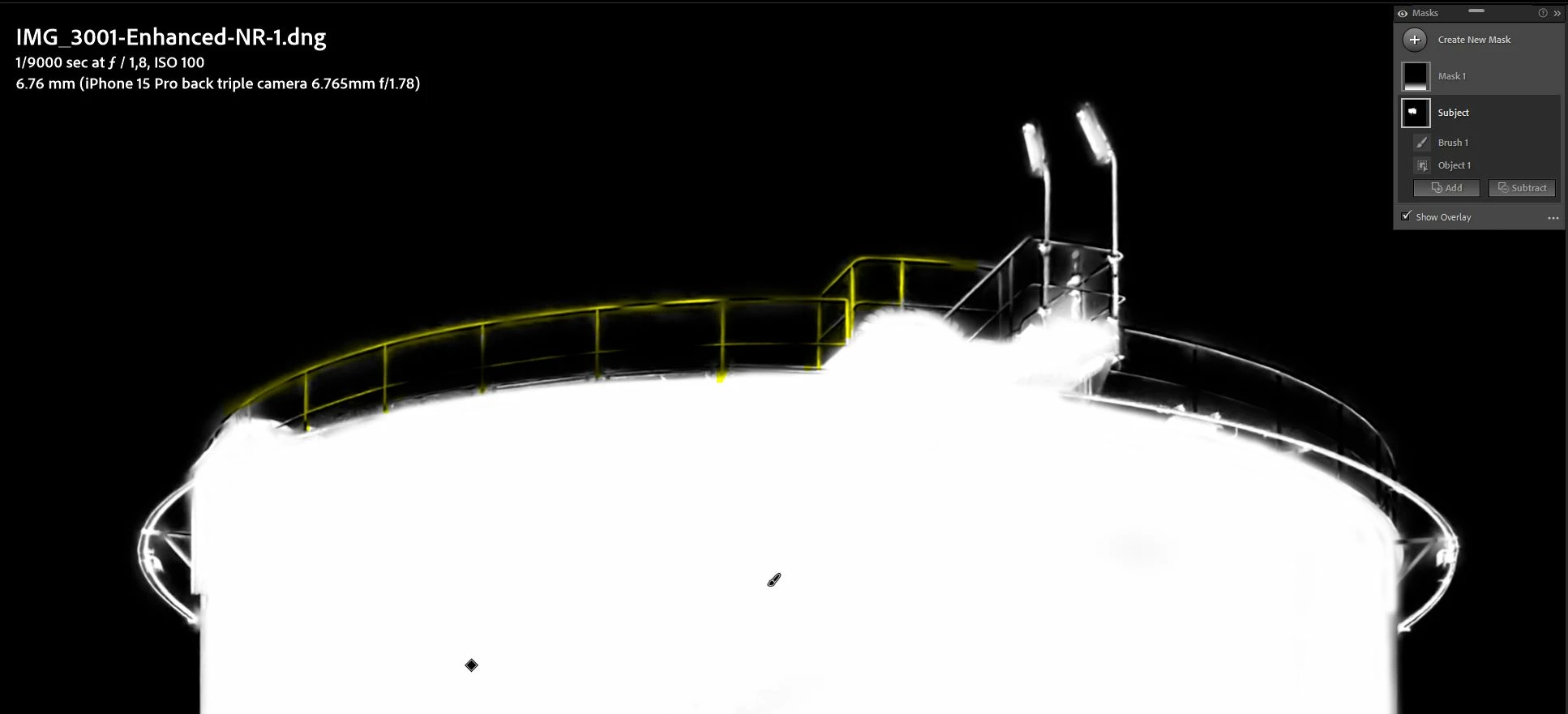
First photo is the original mask, yellow marks in the second photo - "new" parts of that mask. What's going on?


This topic has been closed for replies.
Correct answer Simon S Chen

This is expected because the AI denoise is processed upstream to the ML masking. If you apply denoise first, that would affect the what the ML masking model (ie select subject) sees. This is as designed.

1 reply

Rikk Flohr_Photography
Community Manager
October 14, 2024

Can you export this file as DNG with the masking intact and share it with us for our engineers to review?

Rikk Flohr: Adobe Photography Org
Known Participant
October 14, 2024
Simon S ChenCorrect answer
Adobe Employee
October 14, 2024

This is expected because the AI denoise is processed upstream to the ML masking. If you apply denoise first, that would affect the what the ML masking model (ie select subject) sees. This is as designed.