Participant
December 18, 2023
Question

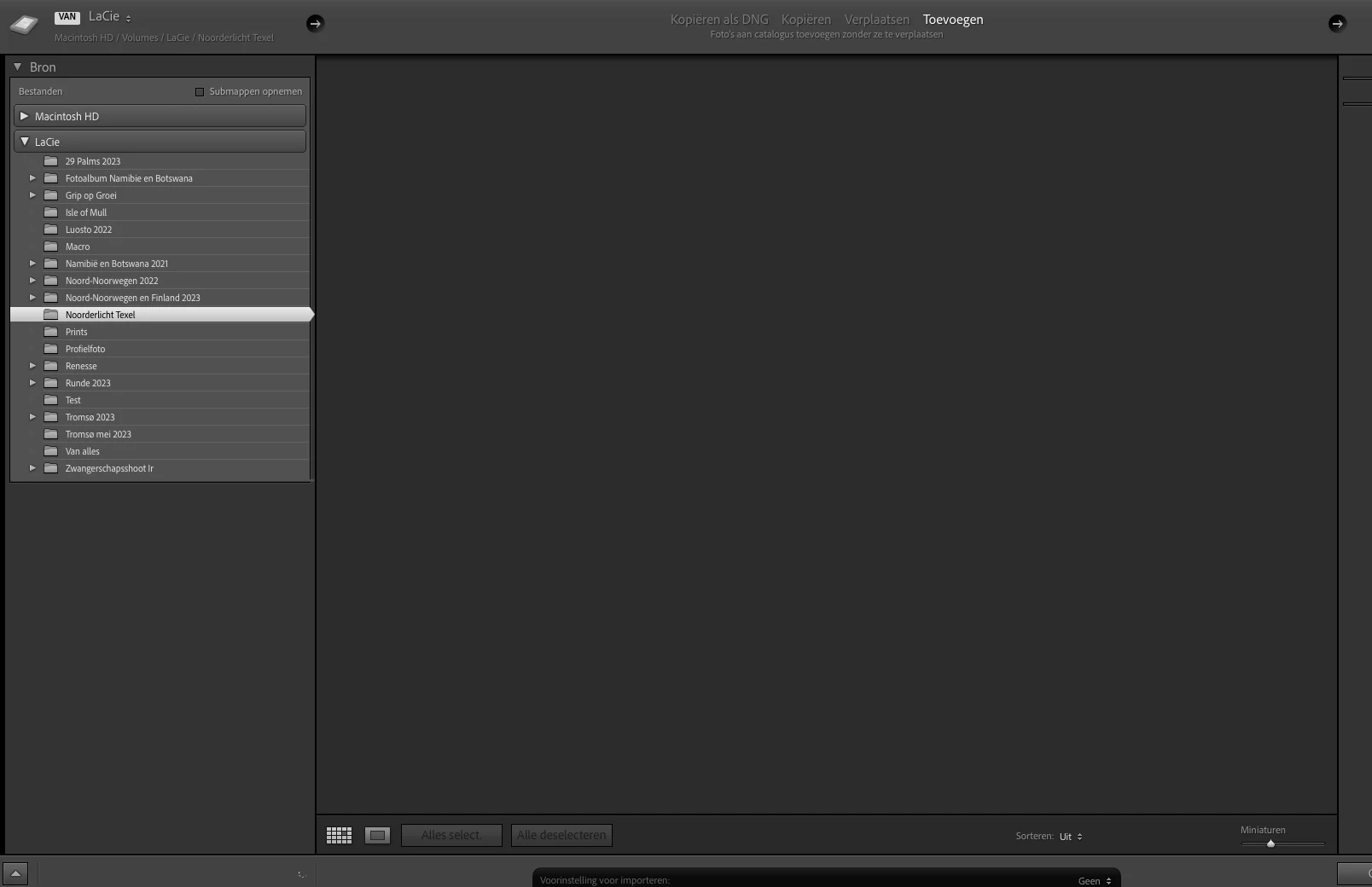
No images are loading at Import screen

  • December 18, 2023
  • 1 reply
  • 209 views

Hi all,


Never had issues before when importing photos to LrC, but since today no thumbnails show up when trying to import. I import them from my La Cie external hard drive, but also when I try to import photos from the regular hard drive or icloud the import window remains completely empty. In the left bottom the throbber keeps spinning like it is loading something, but nothing happens. Already tried to update LrC, restart the computer and reconnect the hard drive multiple times. If I open the external hard drive in Finder there are no problems. Hope that anyone can help me out here! 🙂


Thanks! Nathalie
 

This topic has been closed for replies.

1 reply

dj_paige
Legend
December 18, 2023

It would help if you showed us the entire Import dialog box, including the right side panel with "File Handling" and other headings.


However, I will guess that this might be the solution: Click on COPY (yes, I see you want to import using ADD but click on COPY anyway). Then in the right side panel, please make sure that the Destination Panel is present, expanded and points to a folder that actually exists. Then click back on ADD. If the Destination Panel is not present, right-click (or whatever the MAC equivalent is) on "File Handling" and then select Destination from the drop-down menu that appears.

Participant
December 18, 2023

Hi dj_paige!

Thanks a lot for your quick reply 🙂 

I followed your steps, but failed the last step as I can't find 'Destination' when richt-clicking on 'File Handling'. I enclosed a screenshot of the entire import screen as well as the drop down menu when clicking 'File Handling'.  (I'm sorry they're in Dutch ;-))

Thanks again for helping me out!


dj_paige
Legend
December 18, 2023

You have to click on COPY first, then right-click on "File Handling"