No images recognized for import
I am a professioal photographer and use Lightroom everyday. Today, I cannot import any images into Lightroom Classic. In the import window, no images are recognized, no matter what source I choose. It is as if Lightroom cannot see image files in *any* folder, drive or connected device. I have tried a few tips I found in these forums. I have uninstalled classic and reinstalled it, restarting the machine between each step of the process. Nothing is making a difference. Lightroom Classic cannot see image files to import them. I have not noticed any other problems.
My workgournd right now is to import the files via Lightroom, then once logged into Lightroom in my web browser, I can copy the files imported to Lightroom to an ablum created and synced in Lightroom Classic, and then finally the images will show up in Lightroom Classic where I can edit them.
There may also be a problem with my regular Lightroom, though I rarely use it so am less confident that the issue I'm seeing there isn't from lack of familiarity with the interface. Album sorting options on the desktop version of Lightroom don't seem to work properly. It gets it right when I sort by "Album Name", but not when I sort by "Date Created" and "Recently Updated". The online version has slightly differnt sorting options--"Title" and "Recently Updated"--but both of those seem to work.
This is all very messy and a hinderance to my workflow. My workaround is an acceptable stop-gap, but I really need to get things working the way they are supposed to.
I am using a 2023 MacBook Pro (M2 Max chip with 64 GB of memory) running Ventura 13.5.2, and using Lightroom Classic 12.5. Everything with Lightroom Classic worked just fine till this morning, and I don't believe there was any kind of update between lastnight and when the problem started, because when I first started trouble shooting, there was an update available for Lightroom Classic. Updating did not solve the problem.
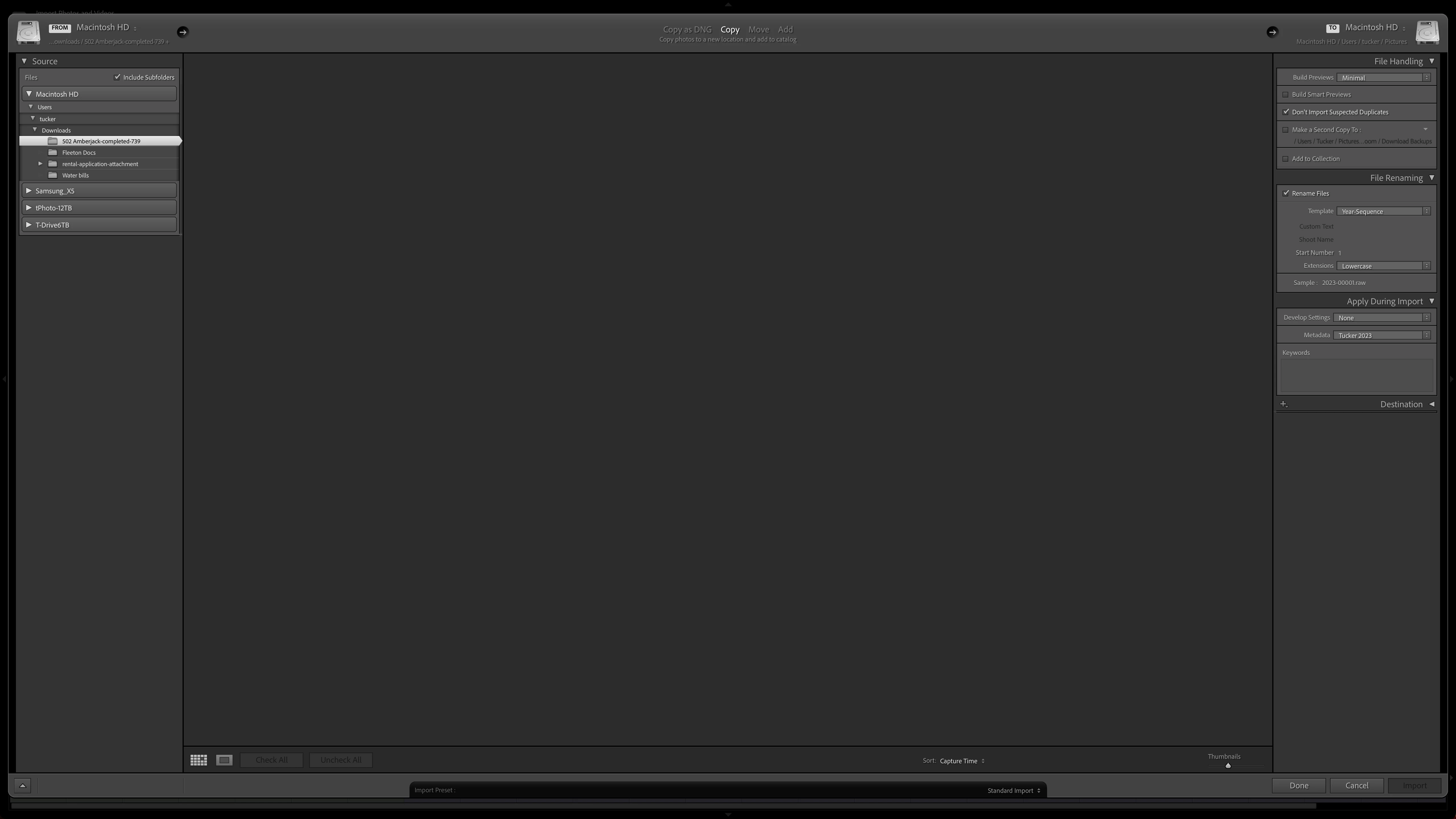
This image shows the import screen. The selected folder has 21 jpg images in it, but nothing is showing in Lightroom Classic.
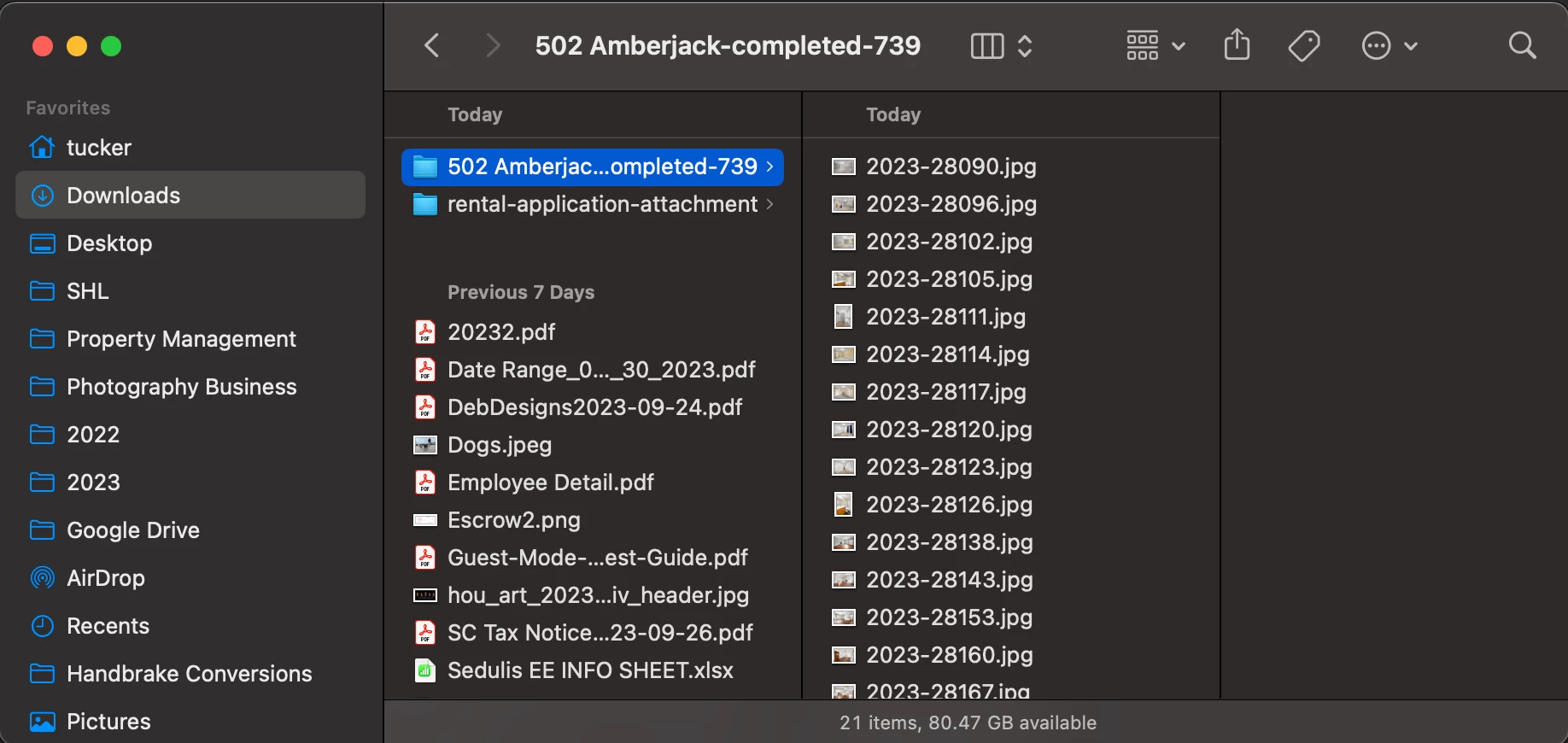
This finder window shows the 21 jpg images in the folder I was trying to import.
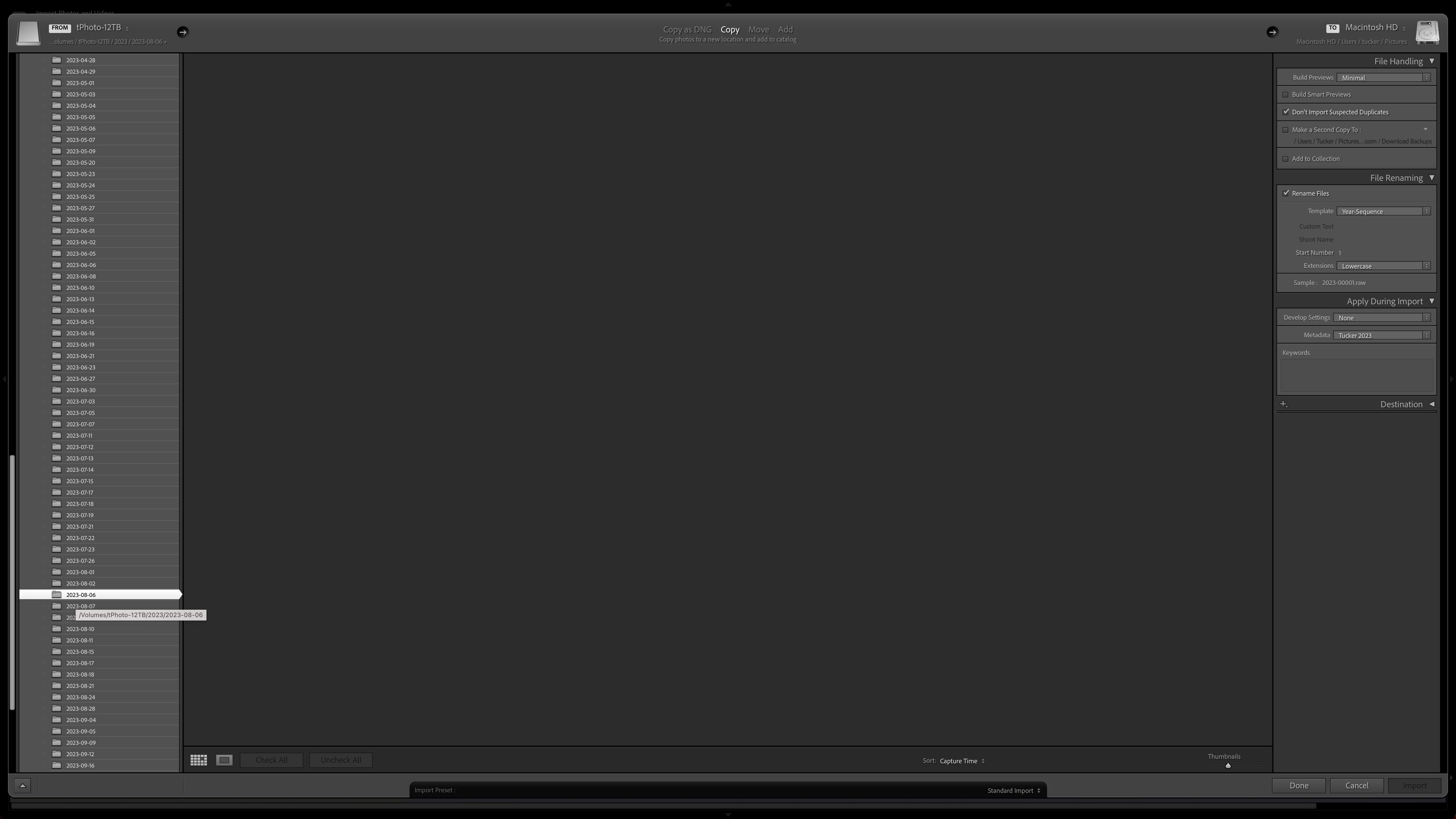
Navigating to other folders makes no difference. Every one of these folders is full of images in various formats. No image comes up, no matter which folder I select. I've tried tinkering with every setting I can think to try in the import window, and nothing gets Lightroom Classic to see the images that are on the disk.
 AdChoices