debbied77
Participant
March 21, 2020
Question

No Photos in selected folder

  • March 21, 2020
  • 2 replies
  • 388 views

After updating to Lightroom Classic 9.2, none of my photos are showing in their folders. The folders are visable, and show the count of photos inside, but when I click on them I get "no photos in selected folder".

I'm using MAC Catalina 10.15.3. Also, I can't activate the sync function. Here are the screenshots:
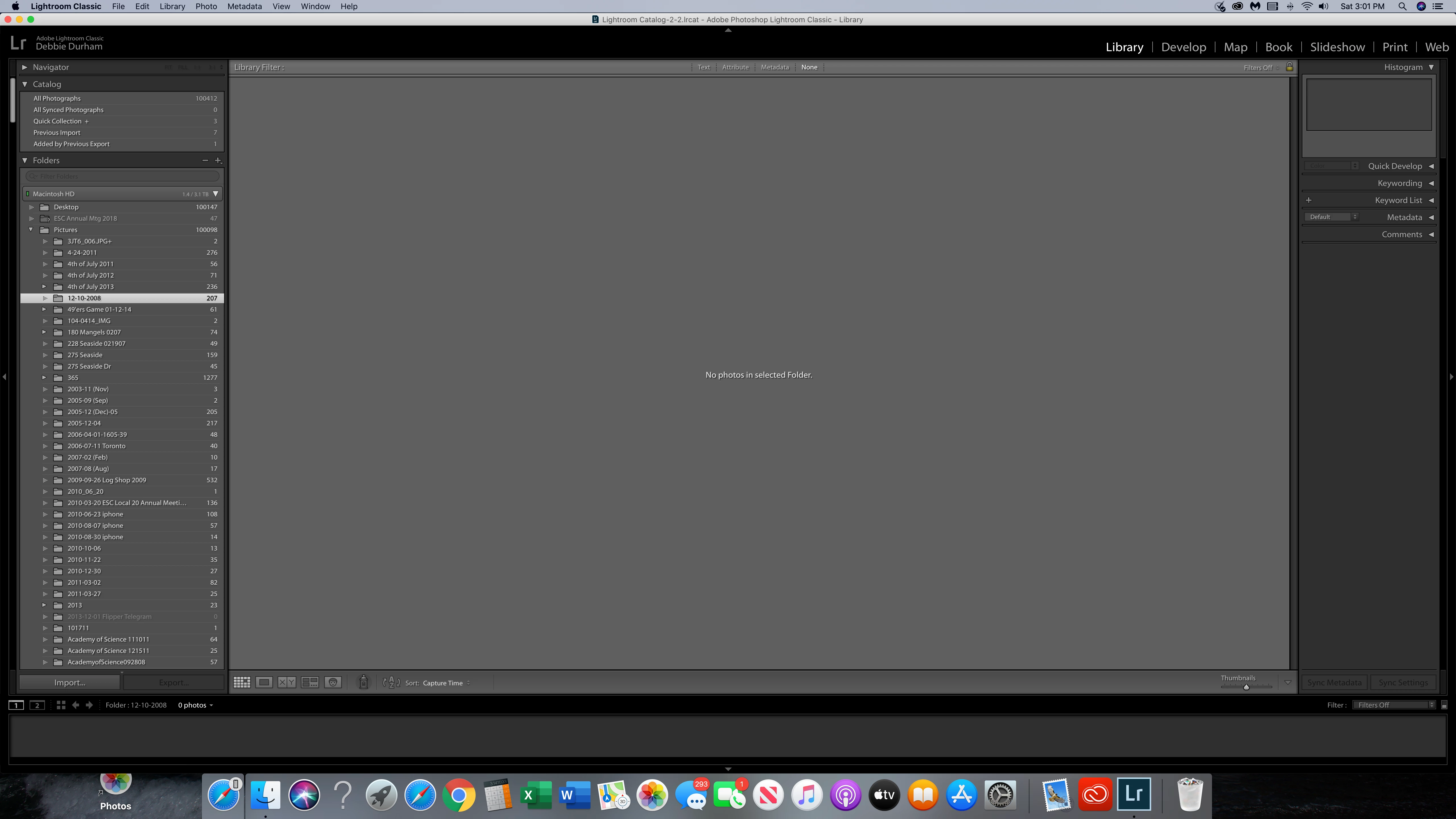
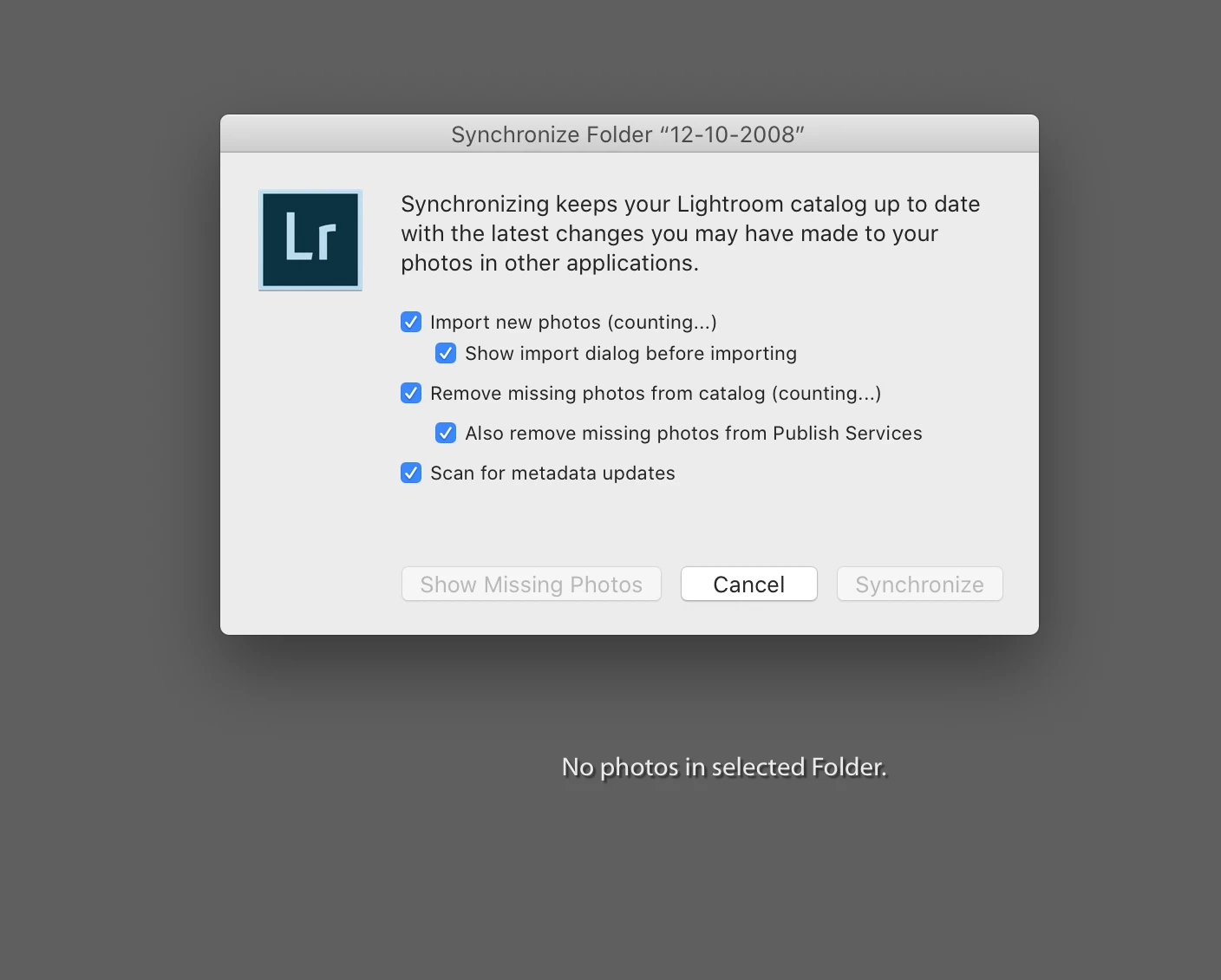
 

Thank you in advance!

This topic has been closed for replies.

2 replies

dj_paige
Legend
March 22, 2020

Please understand first of all that synchronizing and importing never solve these types of problems, once your photo is already imported into Lightroom. Synchronizing and importing can, however, make the problem worse.


What you need to do is find the photo in Lightroom via other methods. Please click on "All Photographs" (it's under "Catalog") and then search for the photo by file name, or by keyword, or by any other search method. Once it shows up, you can right-click on it and determine what folder Lightroom thinks the photo is in by selecting "Go to Folder in Library".

eame
Participating Frequently
September 25, 2020

Can you offer any insight into how this issue was resolved if at all?? I'm having the exact same issue. It just happened yesterday and I'm fearful I won't be able to recover my images. I have multiple folders that are visible and even show the number of images that should reside however upon clicking it shows "no photos in selected folder." While I can see the images under all photographs when I select the option to locate folder, it points to the folder that's empty. What do I do?! Thanks in advance.

GoldingD
Legend
March 21, 2020

1. Catalina app rights


Might not be your problem, but does not hurt to check


On your MAC, bring up System Preferences (in the MACOS), select Security and Privacy, select the Privacy tab. Scroll down to Files and Folders, for Lightroom Classic (and while you at it, for Photoshop) make sure all boxes are checked


As you appear to be storing photos in the MACOS/user folder Pictures, in the same Security and Privacy, under the Privacy tab, scroll to Pictures, make sure Lightroom Classic and Photoshop have rights.


debbied77
debbied77Author
Participant
March 22, 2020

Hi David,

Thank you for the suggestion, but that wasn't the problem.