
Question
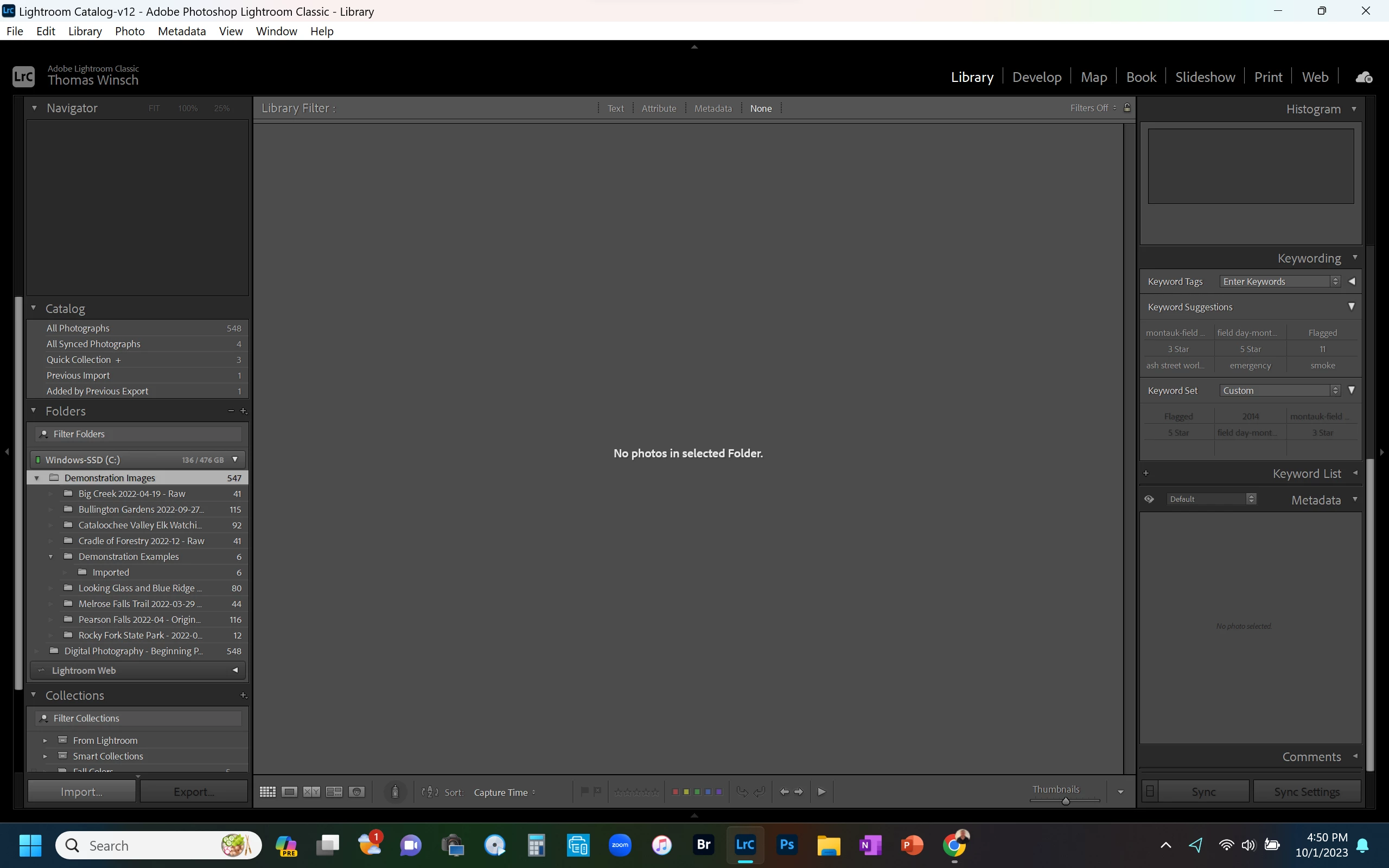
"No Photos in Selected Folder" Message
I can not display any photos from folders that were previously imported, and still appear in the Folders frame with the correct file counts. This happened right after I did an Export (for the first time), and the exported file is the only photo I can display. However, when I click on All Photographs at the top, apparently all the photos are displayed. There are no filters enabled as far as I can tell. I tried to re-import them, but the systrem thinks they are already imported. Seems to be some kind of issue with the catalog, but I have no idea how to fix this.


 AdChoices