
Participant
October 20, 2024
Answered

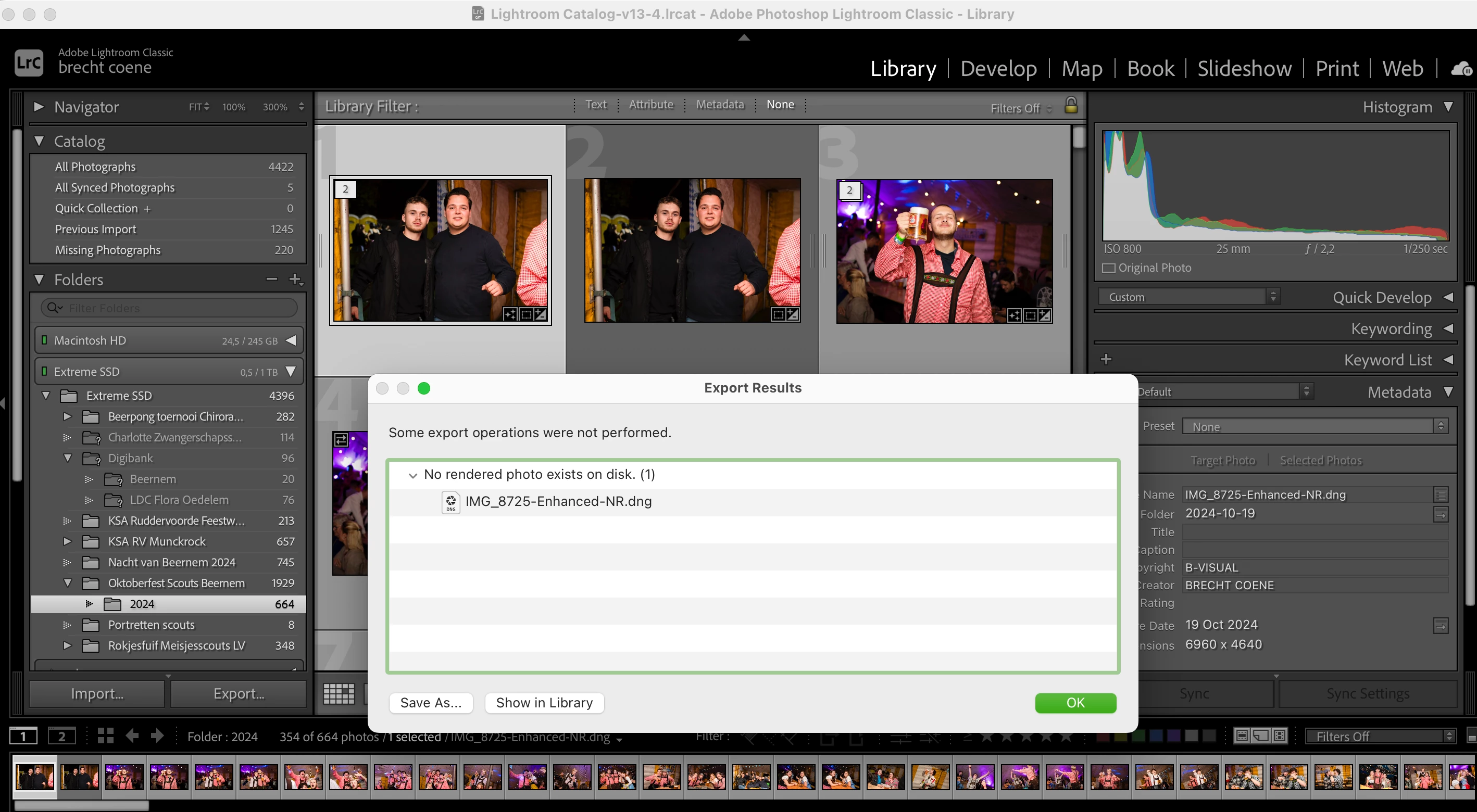
No rendered photo exists on disk

  • October 20, 2024
  • 1 reply
  • 704 views

Hello,


I took photo's of an event. I copied the photo's to my external hard-drive. I edited all the photo's. Now I want to export them as usual, but the error 'No rendered photo's exists on disk' comes up. There are no "!" on the photos and Lightroom recognize my external harddrive since there is a green symbol next to it. While editing I exported a few images and everything workerd fine. Now I'm done with them and I'm not able to export any of the photo's now?
 

This topic has been closed for replies.
Correct answer brecht27104520jzgk

Did't work for me. I solved it already though. My watermark was saved in Onedrive and Onedrive disconnected from my laptop. So Lightroom couldn't find my watermark anymore and could't export the photo's. 

1 reply

dj_paige
Legend
October 20, 2024
brecht27104520jzgkAuthorCorrect answer
Participant
October 20, 2024

Did't work for me. I solved it already though. My watermark was saved in Onedrive and Onedrive disconnected from my laptop. So Lightroom couldn't find my watermark anymore and could't export the photo's.