Participant
Dec 18, 2024 3:13 PM UTC
Question

Not able to import cr3 files
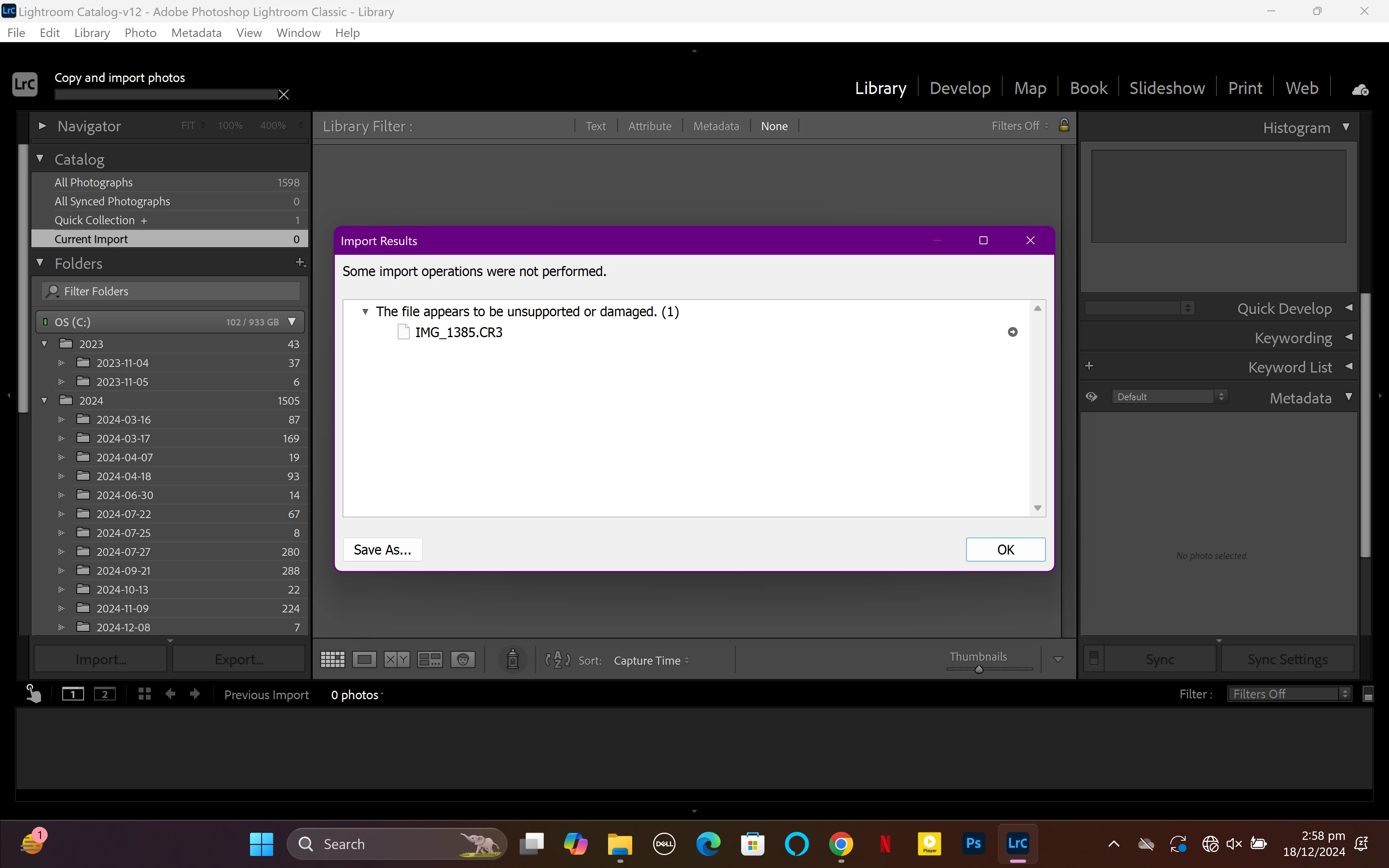
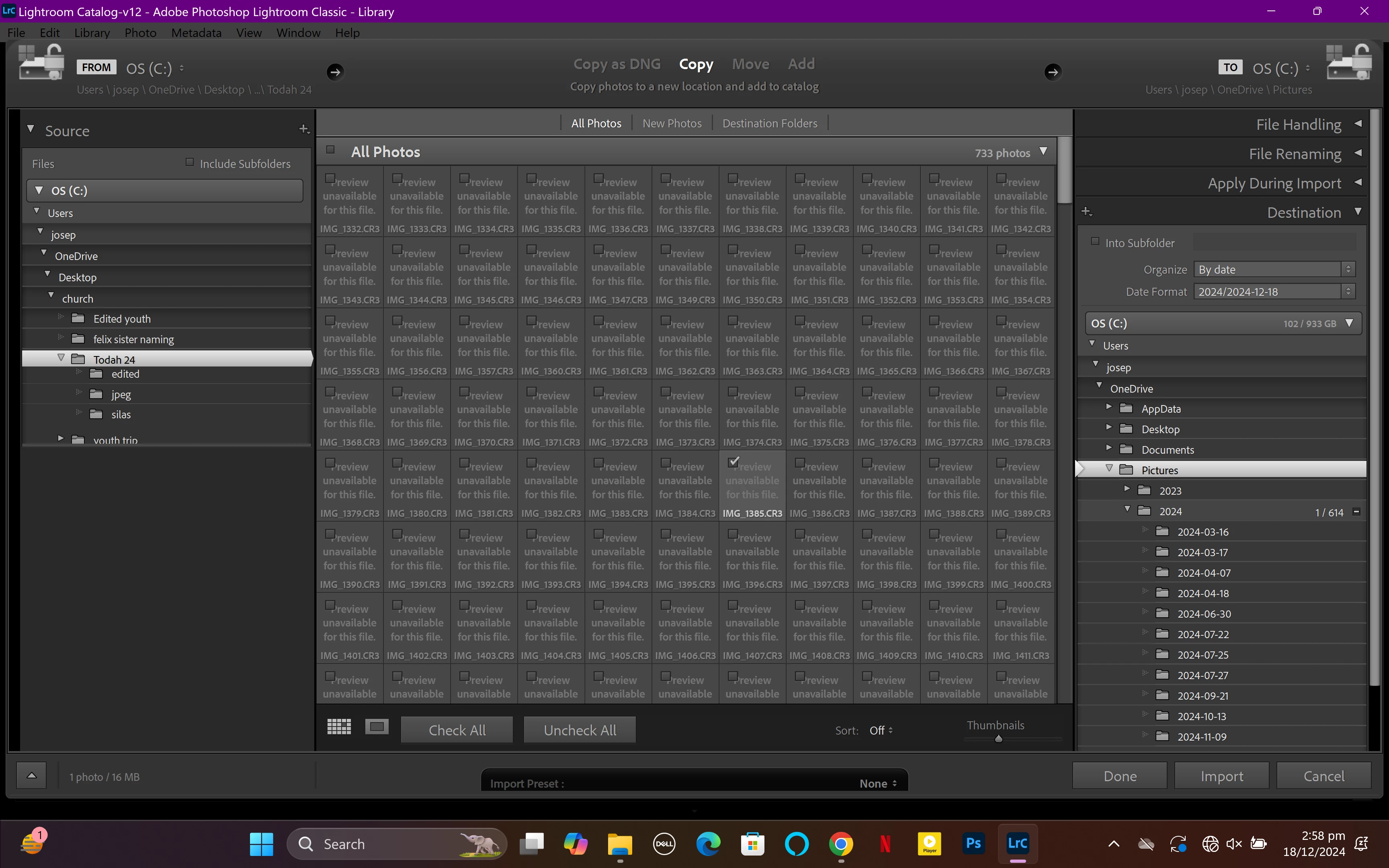
When I try to import cr3 files into lightroom the picture thumbnail (where the picture is supposed to be) I rather see a "Preview unavailble for this file" and when I still import it I get an error which says "this file seems to be unsupported or damaged". But I don't think it's damaged because the windows photos app can view the image so I don't know why I can't open it in lightroom. I use a lightroom version 12.0 and the camera I used to take the pictures was a Conan R8 

This topic is closed to new replies. Start a new post to keep the conversation going.

2 replies

Per Berntsen
Community Expert
Community Expert
Dec 18, 2024 3:48 PM UTC

The Canon R8 requires LrC version 12.2 or later, you are using 12.0, so you need to upgrade. The latest version is 14.1.1.

See https://helpx.adobe.com/camera-raw/kb/camera-raw-plug-supported-cameras.html

Windows Photos can only display the jpg embedded in the raw files, not the actual raw files.

Translate
Justin Hoch
Inspiring
Dec 18, 2024 3:42 PM UTC

Looks like your Lightroom version is just a little bit too early for the R8. Support wasn't added until 12.2: https://helpx.adobe.com/camera-raw/kb/camera-raw-plug-supported-cameras.html


Adobe offers some troubleshooting advice for this here: https://helpx.adobe.com/camera-raw/kb/why-is-my-camera-not-supported.html

Translate