Participant
August 26, 2021
Question

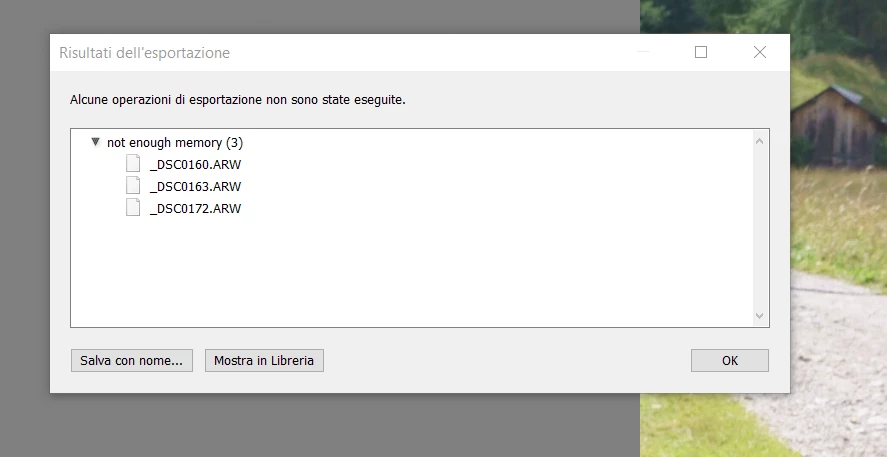
Not enough memory on exporting

  • August 26, 2021
  • 3 replies
  • 615 views

I did not find a solution.


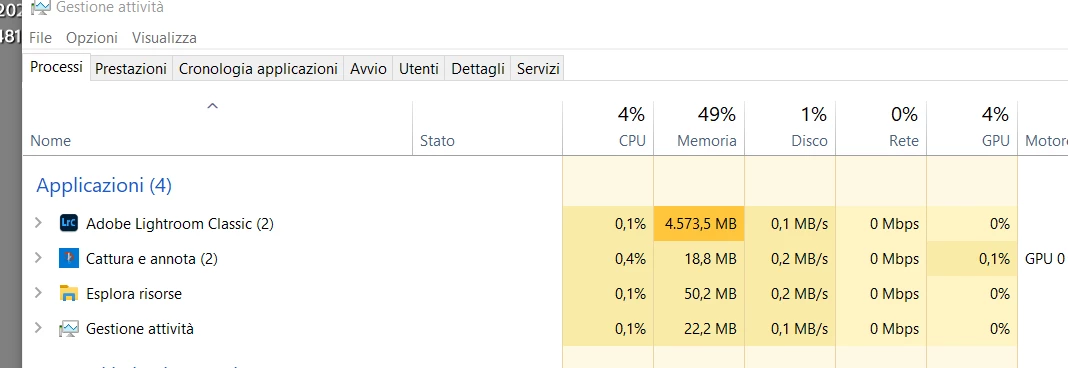
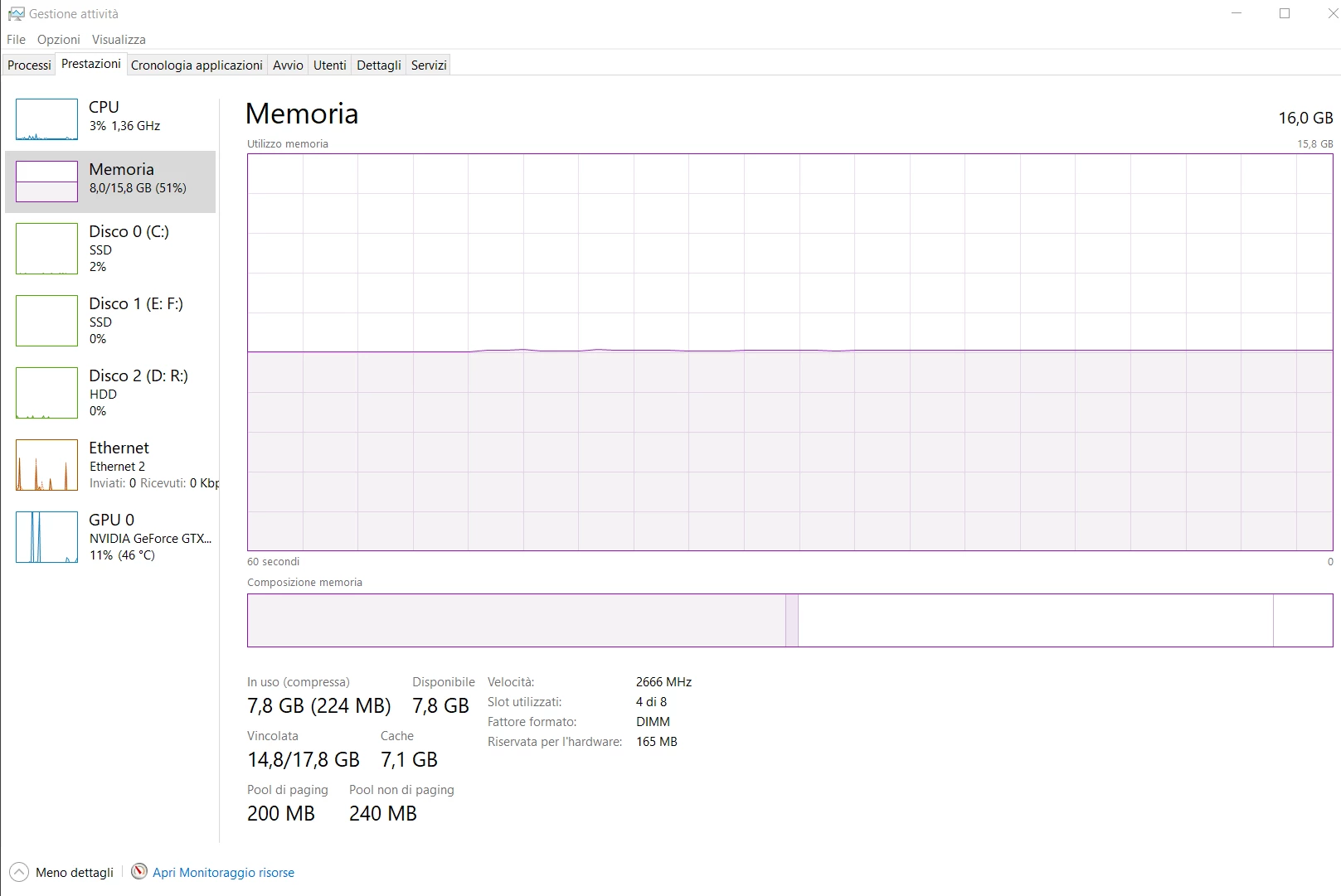
I have 16Gb ram. 4-5 Gb used by Lightroom but every time "not enough memory" (during export).

In this moment I can export only 2-4 pictures at a time.

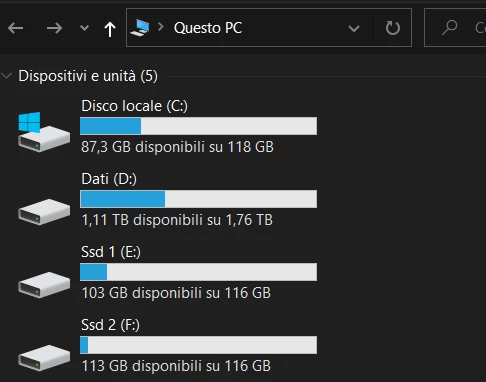
Program is on C, pictures on D, cache and catalogue are on F.

This topic has been closed for replies.

3 replies

GoldingD
Legend
August 27, 2021

Following link appears to be for Illustrator, not LrC, first time I have ever found anything close from Adobe on Paging file, very dated.

https://helpx.adobe.com/x-productkb/global/create-paging-file-maximum-size.html


Participant
August 28, 2021

Wow... should i set the pagefile to 48 gb? 🙂 🙂

Thank you GoldingD, after the first tests situation has improved after the change to the swap files

GoldingD
Legend
August 27, 2021

When and how, and how much, LrC uses the paging file is not clear, at least I have not found a document on that.


I think 2Gb for C and F.


Why C and F? Why not just C?


cache and catalogue are on F.


 One thing that is clear, the Camera RAW CACHE should not, if possible, be located on the same drive as Windows paging file, they will compete for W/R to the hard drive.


Also, LrC can take benefit of large limits on Camera RAW CACHE fir Develop module edits. not Library.

pictures on D, cache and catalogue are on F.

Based on your screenshot showing that drive F is SSD, I can assume you know that placing the catalog on the fastest hard drive is beneficial, same for the Camera RAW CACHE, and photos can be anywhere as they do not need to be on a speedy drive. just saying.

Participant
August 28, 2021

I deleted the swap file on F (to say the true, I don't remember why I set it).

Camera raw cache is limited on 20Gb.

Swap file on C passes from 2 Gb to 2-8 Gb (min-max).

Let's see if the problem is solved!!

Thank you

GoldingD
Legend
August 26, 2021
Participant
August 27, 2021

I think 2Gb for C and F. No swap file for D. Lightroom needs large swap files?? Why not using available ram? 

GoldingD
Legend
August 27, 2021

Deleted, clicked wrong reply button, that fouled up appearance.