


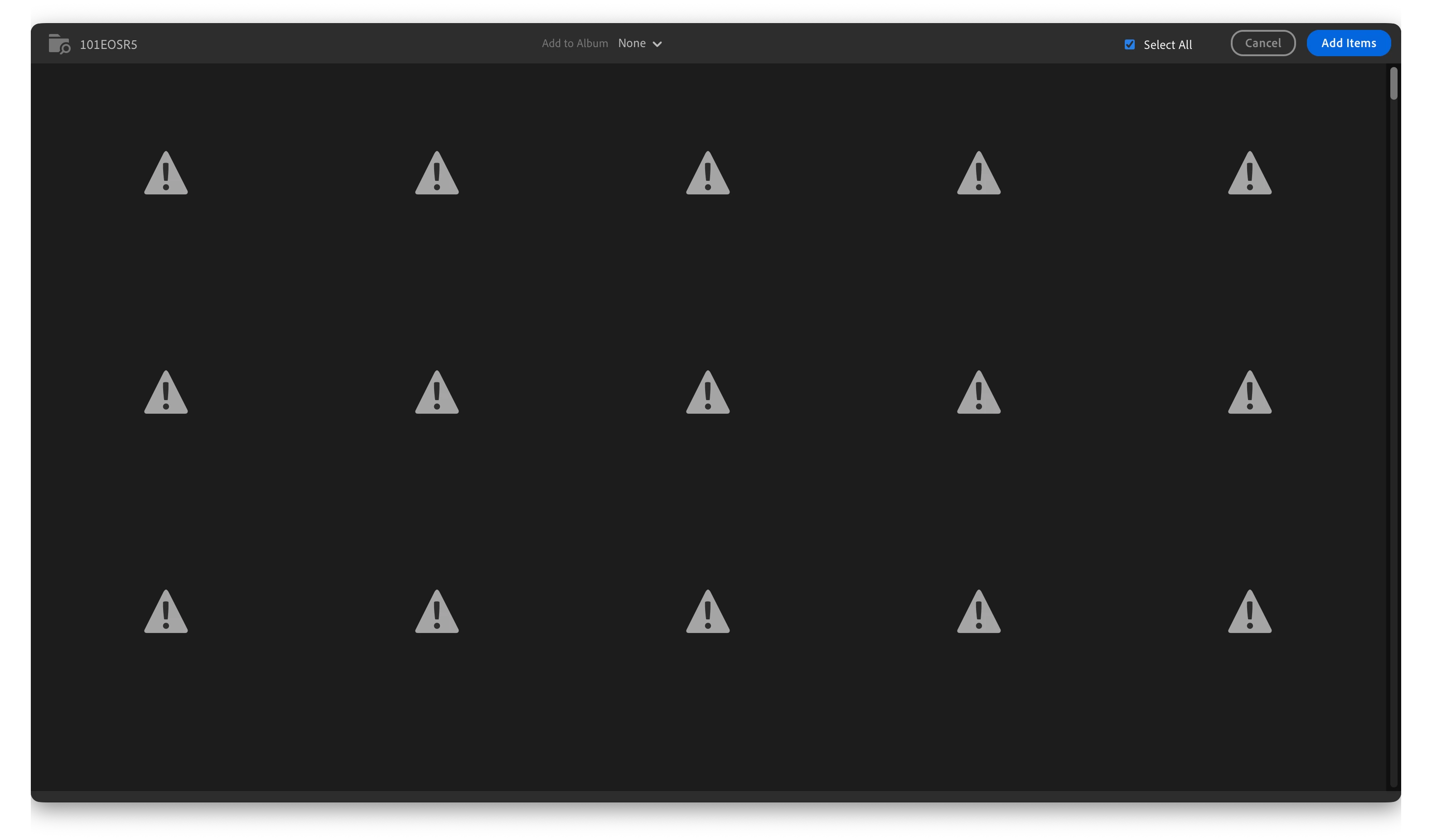
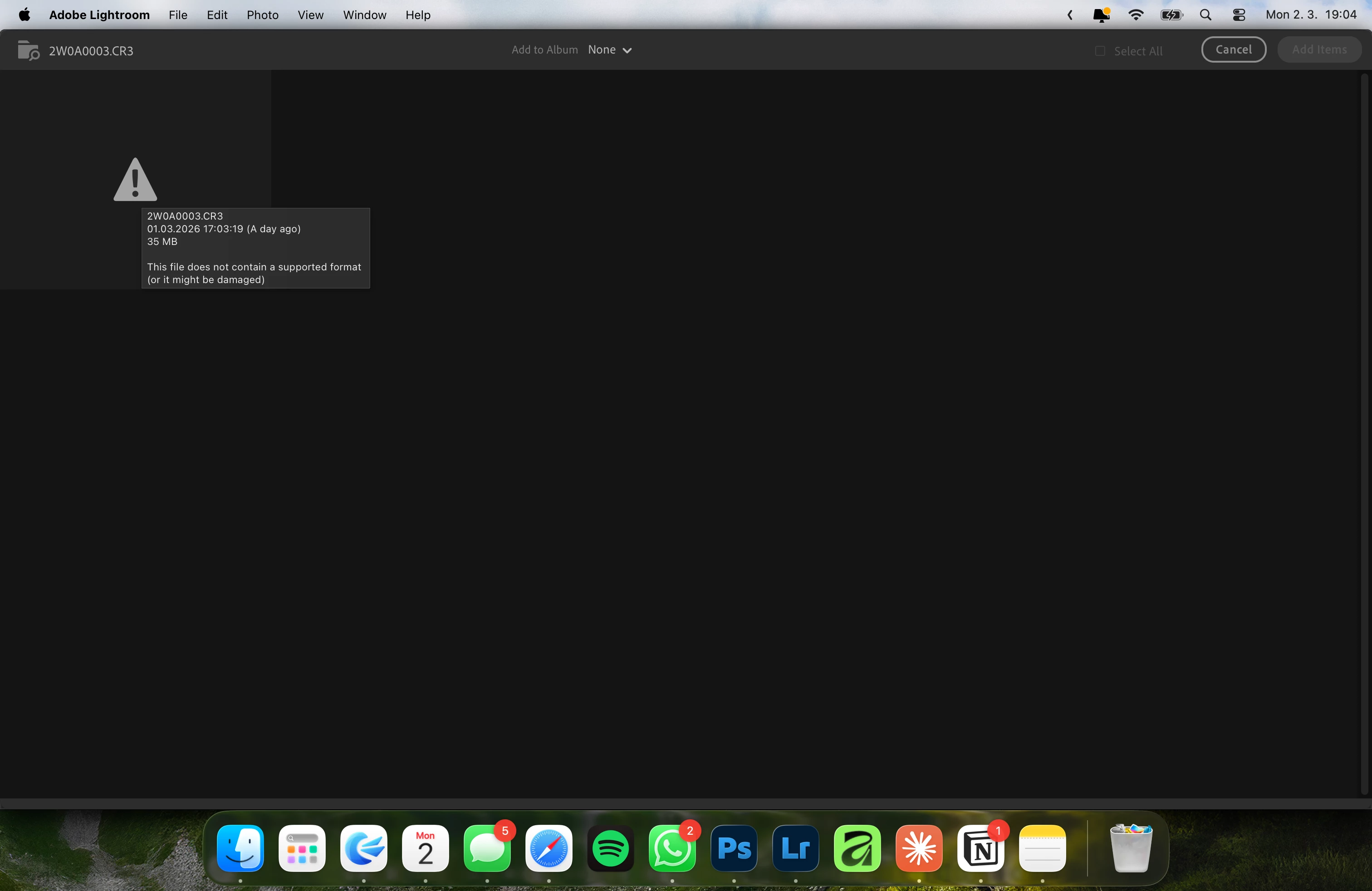
Occasionally get "This file does not contain a supported format (or might be damaged)" when importing CR3 files from card
When using Lightroom CC on my M3 MacBook Pro, I occasionally get the "This file does not contain a supported format (or might be damaged)" message when trying to import from either an SD or CFExpress cards containing .CR3 files. Sometimes it works as it should, allowing me import straight from the card, other, usually after I have just imported some files, it shows me this error and I have to first move the files from the card to my Mac before Lightroom allows me to import them - so there's nothing wrong with the files themselves. I don't know what triggers this, I do not know how to get rid of it - it just happens. It's been happening to me for approximately 2 years now on different machines and different versions of macOS, different versions of Lightroom.
 AdChoices